About
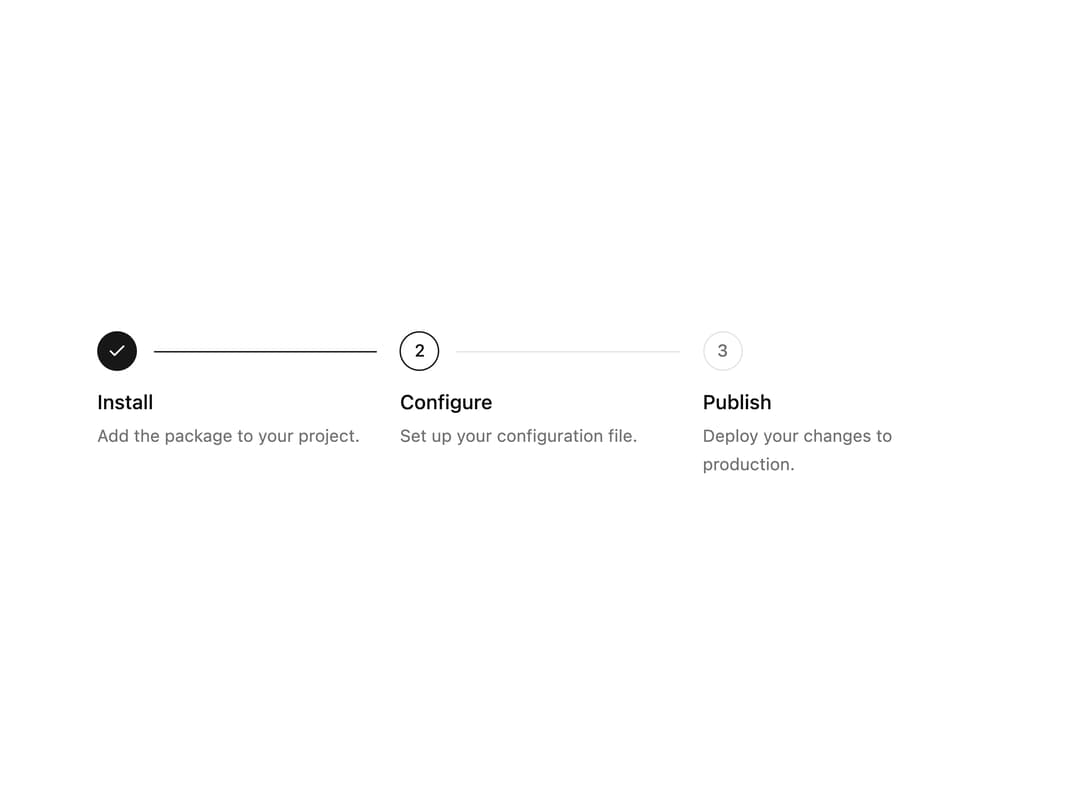
A horizontal or vertical step indicator that shows progress through install, publish, or multi-step form flows.
Built with React and Tailwind. Copy the prompt and paste it into Claude Code, Cursor or Lovable: your agent adds Stepper to your project and fits it to your theme.
Code
How Stepper is used: the demo's code. The component's own source comes with a free account.
Usage.tsx
import { Stepper } from "@/components/ui/stepper";

export default function StepperDemo() {
  return (
    <div className="w-full max-w-2xl p-6">
      <Stepper
        currentStep={1}
        steps={[
          {
            id: "install",
            title: "Install",
            description: "Add the package to your project.",
          },
          {
            id: "configure",
            title: "Configure",
            description: "Set up your configuration file.",
          },
          {
            id: "publish",
            title: "Publish",
            description: "Deploy your changes to production.",
          },
        ]}
      />
    </div>
  );
}
Dependencies
More by corr
View all

Audit Log
83
Notice Alert
36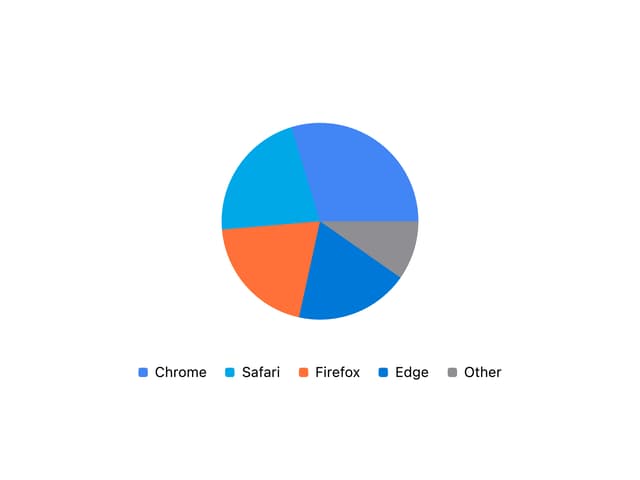
Pie Chart
8
Scroll Blur
8
Key Value List
7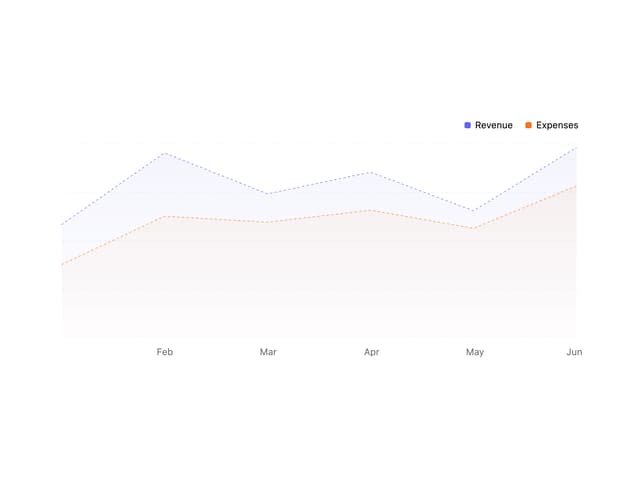
Area Chart
4
Animated Spinner
3
Presence Fade
2
More in Forms
View all

Premium Auth
500

Login 2
7
Authentication Card
47

Login 1
52

Contact Card
1K
Login Form
6

Form
16

Book A Demo 3
83
