About
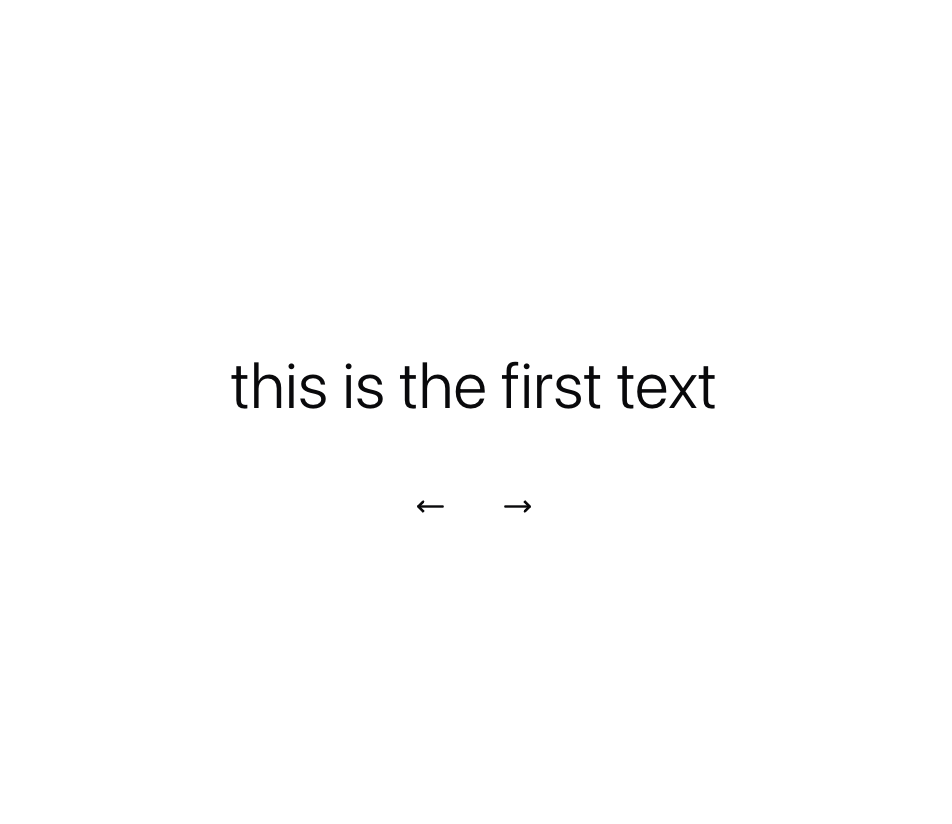
A text component that switches the rendered text from a list.
Built with React and Tailwind. Copy the prompt and paste it into Claude Code, Cursor or Lovable: your agent adds Text Rotate to your project and fits it to your theme.
Code
How Text Rotate is used: the demo's code. The component's own source comes with a free account.
Usage.tsx
"use client"

import { useRef } from "react"
import { MoveLeft, MoveRight } from "lucide-react"
import { LayoutGroup, motion } from "motion/react"

import { TextRotate,TextRotateRef } from "@/components/ui/text-rotate"

function Preview() {
  const textRotateRef = useRef<TextRotateRef>(null)

  return (
    <div className="w-full h-full flex flex-col items-center justify-center font-overusedGrotesk bg-white text-foreground dark:text-muted font-light overflow-hidden p-8 sm:p-20 md:p-24 gap-8">
      <LayoutGroup>
        <motion.p className="" layout>
          <TextRotate
            ref={textRotateRef}
            texts={[
              "this is the first text",
              "this is the 2nd",
              "we're at third!",
              "4th! keep going",
              "5th.",
              "this is the end.",
            ]}
            mainClassName="text-lg sm:text-2xl md:text-4xl justify-center flex"
            staggerFrom={"first"}
            animatePresenceMode="sync"
            loop={true}
            auto={false}
            staggerDuration={0.0}
            initial={{ opacity: 0, y: 0 }}
            animate={{ opacity: 1, y: 0 }}
            exit={{ opacity: 0, y: 0 }}
            transition={{ type: "spring", damping: 30, stiffness: 400 }}
            rotationInterval={3000}
            splitBy="words"
          />
        </motion.p>
      </LayoutGroup>

      <div className="flex gap-4">
        <button
          onClick={() => textRotateRef.current?.previous()}
          className="px-2 py-2 text-foreground dark:text-muted"
        >
          <MoveLeft className="w-3 h-3 sm:w-4 sm:h-4" />
        </button>
        <button
          onClick={() => textRotateRef.current?.next()}
          className="px-2 py-2 text-foreground dark:text-muted"
        >
          <MoveRight className="w-3 h-3 sm:w-4 sm:h-4" />
        </button>
      </div>
    </div>
  )
}

export { Preview }
Dependencies
More by Daniel Petho
View all
Parallax Floating
2.2K
Typewriter
1.9K
Marquee Along SVG Path
1.4K
Image Trail
1.4K
Animated Gradient With SVG
884
Text Cursor Proximity
781
Pixel Trail
645
Vertical Cut Reveal
553
More in Text
View all

Vertical Cut Reveal Characters
103

Rainbow Text Effect
47
Motion Blur Text
36
Text Loop
310
Text Reveal
27
Apple Hello Effect
610
Typography
4

Animated Text
8

