About
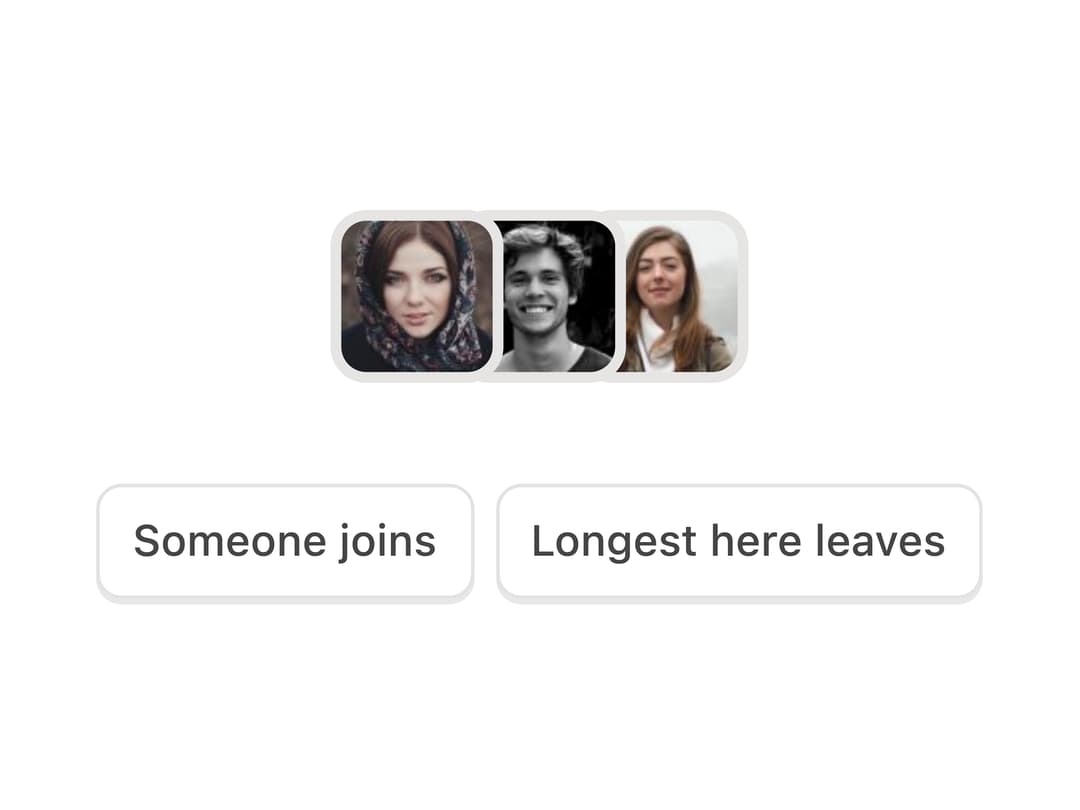
Animated overlapping avatar stack that shows who is currently present, with an overflow count, image fallbacks to initials, and polite screen-reader announcements.
Built with React and Tailwind. Copy the prompt and paste it into Claude Code, Cursor or Lovable: your agent adds Presence Avatars to your project and fits it to your theme.
Code
How Presence Avatars is used: the demo's code. The component's own source comes with a free account.
Usage.tsx
"use client";

import {
  PresenceAvatars,
  type PresencePerson,
} from "@/components/ui/presence-avatars";
import { useState } from "react";

const face = (n: number) => `https://i.pravatar.cc/96?img=${n}`;

const POOL: PresencePerson[] = [
  { id: "ana", name: "Ana Ruiz", src: face(47) },
  { id: "ivo", name: "Ivo Bergman", src: face(12) },
  { id: "noor", name: "Noor Haddad", src: face(32) },
  { id: "kei", name: "Kei Tanaka", src: face(60) },
  { id: "sam", name: "Sam Okonkwo", src: face(15) },
  { id: "lila", name: "Lila Fontaine", src: face(26) },
  { id: "gus", name: "Gus Martel", src: face(68) },
  { id: "mira", name: "Mira Sandoval", src: face(5) },
];

const cap =
  "mat-cap press h-8 rounded-[7px] px-2.5 text-[12px] font-medium text-ink-2";

export default function PresenceAvatarsDemo() {
  const [here, setHere] = useState<string[]>(["ana", "ivo", "noor"]);
  const people = here
    .map((id) => POOL.find((p) => p.id === id))
    .filter(Boolean) as PresencePerson[];

  return (
    <div className="mx-auto flex w-full max-w-[340px] flex-col items-center gap-7">
      <PresenceAvatars
        people={people}
        max={4}
        size={48}
        overlap={14}
        label="On this board"
      />
      <div className="flex items-center gap-1.5">
        <button
          type="button"
          onClick={() =>
            setHere((ids) => {
              const next = POOL.find((p) => !ids.includes(p.id));
              return next ? [...ids, next.id] : ids;
            })
          }
          className={cap}
        >
          Someone joins
        </button>
        <button
          type="button"
          onClick={() => setHere((ids) => ids.slice(1))}
          className={cap}
        >
          Longest here leaves
        </button>
      </div>
    </div>
  );
}
Dependencies
More by Özer
View all

Password Strength
1.3K
OTP Input
802
Loading Button
601
Progress Bar
588
Reorder List
310
Task Steps
276
Hold to Confirm
250
Reading Progress
169