About
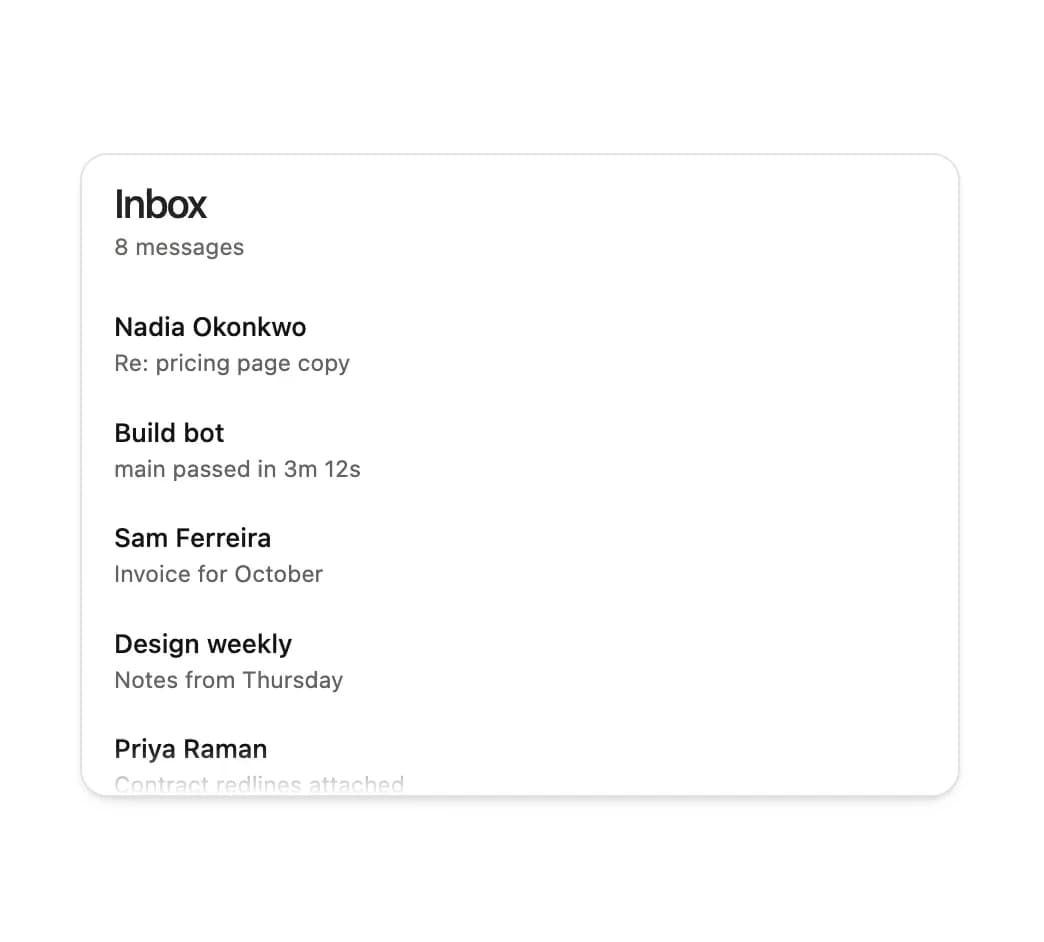
A scroll-condensing sticky header that shrinks its title from a large expanded state into a compact bar as its scroll container is scrolled, with optional subtitle, leading slot and actions.
Built with React and Tailwind. Copy the prompt and paste it into Claude Code, Cursor or Lovable: your agent adds Sticky Header to your project and fits it to your theme.
Code
How Sticky Header is used: the demo's code. The component's own source comes with a free account.
Usage.tsx
"use client";

import { StickyHeader } from "@/components/ui/sticky-header";

const messages = [
  { id: "1", from: "Nadia Okonkwo", line: "Re: pricing page copy" },
  { id: "2", from: "Build bot", line: "main passed in 3m 12s" },
  { id: "3", from: "Sam Ferreira", line: "Invoice for October" },
  { id: "4", from: "Design weekly", line: "Notes from Thursday" },
  { id: "5", from: "Priya Raman", line: "Contract redlines attached" },
  { id: "6", from: "Status", line: "Region eu-west-1 recovered" },
  { id: "7", from: "Tom Vale", line: "Can we move standup?" },
  { id: "8", from: "Ines Cardoso", line: "Two questions about the audit" },
];

export default function StickyHeaderDemo() {
  return (
    <div className="mx-auto w-full max-w-[440px]">
      <StickyHeader title="Inbox" subtitle={`${messages.length} messages`}>
        <ul className="px-2 pb-2">
          {messages.map((m) => (
            <li key={m.id} className="min-w-0 px-2 py-2">
              <span className="block truncate text-[13px] font-medium text-ink">
                {m.from}
              </span>
              <span className="block truncate text-[11.5px] text-ink-3">
                {m.line}
              </span>
            </li>
          ))}
        </ul>
      </StickyHeader>
    </div>
  );
}
Dependencies
More by Özer
View all

Password Strength
1.3K
OTP Input
802
Loading Button
601
Progress Bar
588
Reorder List
310
Task Steps
276
Hold to Confirm
250
Reading Progress
169