About
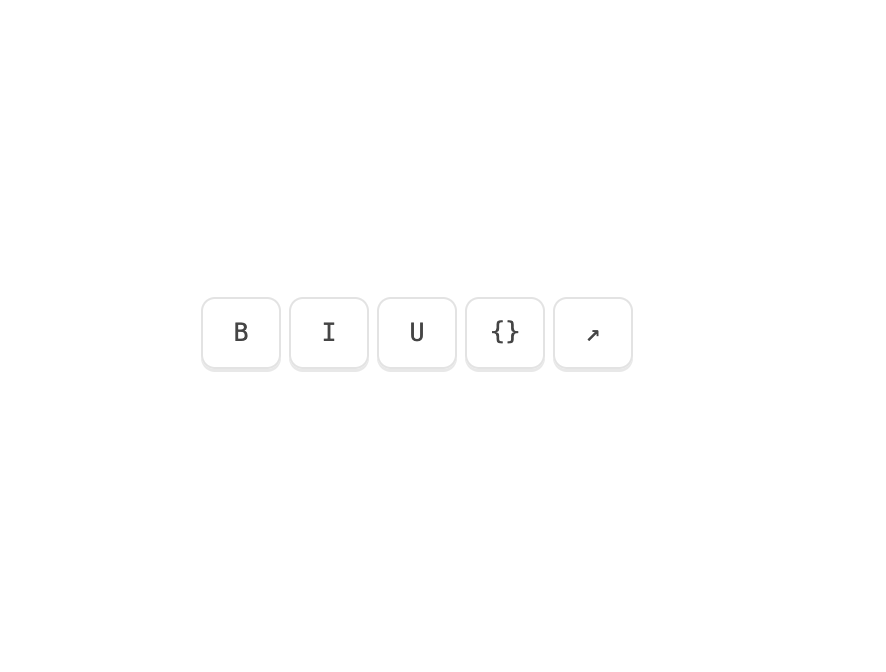
A shared-delay tooltip group where the first tooltip waits before opening and every neighbour after it appears instantly, with a single label that morphs and glides between triggers.
Built with React and Tailwind. Copy the prompt and paste it into Claude Code, Cursor or Lovable: your agent adds Tooltip Group to your project and fits it to your theme.
Code
How Tooltip Group is used: the demo's code. The component's own source comes with a free account.
Usage.tsx
"use client";

import { Tooltip, TooltipGroup } from "@/components/ui/tooltip-group";

const TOOLS = [
  { id: "bold", glyph: "B", label: "Bold", hint: "⌘B" },
  { id: "italic", glyph: "I", label: "Italic", hint: "⌘I" },
  { id: "under", glyph: "U", label: "Underline", hint: "⌘U" },
  { id: "code", glyph: "{}", label: "Inline code", hint: "⌘E" },
  { id: "link", glyph: "↗", label: "Insert link", hint: "⌘K" },
] as const;

export default function TooltipGroupDemo() {
  return (
    <div className="grid w-full place-items-center">
      <div className="flex items-center">
        <TooltipGroup className="flex items-center gap-1">
          {TOOLS.map((tool) => (
            <Tooltip
              key={tool.id}
              side="top"
              label={
                <span className="flex items-center gap-2">
                  {tool.label}
                  <span className="font-mono text-[9.5px] opacity-60">
                    {tool.hint}
                  </span>
                </span>
              }
            >
              <button
                type="button"
                className="mat-cap press flex h-9 w-10 items-center justify-center rounded-[7px] font-mono text-[12.5px] text-ink-2 hover:text-ink"
              >
                {tool.glyph}
              </button>
            </Tooltip>
          ))}
        </TooltipGroup>
      </div>
    </div>
  );
}
Dependencies
More by Özer
View all

Password Strength
1.3K
OTP Input
802
Loading Button
601
Progress Bar
588
Reorder List
310
Task Steps
276
Hold to Confirm
250
Reading Progress
169