
About
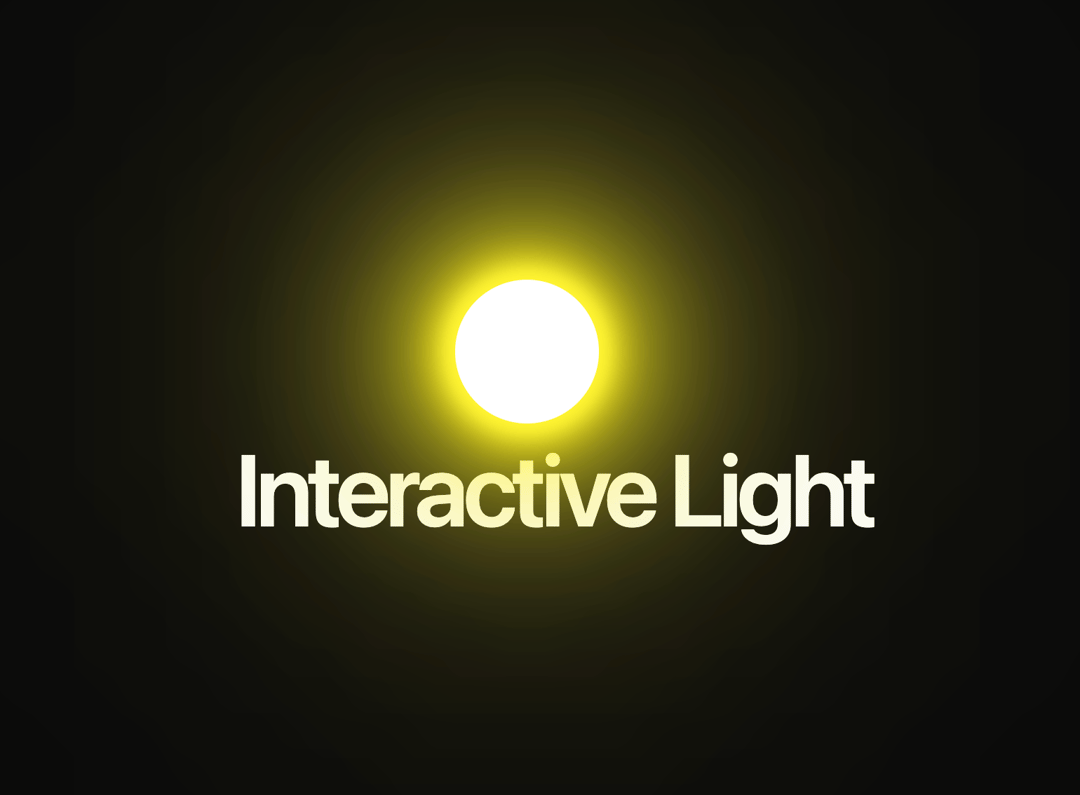
he component replicates the original behavior: the lamp follows your mouse cursor with a glowing effect, includes the grid background with radial highlight, supports
Built with React and Tailwind. Copy the prompt and paste it into Claude Code, Cursor or Lovable: your agent adds Interactive Light to your project and fits it to your theme.
Code
How Interactive Light is used: the demo's code. The component's own source comes with a free account.
Usage.tsx
import { InteractiveLight } from "@/components/ui/interactive-light";

export default function DemoOne() {
  return (
     <div className="relative flex h-screen w-full flex-col items-center justify-center overflow-hidden">
      <InteractiveLight
        shineColor="#fff200"
        lampHeight="10vh"
        lampWidth="10vh"
        transitionDuration={500}
      />
      <span className="pointer-events-none text-center text-7xl leading-none font-semibold tracking-tighter whitespace-pre-wrap">
        Interactive Light
      </span>
    </div>
  )
}
More by Ali Imam
View all

Liquid Glass Button
6.6K
Shader Animation
3.7K
WebGL Shader
2.6K
Shader Lines
2.3K
Shiny Button
2.2K
GLSL Hills
2.1K
Canvas
1.8K
Glowing Shadow
1.5K