
About
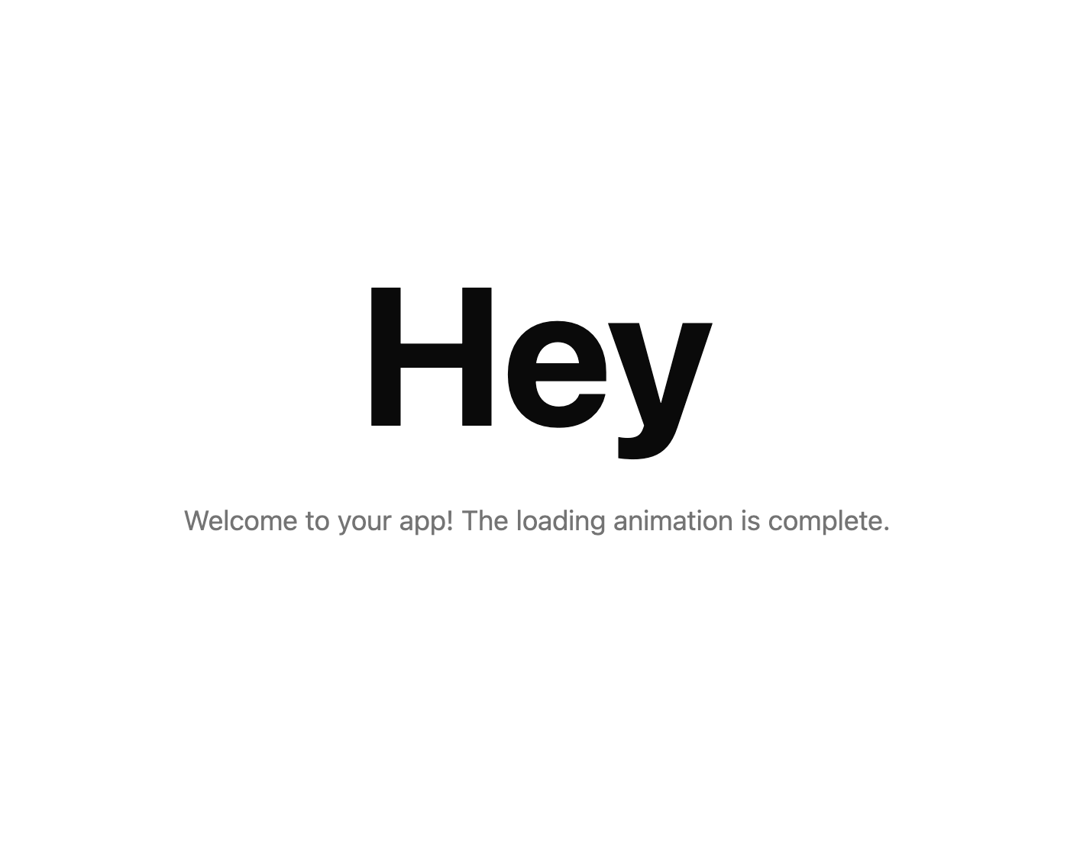
The component animates a percentage counter from 0% to 100% over 2 seconds, then clips out the overlay and reveals the content with a smooth fade-in effect.
Built with React and Tailwind. Copy the prompt and paste it into Claude Code, Cursor or Lovable: your agent adds Loading Overlay to your project and fits it to your theme.
Code
How Loading Overlay is used: the demo's code. The component's own source comes with a free account.
Usage.tsx
"use client"

import { useState } from "react"

import { LoadingOverlay } from "@/components/ui/loading-overlay";

export default function DemoOne() {
  const [loadingComplete, setLoadingComplete] = useState(false)

  return (
    <div className="">
      <LoadingOverlay onComplete={() => setLoadingComplete(true)}>
        <section className="page-header p-4">
          <h1 className="text-9xl font-bold text-center">Hey</h1>
        </section>

        <main className="p-4">
          <div className="max-w-4xl mx-auto">
            <p className="text-lg text-primary/60 text-center">
              Welcome to your app! The loading animation is complete.
            </p>
          </div>
        </main>
      </LoadingOverlay>
    </div>
  )
}
More by Ali Imam
View all

Liquid Glass Button
6.7K
Shader Animation
3.7K
WebGL Shader
2.6K
Shader Lines
2.3K
Shiny Button
2.2K
GLSL Hills
2.1K
Canvas
1.8K
Glowing Shadow
1.5K