
About
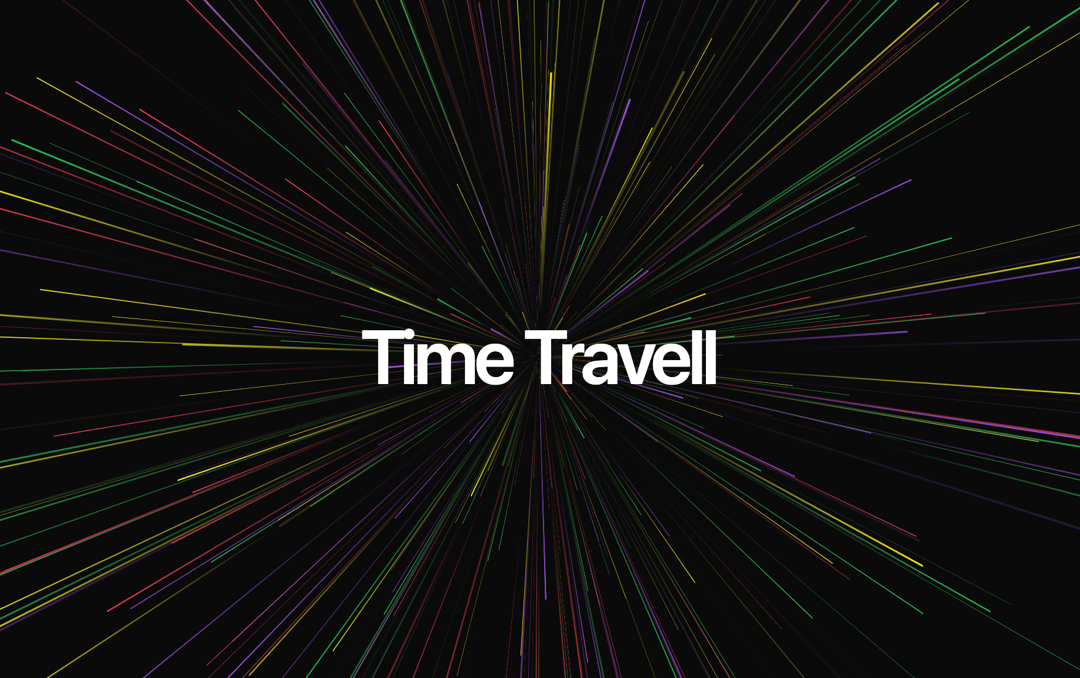
You can easily adjust the visual appearance by modifying the props, such as changing colors, particle count, or animation timing.
Built with React and Tailwind. Copy the prompt and paste it into Claude Code, Cursor or Lovable: your agent adds Particle Animation to your project and fits it to your theme.
Code
How Particle Animation is used: the demo's code. The component's own source comes with a free account.
Usage.tsx
import { ParticleAnimation } from "@/components/ui/particle-animation-1";

export default function DemoOne() {
   return (
    <div className="w-full h-screen flex items-center justify-center">
      <div className="w-full h-full overflow-hidden">
        <ParticleAnimation
          particleCount={500}
          colors={['#fff200', '#a855f7', '#f43f5e', '#22c55e']}
          animationDuration={[1, 5]}
          containerSize="100vmin"
        />
      </div>
        <span className="absolute pointer-events-none z-10 text-center text-7xl leading-none font-semibold tracking-tighter whitespace-pre-wrap text-white">
        Time Travell
      </span>
    </div>
  );
};More by Ali Imam
View all

Liquid Glass Button
6.6K
Shader Animation
3.7K
WebGL Shader
2.6K
Shader Lines
2.3K
Shiny Button
2.2K
GLSL Hills
2.1K
Canvas
1.8K
Glowing Shadow
1.5K
More in Heroes
View all

SaaS Template
2.4K
Centered Hero with Image Fan
924

Hero
1.2K

Responsive Hero Banner
2K

Hero Section 6
881
Hero Golden Spiral
101

Home Section
65

Minimalist Hero Fashion
284
