
About
This component is fully customizable through props and compatible with modern React applications.
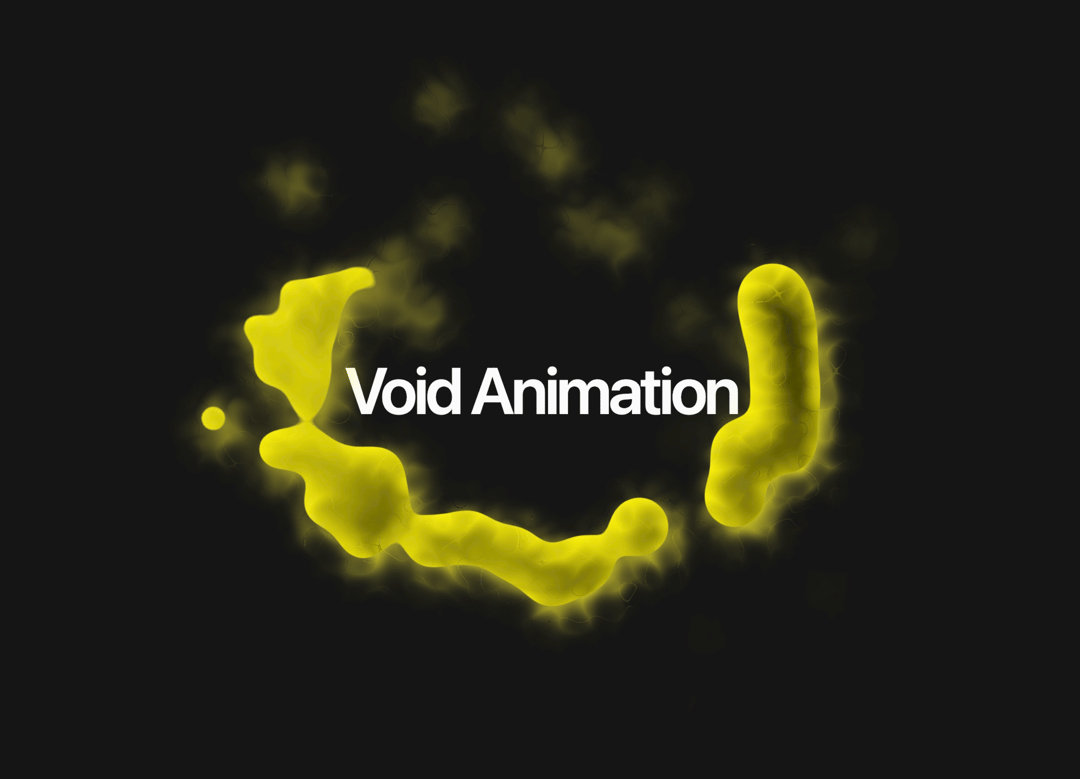
Built with React and Tailwind. Copy the prompt and paste it into Claude Code, Cursor or Lovable: your agent adds Void Animation to your project and fits it to your theme.
Code
How Void Animation is used: the demo's code. The component's own source comes with a free account.
Usage.tsx
import { VoidAnimation } from "@/components/ui/void-animation";

export default function DemoOne() {
  return (
    <div className="relative flex h-screen w-full flex-col items-center justify-center overflow-hidden">
       <VoidAnimation
        voidBallsAmount={3}
        voidBallsColor="#fff200"
        plasmaBallsColor="#fff200"
        plasmaBallsStroke="#fff200"
        gooeyCircleSize={30}
        blendMode="difference"
        className="mx-auto"
      />
      <span className="pointer-events-none absolute -z-10 text-center text-7xl leading-none font-semibold tracking-tighter whitespace-pre-wrap">
        Void Animation
      </span>
    </div>
  )
}
More by Ali Imam
View all

Liquid Glass Button
6.7K
Shader Animation
3.7K
WebGL Shader
2.6K
Shader Lines
2.3K
Shiny Button
2.2K
GLSL Hills
2.1K
Canvas
1.8K
Glowing Shadow
1.5K