
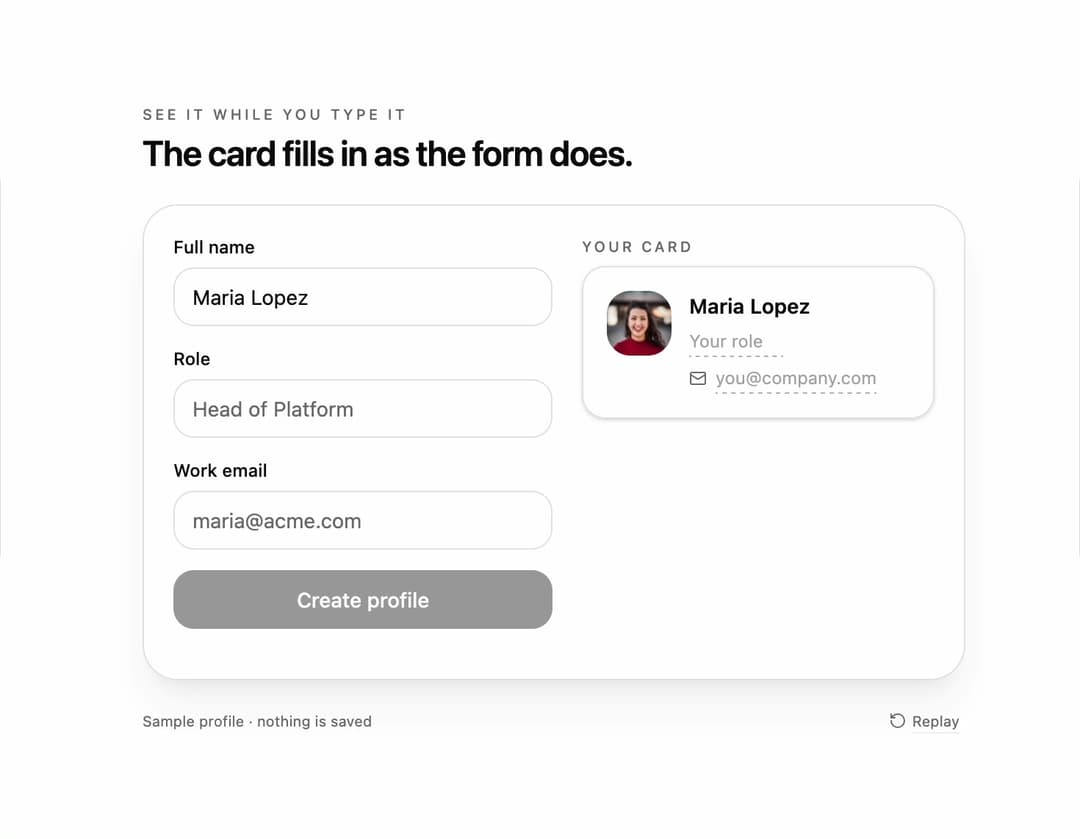
Live preview form for React and Tailwind CSS (shadcn/ui) that fills a preview card beside the fields as the user types, replacing each dashed placeholder with the value the moment it arrives and lifting the card when the form is complete. It is built to show people what they are creating while they create it, which raises completion on profile, invoice, event and listing forms. A form is a group of labeled fields with a submit action; this one takes a fields schema and controlled values, renders any card through a renderPreview function with a PreviewValue helper that staggers new characters in with the Web Animations API and supports a transform hook, switches between side and stacked layouts automatically with container queries, exposes completion through data attributes and a polite live region, and runs a Promise-based onSubmit with saving and saved states on the button. Labels stay linked to inputs for screen readers and the decorative card is hidden from assistive tech; reduced motion disables the stagger and lift. The included demo types a sample profile and makes no requests. Requires React and lucide-react, with no animation library.
Built with React and Tailwind. Copy the prompt and paste it into Claude Code, Cursor or Lovable: your agent adds Live Preview Form to your project and fits it to your theme.
Code
How Live Preview Form is used: the demo's code. The component's own source comes with a free account.
Usage.tsx
"use client";

import * as React from "react";
import { Mail, RotateCcw, User } from "lucide-react";
import { LivePreviewForm, PreviewValue } from "@/components/ui/live-preview-form";
import type { LivePreviewField, LivePreviewValues } from "@/components/ui/live-preview-form";

type DemoProps = { autoplay?: boolean; bare?: boolean; layout?: "auto" | "side" | "stack"; prefill?: boolean; speed?: number };

const FIELDS: LivePreviewField[] = [
  { name: "fullName", label: "Full name", placeholder: "Maria Lopez", autoComplete: "name" },
  { name: "role", label: "Role", placeholder: "Head of Platform" },
  { name: "email", label: "Work email", type: "email", placeholder: "maria@acme.com", autoComplete: "email" },
];

const SCRIPT: [string, string][] = [["fullName", "Maria Lopez"], ["role", "Head of Platform"], ["email", "maria@acme.com"]];
const EMPTY: LivePreviewValues = { fullName: "", role: "", email: "" };
const FILLED: LivePreviewValues = { fullName: "Maria Lopez", role: "Head of Platform", email: "maria@acme.com" };

const AVATAR = "https://cdn.21st.dev/assets/mirror/44/447901e83975dc0fee5e1384c0ff45f80938ac047cc4a138049a3244c8fb8b8d.jpg";

export default function LivePreviewFormDemo({ autoplay = true, bare = false, layout = "auto", prefill = false, speed = 1 }: DemoProps) {
  const [values, setValues] = React.useState(prefill ? FILLED : EMPTY);
  const [motion, setMotion] = React.useState({ ready: false, reduced: true });
  const [run, setRun] = React.useState(0);
  const [paused, setPaused] = React.useState(false);
  const [saved, setSaved] = React.useState(0);
  const formRef = React.useRef(null as HTMLFormElement | null);
  const ms = (at: number) => Math.round(at * speed);

  React.useEffect(() => {
    const media = window.matchMedia("(prefers-reduced-motion: reduce)");
    const update = () => setMotion({ ready: true, reduced: media.matches });
    update();
    media.addEventListener("change", update);
    return () => media.removeEventListener("change", update);
  }, []);

  React.useEffect(() => {
    if (!motion.ready || !autoplay || motion.reduced || paused || prefill) return;
    const timers: number[] = [];
    let at = 400;
    for (const [name, text] of SCRIPT) {
      for (let i = 1; i <= text.length; i += 1) { const slice = text.slice(0, i); timers.push(window.setTimeout(() => setValues((previous) => ({ ...previous, [name]: slice })), ms(at + (i - 1) * 60))); }
      at += text.length * 60 + 500;
    }
    timers.push(window.setTimeout(() => formRef.current?.requestSubmit(), ms(at + 500)));
    timers.push(window.setTimeout(() => { setValues(EMPTY); setRun((previous) => previous + 1); }, ms(at + 3600)));
    return () => timers.forEach((timer) => window.clearTimeout(timer));
  }, [motion.ready, motion.reduced, autoplay, paused, run, prefill, speed]);

  const takeOver = () => autoplay && setPaused(true);

  return (
    <main className="flex min-h-svh w-full flex-col items-center justify-center gap-5 bg-background px-5 py-6 text-foreground" onPointerDownCapture={takeOver} onKeyDownCapture={takeOver}>
      {!bare && (
        <header className="w-full max-w-[560px]">
          <p className="mb-1 text-[10px] font-medium uppercase tracking-[0.2em] text-muted-foreground">See it while you type it</p>
          <h1 className="text-[24px] font-semibold leading-tight tracking-tight">The card fills in as the form does.</h1>
        </header>
      )}
      <section className="w-full max-w-[560px] rounded-3xl border border-border bg-card p-5 shadow-xl shadow-primary/5">
        <LivePreviewForm
          key={run}
          ref={formRef}
          fields={FIELDS}
          values={values}
          layout={layout}
          onChange={(name, value) => setValues((previous) => ({ ...previous, [name]: value }))}
          onSubmit={async () => { await new Promise((resolve) => window.setTimeout(resolve, ms(900))); setSaved((count) => count + 1); }}
          submitLabel="Create profile"
          submittedLabel="Profile created"
          previewLabel="Your card"
          renderPreview={(current) => (
            <div className="flex items-start gap-3">
              {current.fullName
                ? <img data-avatar src={AVATAR} alt="" loading="lazy" decoding="async" className="size-11 shrink-0 rounded-2xl object-cover" />
                : <span data-avatar className="flex size-11 shrink-0 items-center justify-center rounded-2xl bg-muted text-muted-foreground/60"><User className="size-5" aria-hidden="true" /></span>}
              <div className="min-w-0 flex-1 space-y-1">
                <p className="text-sm font-semibold leading-5"><PreviewValue name="fullName" placeholder="Your name" /></p>
                <p className="text-xs leading-5 text-muted-foreground"><PreviewValue name="role" placeholder="Your role" /></p>
                <p className="flex items-center gap-1.5 text-xs leading-5 text-muted-foreground"><Mail className="size-3 shrink-0" aria-hidden="true" /><PreviewValue name="email" placeholder="you@company.com" transform={(value) => value.toLowerCase()} /></p>
              </div>
            </div>
          )}
        />
        <p data-saved className="sr-only">{saved}</p>
      </section>
      {!bare && (
        <footer className="flex w-full max-w-[560px] items-center justify-between text-[10px] text-muted-foreground">
          <span>Sample profile · nothing is saved</span>
          <button type="button" data-replay onClick={() => { setValues(EMPTY); setPaused(false); setRun((previous) => previous + 1); }} className="inline-flex items-center gap-1 rounded px-1 underline decoration-border underline-offset-4 hover:text-foreground focus-visible:outline-none focus-visible:ring-2 focus-visible:ring-ring"><RotateCcw className="size-3" aria-hidden="true" />Replay</button>
        </footer>
      )}
    </main>
  );
}
Dependencies
More by DHxWhy
View all

Sun Moon Dark Mode Theme Toggle
186
Country Flags Globe
110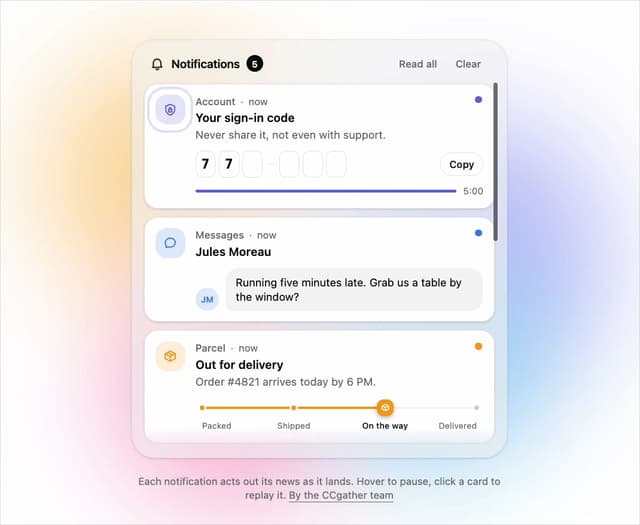
Live Notification Feed
109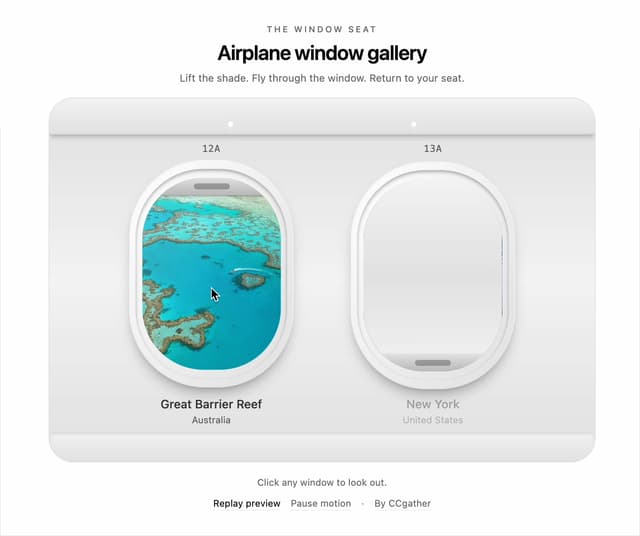
Airplane Window Gallery
95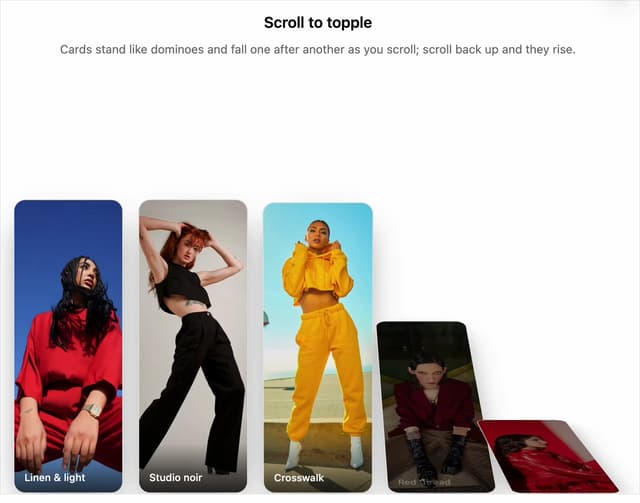
Domino Scroll Image Gallery
93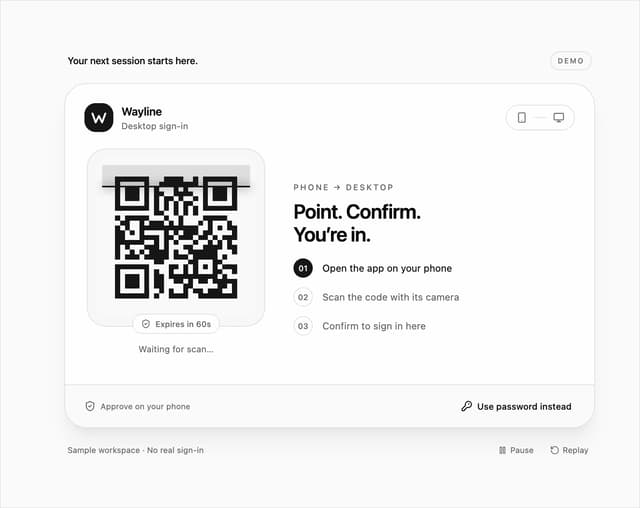
QR Code Scan Login Form with Password Fallback
82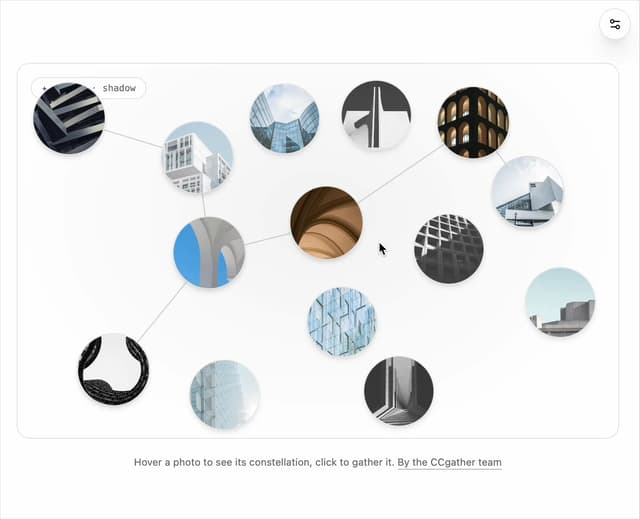
Constellation Image Gallery
80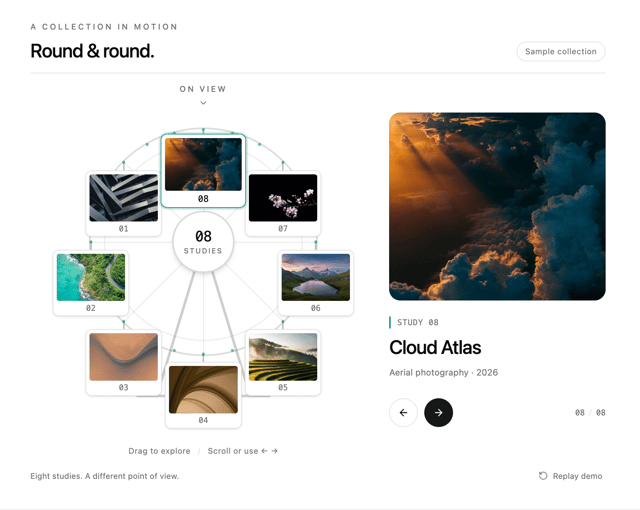
Ferris Wheel Image Gallery
73
More in Cards
View all

Statistics Card 2
264

Course Design Cards
1.1K
Card
70
Stats cards with links
39
The Item one
3

Card Studio
7
Statistics Card 7
292

Item
10
