About
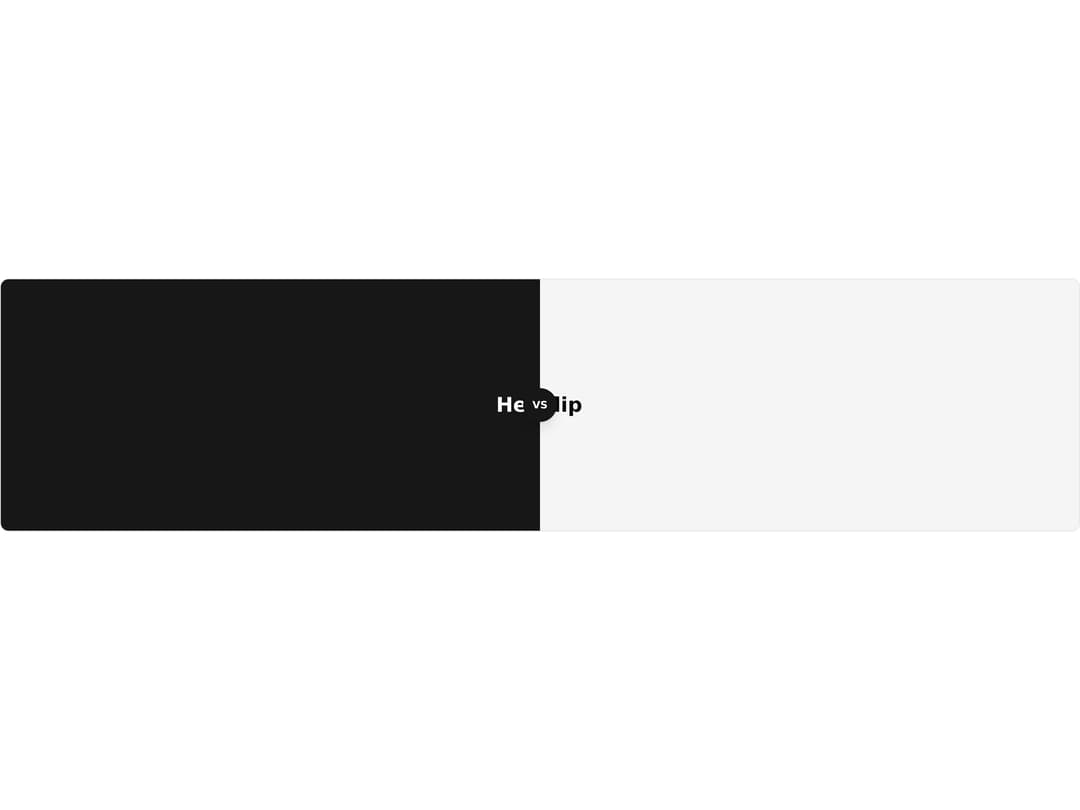
A before/after image comparison slider with a draggable handle, orientation and label support for revealing two overlaid states.
Built with React and Tailwind. Copy the prompt and paste it into Claude Code, Cursor or Lovable: your agent adds Compare Slider to your project and fits it to your theme.
Code
How Compare Slider is used: the demo's code. The component's own source comes with a free account.
Usage.tsx
"use client";

import CompareSlider, {
  CompareSliderAfter,
  CompareSliderBefore,
  CompareSliderHandle,
} from "@/components/ui/compare-slider";

export default function CompareSliderCustomDemo() {
  return (
    <CompareSlider
      defaultValue={50}
      className="h-[300px] overflow-hidden rounded-lg border"
    >
      <CompareSliderBefore className="flex size-full items-center justify-center bg-muted text-center">
        <div className="font-bold text-2xl">Kickflip</div>
      </CompareSliderBefore>
      <CompareSliderAfter className="flex size-full items-center justify-center bg-primary text-center text-primary-foreground">
        <div className="font-bold text-2xl">Heelflip</div>
      </CompareSliderAfter>
      <CompareSliderHandle>
        <div className="flex size-10 items-center justify-center rounded-full bg-primary text-primary-foreground shadow-lg">
          <span className="font-bold text-xs">VS</span>
        </div>
      </CompareSliderHandle>
    </CompareSlider>
  );
}
Dependencies
More by Dice UI
View all

Sortable
49
Circular Progress
41
Status
28
Pending
27
Banner
19
Stack
8
Scroller
5
Mention
4