
About
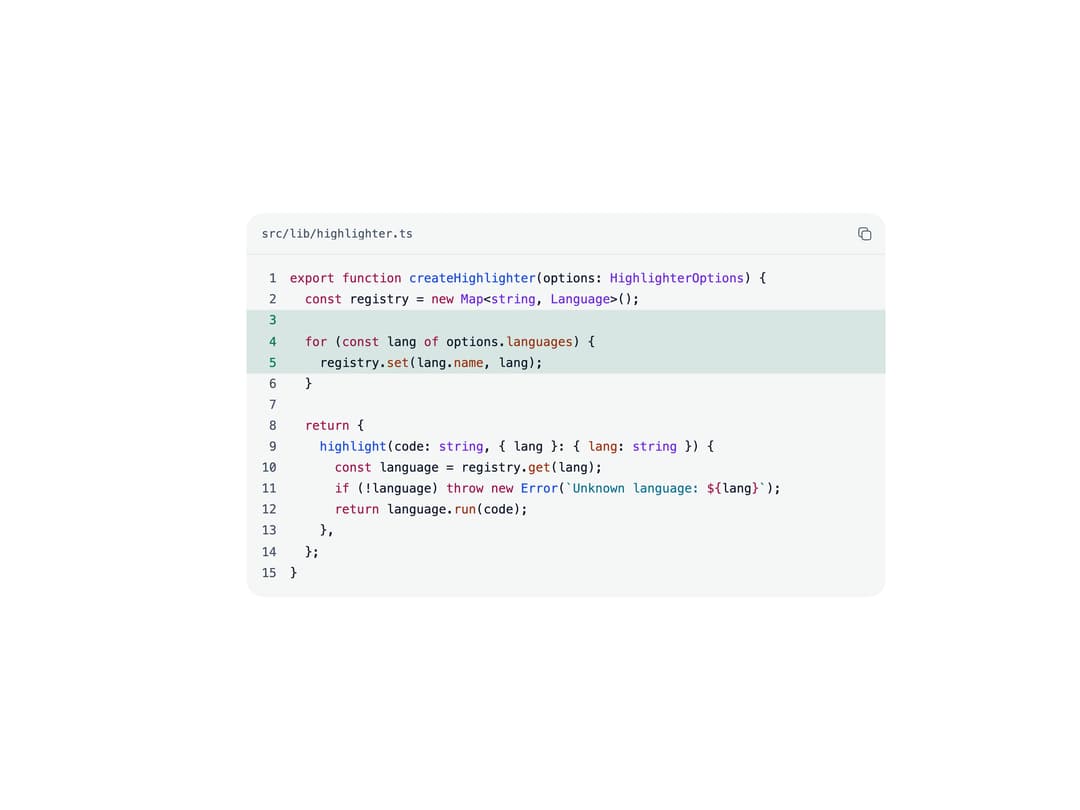
A syntax-highlighted code block with a filename/language header, optional line numbers, line-range highlighting, a copy-to-clipboard button, and an edge-fade on horizontal scroll. Ported to React from Sina UI's Svelte CodeBlock by ebnsina (MIT), preserving its structure, class names and behaviour.
Built with React and Tailwind. Copy the prompt and paste it into Claude Code, Cursor or Lovable: your agent adds Code Block to your project and fits it to your theme.
Code
How Code Block is used: the demo's code. The component's own source comes with a free account.
Usage.tsx
import CodeBlock from "@/components/ui/code-block";

const sample = `export function createHighlighter(options: HighlighterOptions) {
  const registry = new Map<string, Language>();

  for (const lang of options.languages) {
    registry.set(lang.name, lang);
  }

  return {
    highlight(code: string, { lang }: { lang: string }) {
      const language = registry.get(lang);
      if (!language) throw new Error(\`Unknown language: \${lang}\`);
      return language.run(code);
    },
  };
}
`;

export default function CodeBlockDemo() {
  return (
    <div className="flex w-full items-center justify-center p-8">
      <div className="w-full max-w-2xl">
        <CodeBlock
          code={sample}
          lang="ts"
          filename="src/lib/highlighter.ts"
          highlight="3-5"
        />
      </div>
    </div>
  );
}
Dependencies
More by ebnsina
View all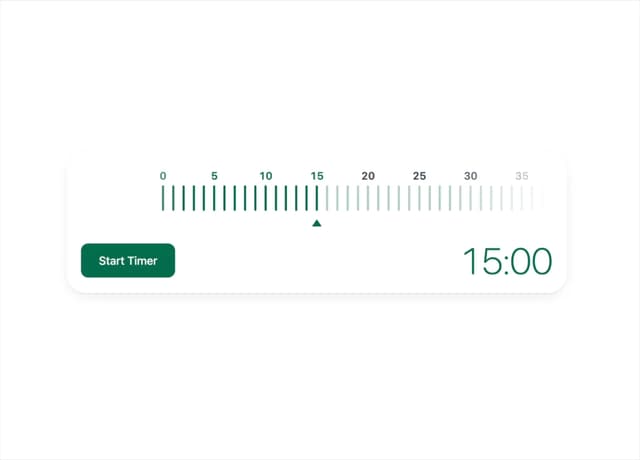
Countdown Timer
20
Video Player
15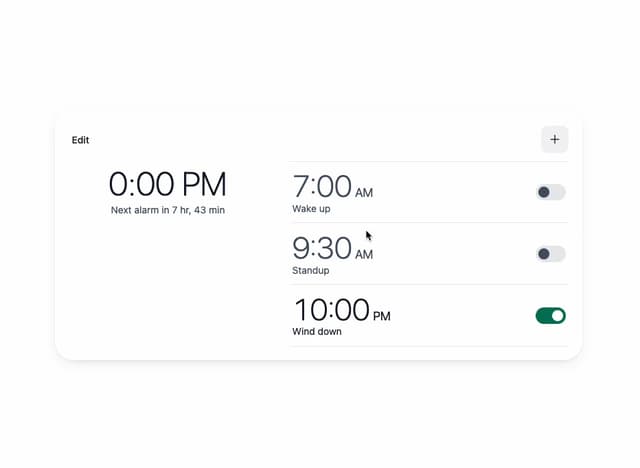
Alarm Clock
15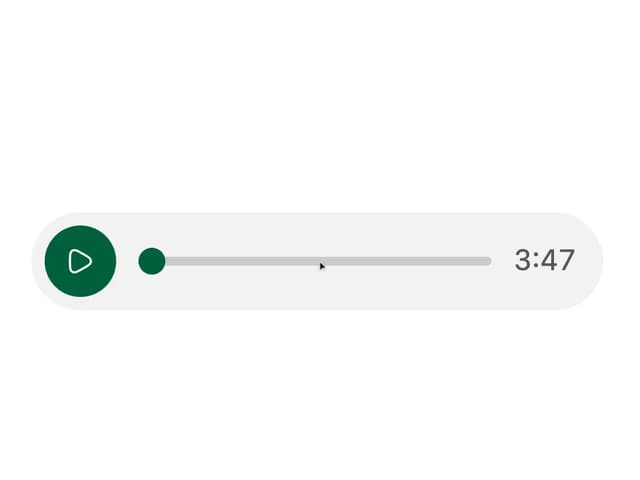
Voice Note
12
Split Button
11
Sortable List
10
Stopwatch
5
Shaka Video
1