

About
A drag-and-drop reorderable list, grid, or row where items can be picked up and moved with mouse, touch, pen, or keyboard, with full screen-reader announcements and autoscroll.
Built with React and Tailwind. Copy the prompt and paste it into Claude Code, Cursor or Lovable: your agent adds Sortable List to your project and fits it to your theme.
Code
How Sortable List is used: the demo's code. The component's own source comes with a free account.
Usage.tsx
"use client";

import * as React from "react";
import Sortable from "@/components/ui/sortable";
import { GripVertical } from "lucide-react";

interface Book {
  id: string;
  title: string;
  author: string;
}

export default function SortableReadingListDemo() {
  const [books, setBooks] = React.useState<Book[]>([
    { id: "optics", title: "Book of Optics", author: "Ibn al-Haytham" },
    {
      id: "algebra",
      title: "The Compendious Book on Calculation",
      author: "al-Khwarizmi",
    },
    { id: "canon", title: "The Canon of Medicine", author: "Ibn Sina" },
    { id: "stars", title: "Book of Fixed Stars", author: "al-Sufi" },
    {
      id: "ingenious",
      title: "Book of Ingenious Devices",
      author: "Banu Musa",
    },
  ]);

  return (
    <Sortable
      items={books}
      onItemsChange={setBooks}
      itemKey={(b) => b.id}
      itemLabel={(b) => b.title}
      label="Reading list"
      className="reading"
    >
      {(book, handle, { index }) => (
        <div className="card">
          <button type="button" className="grip" {...handle}>
            <GripVertical size={18} />
          </button>
          <span className="n">{index + 1}</span>
          <span className="text">
            <strong>{book.title}</strong>
            <span>{book.author}</span>
          </span>
        </div>
      )}
    </Sortable>
  );
}
Dependencies
More by ebnsina
View all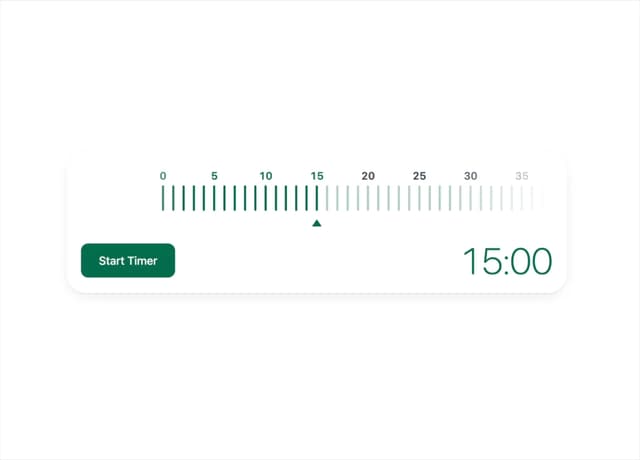
Countdown Timer
20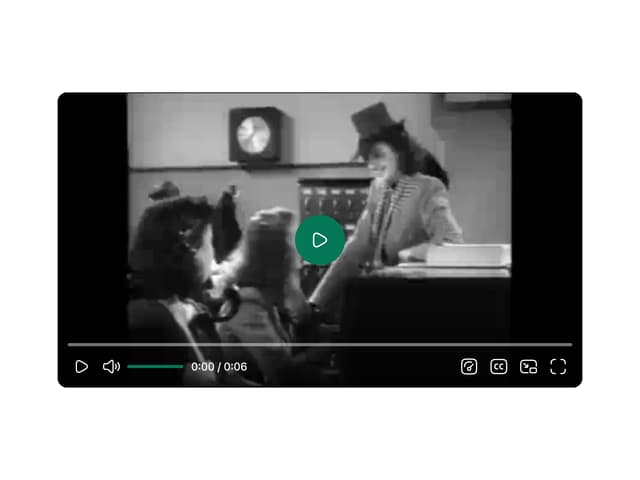
Video Player
15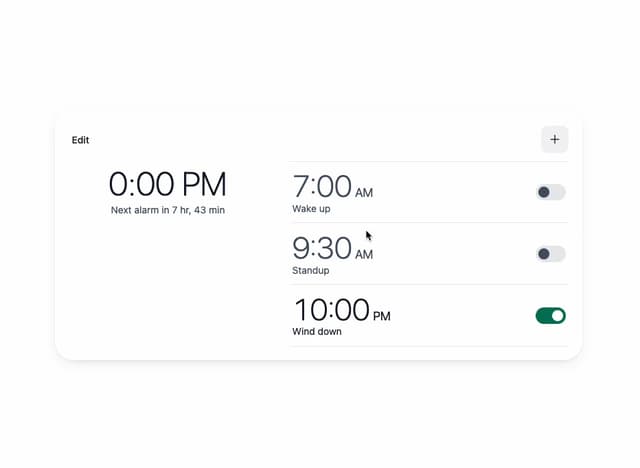
Alarm Clock
15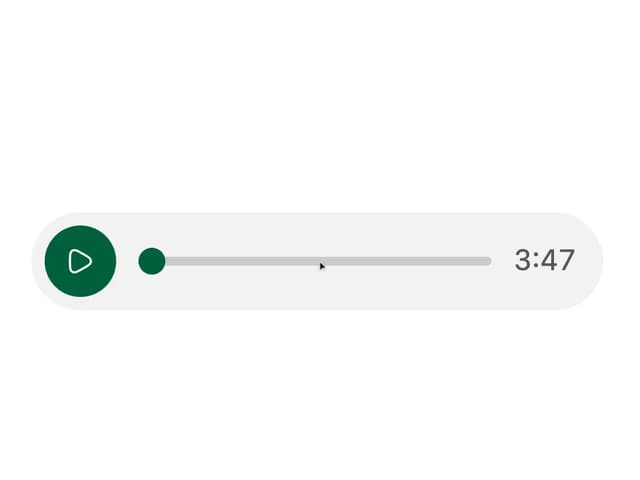
Voice Note
12
Split Button
11
Stopwatch
5
Code Block
5
Shaka Video
1