
About
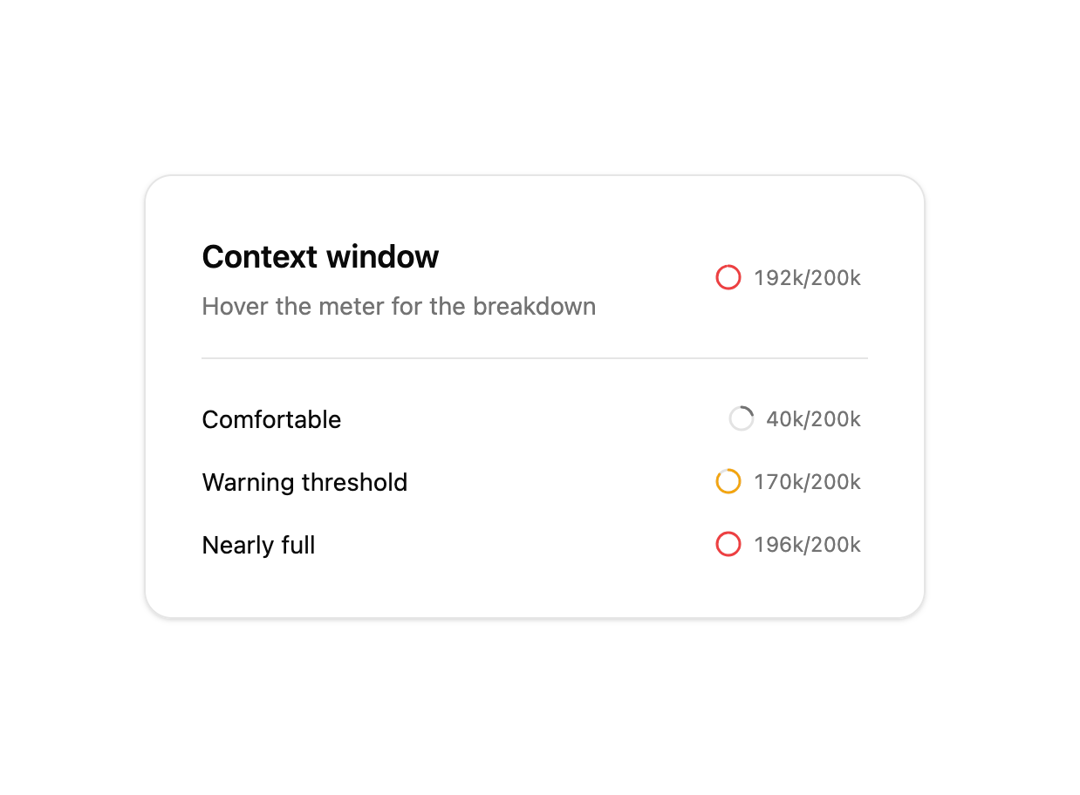
Context window meter whose ring fills and shifts hue at the warning threshold, never changing size. Hover for a token breakdown. Respects prefers-reduced-motion.
Built with React and Tailwind. Copy the prompt and paste it into Claude Code, Cursor or Lovable: your agent adds AI Context Meter to your project and fits it to your theme.
Code
How AI Context Meter is used: the demo's code. The component's own source comes with a free account.
Usage.tsx
"use client";

import { useEffect, useState } from "react";
import Component from "@/components/ui/ai-context-meter";

const LIMIT = 200_000;
const STEP_MS = 900;
const STEP_TOKENS = 24_000;

const BREAKDOWN = [
  { label: "System prompt", tokens: 1800 },
  { label: "Attached files", tokens: 48_000 },
  { label: "Conversation", tokens: 96_000 },
];

export default function DemoOne() {
  const [used, setUsed] = useState(120_000);

  useEffect(() => {
    const interval = setInterval(
      () =>
        setUsed((current) => (current + STEP_TOKENS) % (LIMIT + STEP_TOKENS)),
      STEP_MS
    );
    return () => clearInterval(interval);
  }, []);

  return (
    <div className="flex min-h-[420px] w-full items-center justify-center bg-background p-10">
      <div className="w-full max-w-md rounded-2xl border bg-card p-8 shadow-sm">
        <div className="flex items-center justify-between border-b pb-5">
          <div>
            <p className="font-semibold text-foreground text-lg">
              Context window
            </p>
            <p className="mt-1 text-muted-foreground text-sm">
              Hover the meter for the breakdown
            </p>
          </div>
          <Component breakdown={BREAKDOWN} limit={LIMIT} used={used} />
        </div>

        <div className="mt-6 space-y-4">
          <Row label="Comfortable" limit={LIMIT} used={40_000} />
          <Row label="Warning threshold" limit={LIMIT} used={170_000} />
          <Row label="Nearly full" limit={LIMIT} used={196_000} />
        </div>
      </div>
    </div>
  );
}

function Row({
  label,
  limit,
  used,
}: {
  label: string;
  limit: number;
  used: number;
}) {
  return (
    <div className="flex items-center justify-between">
      <span className="text-foreground text-sm">{label}</span>
      <Component limit={limit} used={used} />
    </div>
  );
}
Dependencies
More by Edu Calvo
View all

Scrollable Card Stack
235
AI Task List
160
Siri Orb
160
Cursor Follow
154
Pixel Flow Field
142
Agent Avatar
130
Gravity Stars
112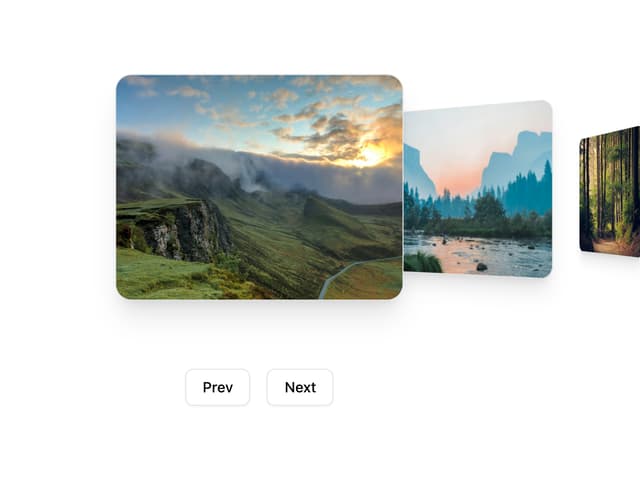
Coverflow Carousel
95
More in AI chats
View all

AI Actions
319
Color Picker
81
Agent Chat
17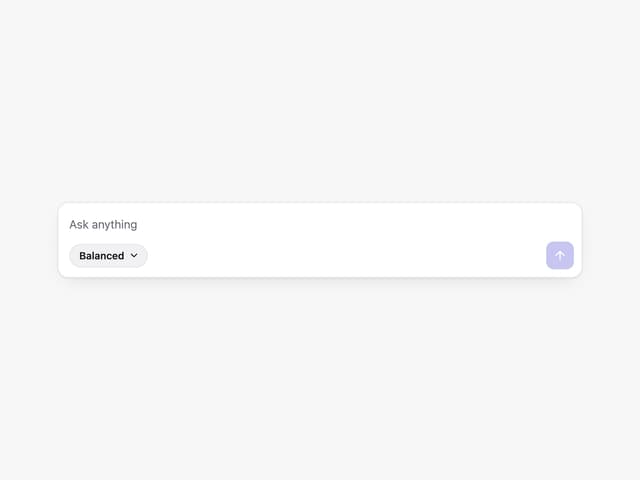
Prompt with Model Picker
2
Message Thread
35

System Message
54
Suggestions
28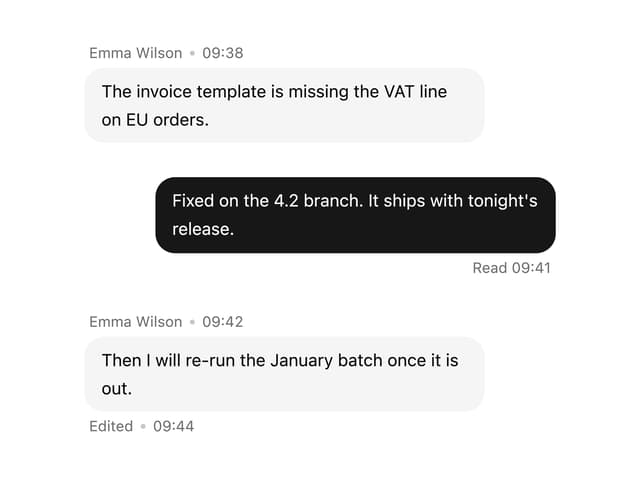

Message With Header And Delivery Status
38


