
About
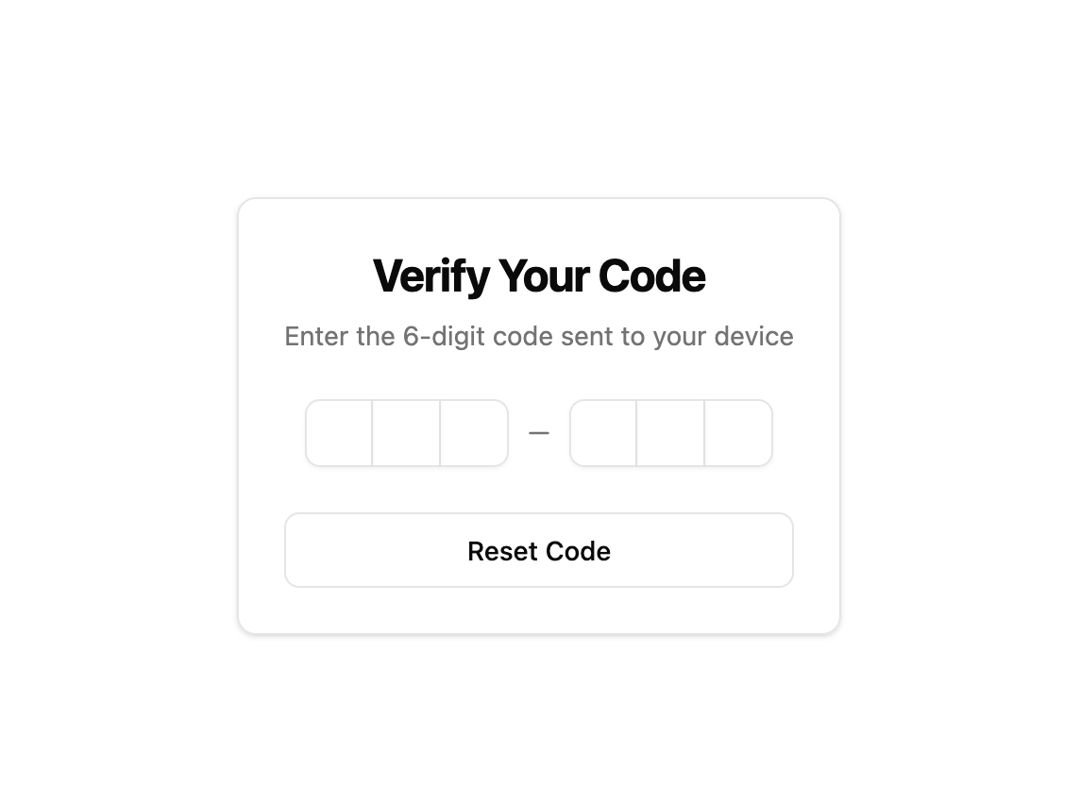
Here is Otp Input component
Built with React and Tailwind. Copy the prompt and paste it into Claude Code, Cursor or Lovable: your agent adds Otp Input to your project and fits it to your theme.
Code
How Otp Input is used: the demo's code. The component's own source comes with a free account.
Usage.tsx
"use client"

import * as React from "react"
import { CheckCircle, RefreshCw } from "lucide-react"
import { motion } from "motion/react"

import { Button } from "@/components/ui/button"
import {
  Card,
  CardContent,
  CardDescription,
  CardHeader,
  CardTitle,
} from "@/components/ui/card"

import { AnimatedOTPInput } from "@/components/ui/otp-input"

export function AnimatedOTPInputDemo() {
  const [value, setValue] = React.useState("")
  const [isComplete, setIsComplete] = React.useState(false)
  const [isLoading, setIsLoading] = React.useState(false)

  const handleComplete = (otp: string) => {
    setValue(otp)
    setIsComplete(true)
    setIsLoading(true)

    // Simulate verification process
    setTimeout(() => {
      setIsLoading(false)
    }, 2000)
  }

  const handleReset = () => {
    setValue("")
    setIsComplete(false)
    setIsLoading(false)
  }

  return (
    <div className="flex min-h-[400px] flex-col items-center justify-center p-6">
      <Card className="w-full max-w-md">
        <CardHeader className="text-center">
          <CardTitle className="text-2xl font-bold">Verify Your Code</CardTitle>
          <CardDescription>
            Enter the 6-digit code sent to your device
          </CardDescription>
        </CardHeader>
        <CardContent className="space-y-6">
          <div className="flex justify-center">
            <AnimatedOTPInput
              value={value}
              onChange={setValue}
              onComplete={handleComplete}
              maxLength={6}
            />
          </div>

          {isComplete && (
            <motion.div
              initial={{ opacity: 0, y: 10 }}
              animate={{ opacity: 1, y: 0 }}
              transition={{ duration: 0.3, ease: [0.22, 1, 0.36, 1] }}
              className="space-y-4 text-center"
            >
              {isLoading ? (
                <div className="text-muted-foreground flex items-center justify-center space-x-2">
                  <RefreshCw className="h-4 w-4 animate-spin" />
                  <span>Verifying code...</span>
                </div>
              ) : (
                <div className="flex items-center justify-center space-x-2 text-green-600">
                  <CheckCircle className="h-4 w-4" />
                  <span className="font-medium">
                    Code verified successfully!
                  </span>
                </div>
              )}
            </motion.div>
          )}

          <div className="flex justify-center">
            <Button variant="outline" onClick={handleReset} className="w-full">
              Reset Code
            </Button>
          </div>
        </CardContent>
      </Card>
    </div>
  )
}

export default AnimatedOTPInputDemo
Dependencies
More by Edu Calvo
View all

Scrollable Card Stack
235
AI Task List
160
Siri Orb
160
Cursor Follow
154
Pixel Flow Field
142
Agent Avatar
130
Gravity Stars
112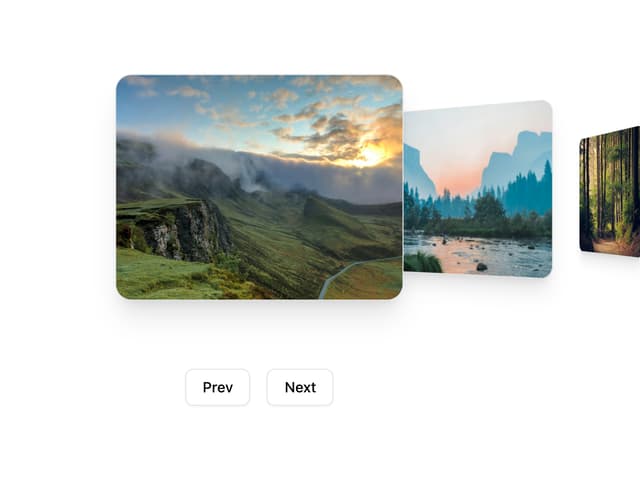
Coverflow Carousel
95
More in Cards
View all
Stats cards with links
33

Course Design Cards
1.1K

Card
70
Statistics Card 2
264
Statistics Card 10
263

Card
17

Card Studio
9
The Item one
3
