
About
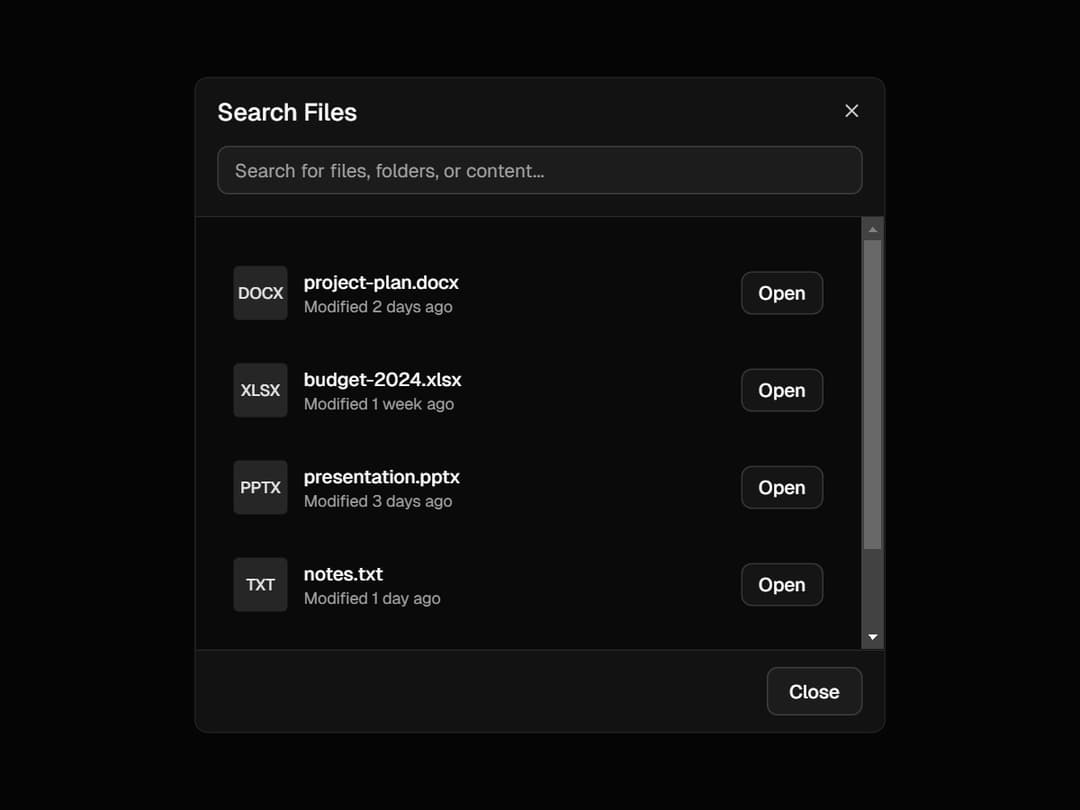
a beautifully structured Dialog component built using Radix UI primitives with custom styling and slots for full flexibility. It offers smooth animations, a blurred backdrop, responsive sizing, and optional close buttons—making it ideal for modals, alerts, or form popups in any modern React app.
Built with React and Tailwind. Copy the prompt and paste it into Claude Code, Cursor or Lovable: your agent adds Dialog to your project and fits it to your theme.
Code
How Dialog is used: the demo's code. The component's own source comes with a free account.
Usage.tsx
import React from 'react';
import {
    Dialog,
    DialogBody,
    DialogClose,
    DialogContent,
    DialogDescription,
    DialogFooter,
    DialogHeader,
    DialogTitle,
    DialogTrigger,
} from '@/components/ui/dialog';
import { Button } from '@/components/ui/button';
import { Input } from '@/components/ui/input';
import { Search } from 'lucide-react';

export default function SearchDialog() {
    const [searchQuery, setSearchQuery] = React.useState('');
    const files = [
        { name: 'project-plan.docx', type: 'DOCX', modified: '2 days ago' },
        { name: 'budget-2024.xlsx', type: 'XLSX', modified: '1 week ago' },
        { name: 'presentation.pptx', type: 'PPTX', modified: '3 days ago' },
        { name: 'notes.txt', type: 'TXT', modified: '1 day ago' },
        { name: 'design-mockup.fig', type: 'FIG', modified: '5 days ago' },
    ];

    const filteredFiles = files.filter((file) =>
        file.name.toLowerCase().includes(searchQuery.toLowerCase()),
    );

    return (
        <Dialog>
        <DialogTrigger asChild >
        <Button variant= "outline" > Search Files < /Button>
            < /DialogTrigger>
            < DialogContent >
                <DialogHeader>
                <DialogTitle>Search Files < /DialogTitle>
                    < Input
    placeholder = "Search for files, folders, or content..."
    className = "mt-2"
    value = { searchQuery }
    onChange = {(e) => setSearchQuery(e.target.value)
}
/>
    < /DialogHeader>
    < DialogBody className = "h-80 overflow-y-auto" >
        <div className="space-y-2" >
        {
            filteredFiles.map((file, i) => (
                <div
								key= { i }
								className = "hover:bg-accent/50 flex cursor-pointer items-center gap-3 rounded-md p-3"
                >
                <div className="flex h-10 w-10 items-center justify-center rounded bg-muted" >
            <span className="text-xs font-medium text-primary" >
            { file.type }
            < /span>
            < /div>
            < div className = "flex-1" >
            <p className="text-sm font-medium" > { file.name } < /p>
            < p className = "text-muted-foreground text-xs" >
            Modified { file.modified }
            < /p>
            < /div>
            < Button size = "sm" variant = "outline" >
            Open
            < /Button>
            < /div>
            ))
        }
{
    filteredFiles.length === 0 && searchQuery && (
        <div className="text-muted-foreground py-8 text-center" >
            <Search className="mx-auto mb-2 h-12 w-12 opacity-50" />
                <p>No files found matching "{searchQuery}" < /p>
                    < /div>
						)
}
</div>
    < /DialogBody>
    < DialogFooter >
    <DialogClose asChild >
    <Button variant="outline" > Close < /Button>
        < /DialogClose>
        < /DialogFooter>
        < /DialogContent>
        < /Dialog>
	);
}
Dependencies
More by Efferd
View all

Testimonials Columns
7.1K
Zoom Parallax
5.2K
Dotted Surface
3.5K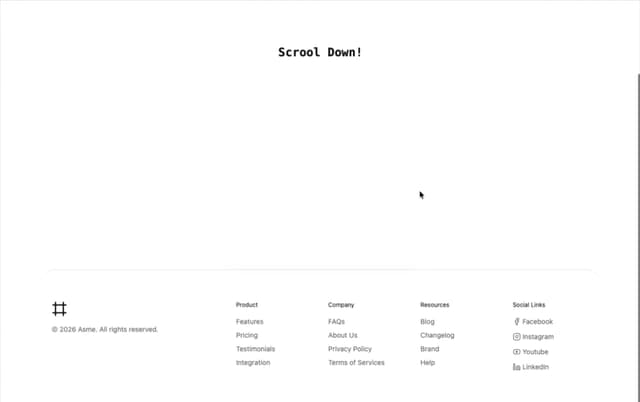
Footer Section
2.7K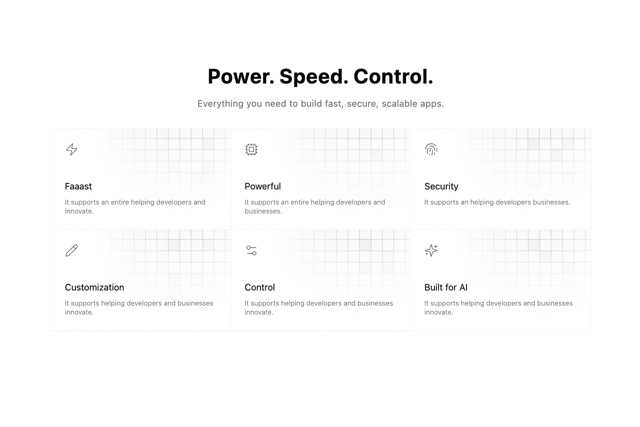
Grid Feature Cards
1.9K
Logo Cloud 2
1.6K
Header 3
1.6K
Logo Cloud 3
1.5K
More in Buttons
View all

Button
14
Button
34
Texture Button
92
Button Save
46

Button
64

Button Group
3
App Store Button
454

Notification Button
103

