
About
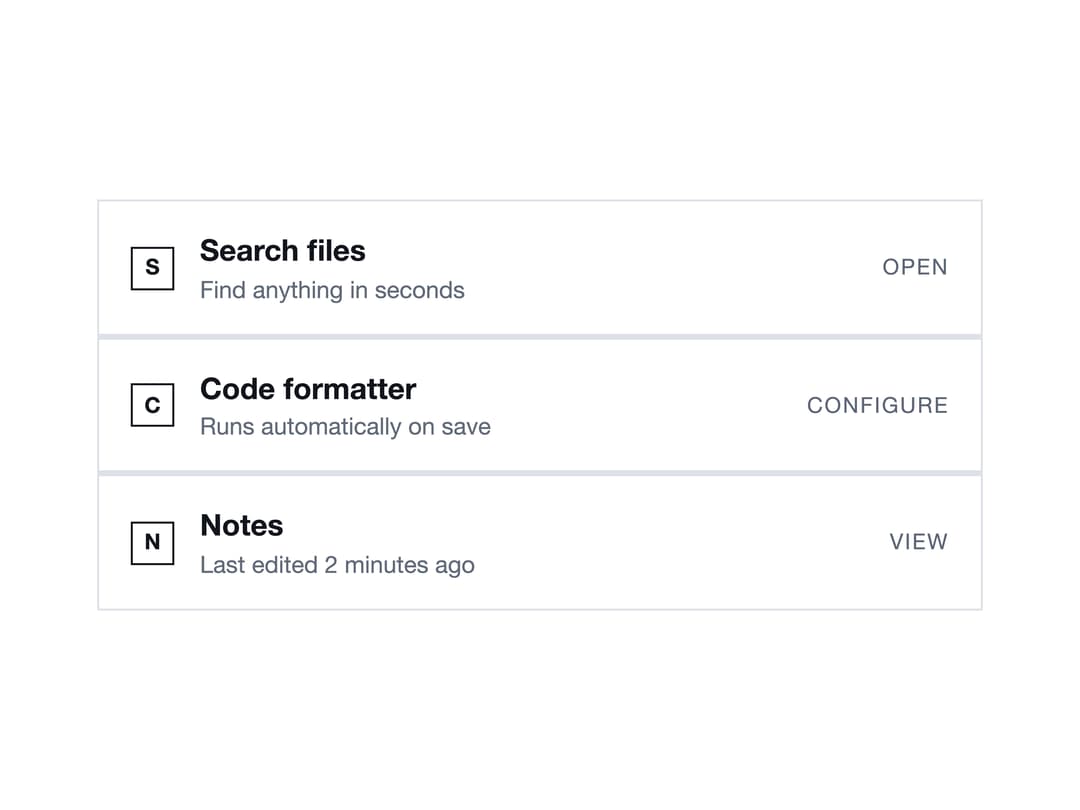
A clickable list row for presenting a tool, resource, or action item with an icon or letter tile, a title, optional meta text, and a trailing action label.
Built with React and Tailwind. Copy the prompt and paste it into Claude Code, Cursor or Lovable: your agent adds Tool Row to your project and fits it to your theme.
Code
How Tool Row is used: the demo's code. The component's own source comes with a free account.
Usage.tsx
import { ToolRow } from "@/components/ui/tool-row";

export default function ToolRowDemo() {
  return (
    <div
      className="w-full max-w-md mx-auto"
      style={{ backgroundColor: "var(--color-paper)" }}
    >
      <div
        className="flex flex-col gap-[1px]"
        style={{ backgroundColor: "var(--color-hairline)" }}
      >
        <ToolRow
          tile="S"
          title="Search files"
          meta="Find anything in seconds"
          action="Open"
          onClick={() => {}}
        />
        <ToolRow
          tile="C"
          title="Code formatter"
          meta="Runs automatically on save"
          action="Configure"
          onClick={() => {}}
        />
        <ToolRow
          tile="N"
          title="Notes"
          meta="Last edited 2 minutes ago"
          action="View"
          onClick={() => {}}
        />
      </div>
    </div>
  );
}
More by enoughtools
View all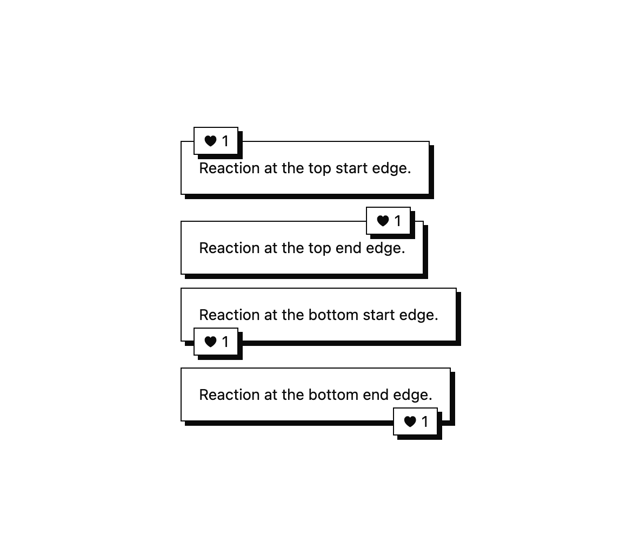
Conversation Bubble
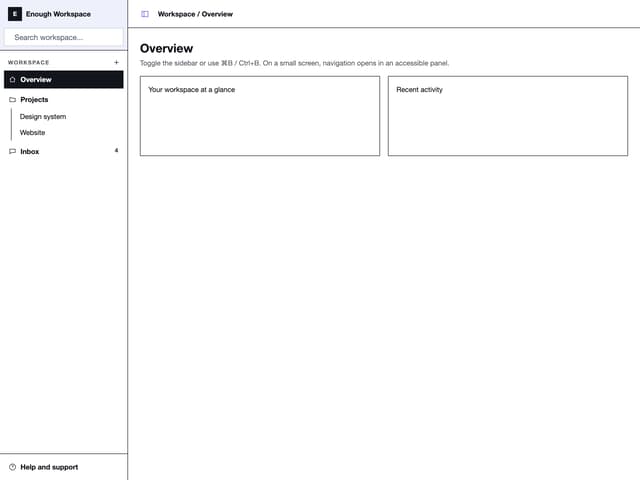
Sidebar
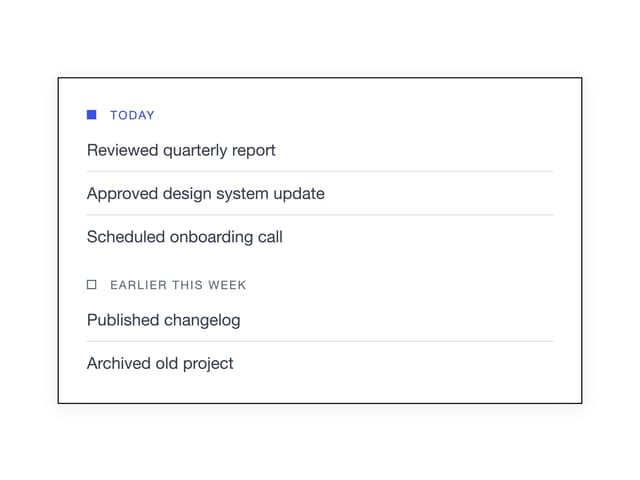
Group Label
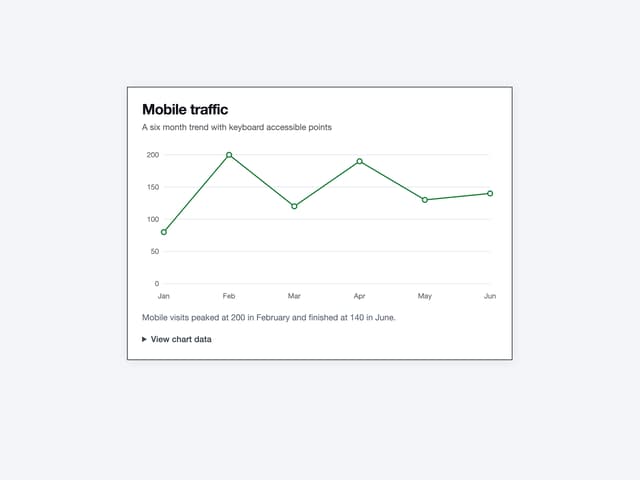
Chart
Callout