
About
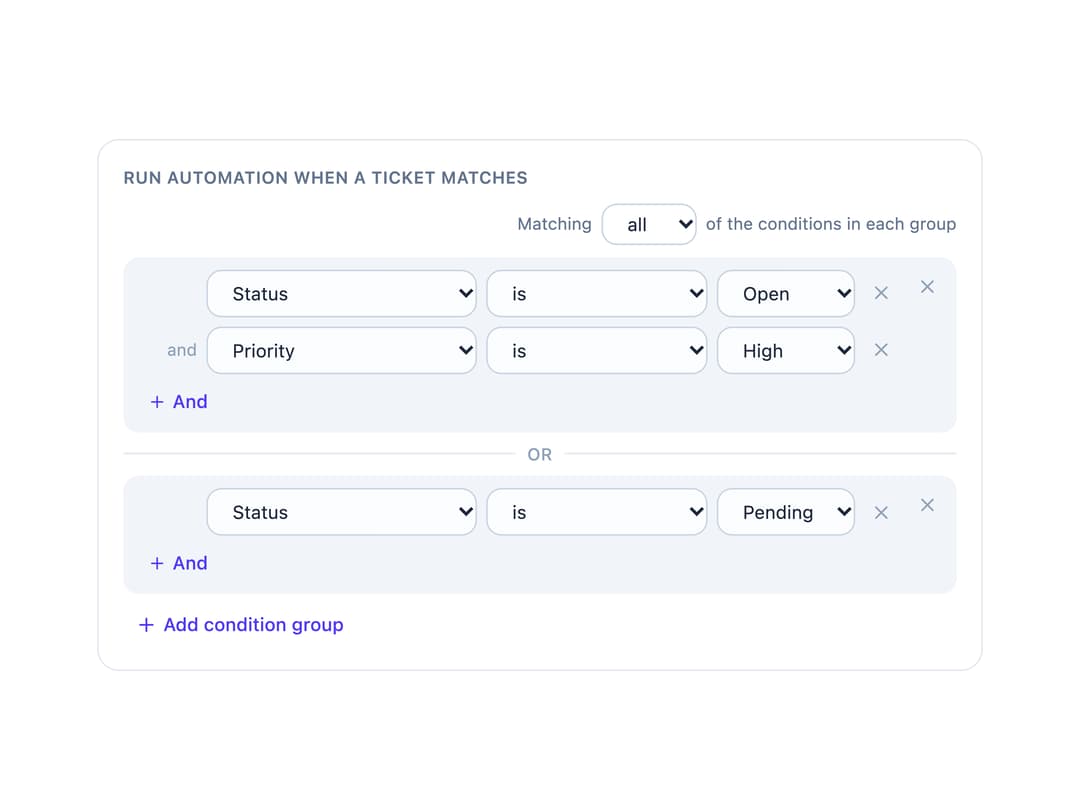
An editor for OR-of-AND condition groups (Lark Base / Airtable automation style) where each group is a card of field/operator/value rows joined by a shared match mode, and groups themselves are always combined with "or".
Built with React and Tailwind. Copy the prompt and paste it into Claude Code, Cursor or Lovable: your agent adds Condition Groups Builder to your project and fits it to your theme.
Code
How Condition Groups Builder is used: the demo's code. The component's own source comes with a free account.
Usage.tsx
import ConditionGroupsBuilder from "@/components/ui/condition-groups-builder";
import { useState } from "react";

const fields = [
  {
    id: "status",
    label: "Status",
    kind: "select" as const,
    options: [
      { value: "open", label: "Open" },
      { value: "pending", label: "Pending" },
      { value: "closed", label: "Closed" },
    ],
  },
  {
    id: "priority",
    label: "Priority",
    kind: "select" as const,
    options: [
      { value: "low", label: "Low" },
      { value: "medium", label: "Medium" },
      { value: "high", label: "High" },
    ],
  },
  { id: "assignee", label: "Assignee", kind: "text" as const },
  { id: "dueDate", label: "Due date", kind: "date" as const },
];

export default function ConditionGroupsBuilderDemo() {
  const [groups, setGroups] = useState([
    {
      conditions: [
        { field: "status", op: "is" as const, value: "open" },
        { field: "priority", op: "is" as const, value: "high" },
      ],
    },
    { conditions: [{ field: "status", op: "is" as const, value: "pending" }] },
  ]);
  const [matchMode, setMatchMode] = useState<"all" | "any">("all");

  return (
    <div className="w-full max-w-xl rounded-xl border border-slate-200 bg-white p-4 dark:border-slate-700 dark:bg-slate-900">
      <p className="mb-2 text-[11px] font-semibold uppercase tracking-wide text-slate-500 dark:text-slate-400">
        Run automation when a ticket matches
      </p>
      <ConditionGroupsBuilder
        fields={fields}
        groups={groups}
        matchMode={matchMode}
        onChange={(nextGroups, nextMatch) => {
          setGroups(nextGroups);
          setMatchMode(nextMatch);
        }}
      />
    </div>
  );
}
Dependencies
More by haassiib
View all
Tabs
9
Month Range Picker
2
Bar Chart
1
Sortable List
Checkbox
Tooltip
Draggable Resizable Modal
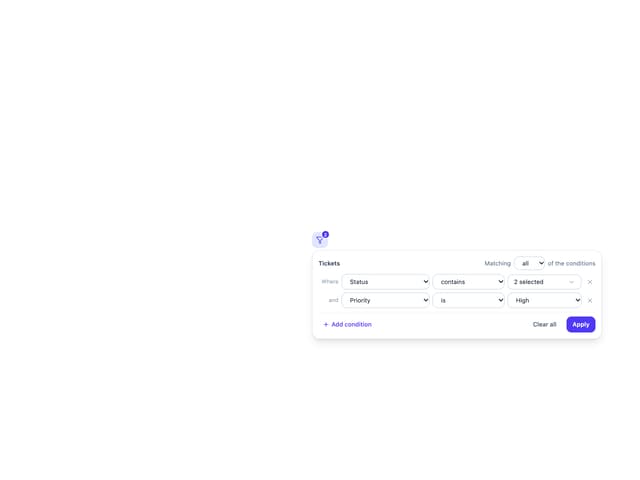
Filter Panel
More in Forms
View all

Premium Auth
500

Login 2
7
Authentication Card
47

Login 1
52

Contact Card
1K
Login Form
6

Form
16

Book A Demo 3
83
