

About
An accessible underline-style tab list with roving tabindex and arrow-key navigation, for switching between panels in an admin UI.
Built with React and Tailwind. Copy the prompt and paste it into Claude Code, Cursor or Lovable: your agent adds Tabs to your project and fits it to your theme.
Code
How Tabs is used: the demo's code. The component's own source comes with a free account.
Usage.tsx
"use client";

import Tabs from "@/components/ui/tabs-roving-focus";

export default function TabsDemo() {
  return (
    <div className="flex w-full items-center justify-center bg-background p-8 text-foreground">
      <div className="w-full max-w-md">
        <Tabs
          tabs={[
            { id: "overview", label: "Overview" },
            { id: "members", label: "Members", badge: 8 },
            { id: "billing", label: "Billing" },
            { id: "archived", label: "Archived", disabled: true },
          ]}
          defaultValue="overview"
        >
          {(active) => (
            <div className="rounded-lg bg-slate-50 p-4 text-xs text-slate-700 dark:bg-slate-800/50 dark:text-slate-200">
              Panel: <strong>{active}</strong>
            </div>
          )}
        </Tabs>
      </div>
    </div>
  );
}
More by haassiib
View all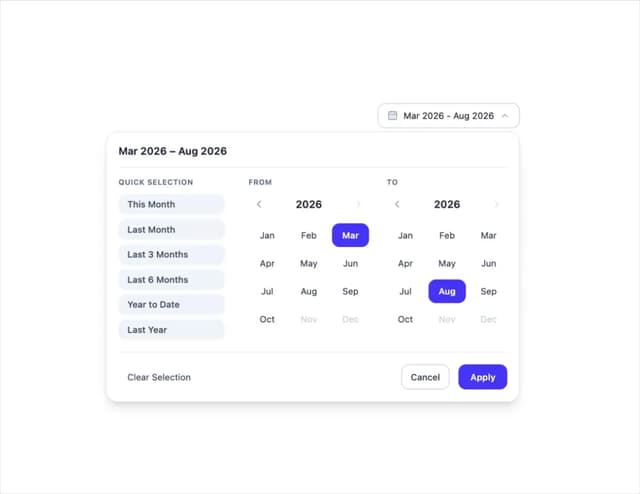
Month Range Picker
2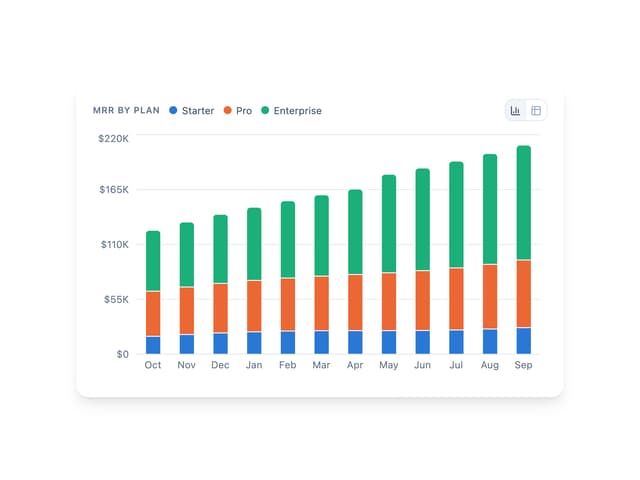
Bar Chart
1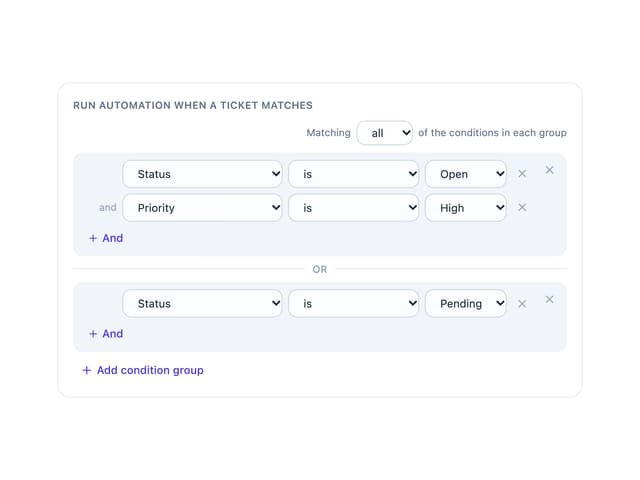
Condition Groups Builder
1
Sortable List
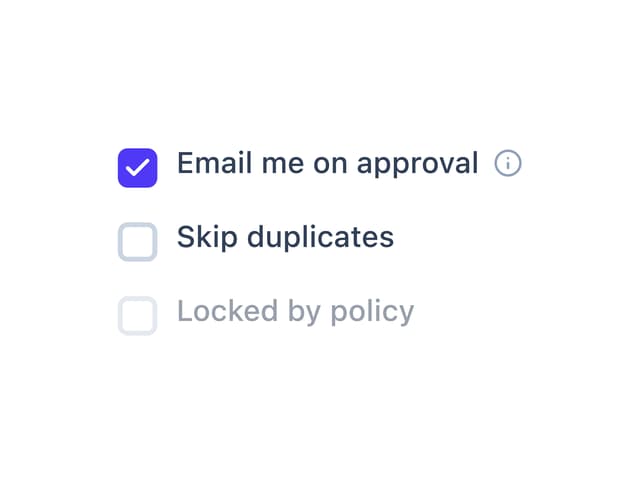
Checkbox
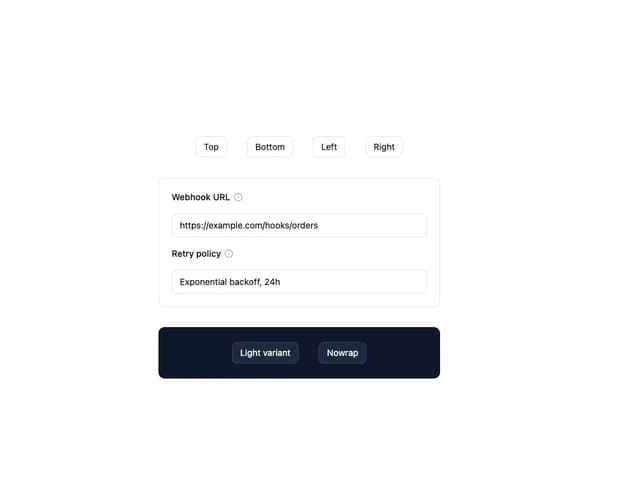
Tooltip
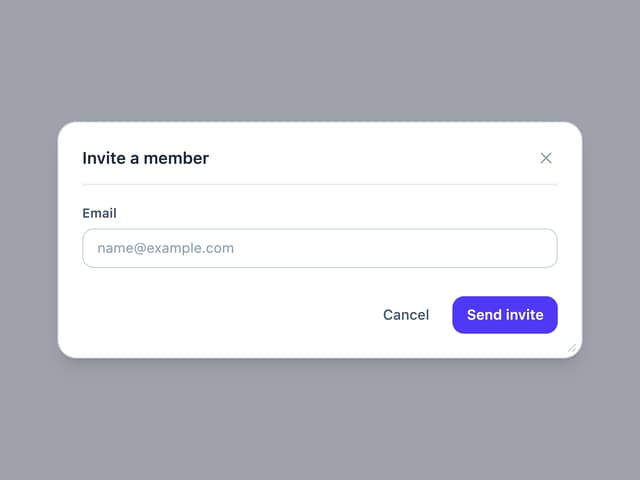
Draggable Resizable Modal
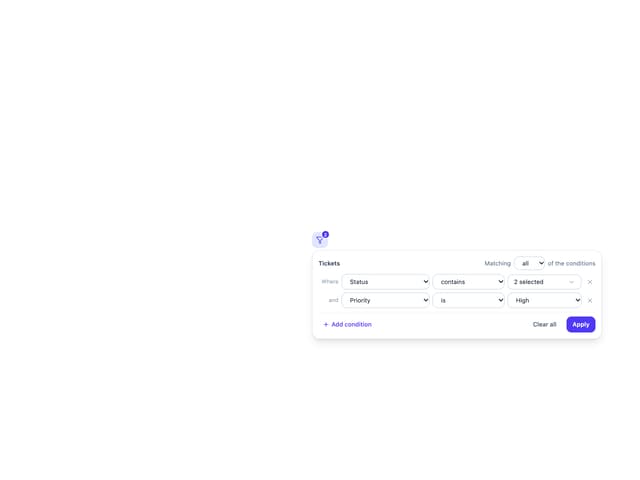
Filter Panel
More in Navigation
View all

Sidebar
234

Tabs
60
Newsletter Signup Footer
16
Progress Bar Stepper
36

Footer 2
201
Navbar with Theme Toggle
43

Navbar
71

Pagination
86
