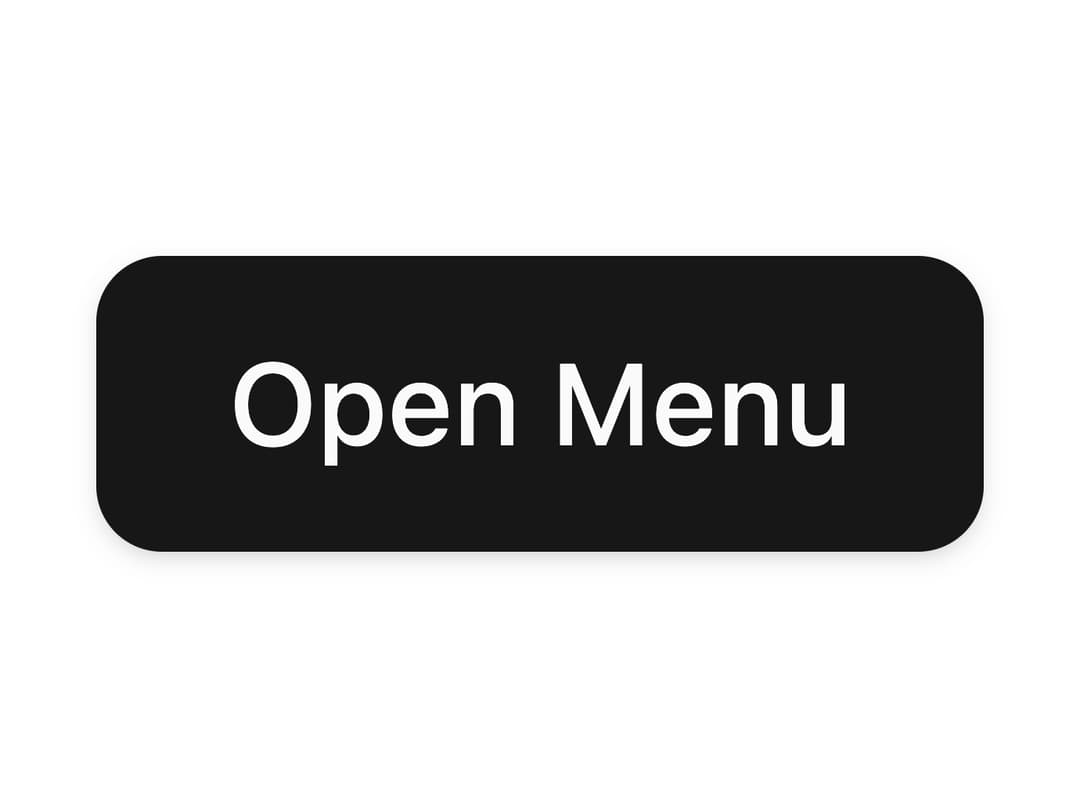
About
A hover-activated nested menu for multi-level navigation with submenus, sections, dividers, and custom icons.
Built with React and Tailwind. Copy the prompt and paste it into Claude Code, Cursor or Lovable: your agent adds Nested Menu to your project and fits it to your theme.
Code
How Nested Menu is used: the demo's code. The component's own source comes with a free account.
Usage.tsx
import { NestedMenu } from "@/components/ui/nested-menu";
import { Button } from "@/components/ui/button";
import { Settings, Download, ChevronRight } from "lucide-react";

const menuSections = [
  {
    title: "Actions",
    items: [
      {
        key: "settings",
        label: "Settings",
        icon: Settings,
        onSelect: () => console.log("Settings clicked"),
      },
      {
        key: "download",
        label: "Download",
        icon: Download,
        hasSubmenu: true,
        submenuItems: [
          { key: "mac", label: "macOS", onSelect: () => {} },
          { key: "windows", label: "Windows", onSelect: () => {} },
          { key: "linux", label: "Linux", onSelect: () => {} },
        ],
      },
    ],
  },
];

export default function Example() {
  return (
    <div className="flex min-h-[320px] items-center justify-center">
      <NestedMenu
        sections={menuSections}
        trigger={<Button>Open Menu</Button>}
        arrowIcon={ChevronRight}
      />
    </div>
  );
}
Dependencies
More by heygaia
View all

Tool Calls Section
401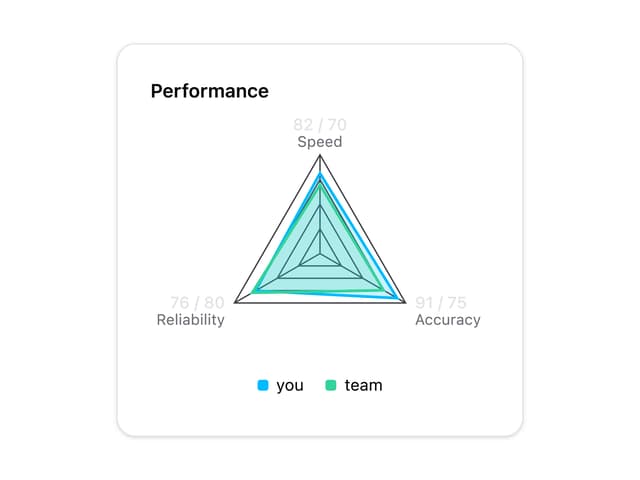
Radar Chart
47
Wave Spinner
21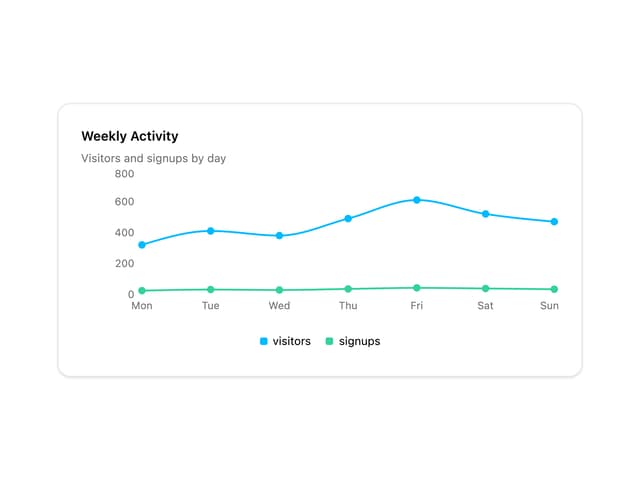
Line Chart
12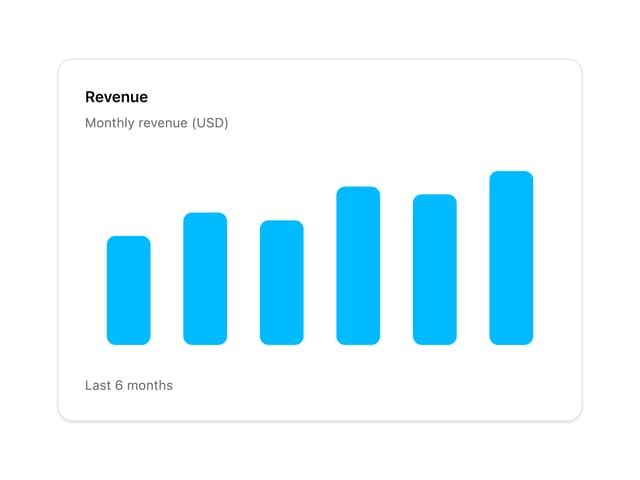
Bar Chart
12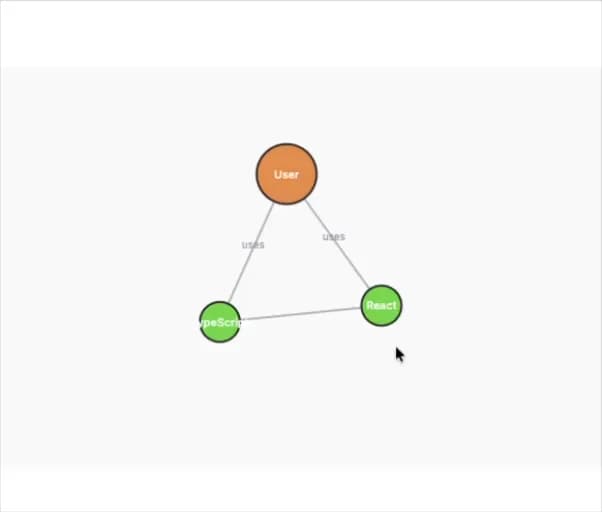
Knowledge Graph
7
Pie Chart
6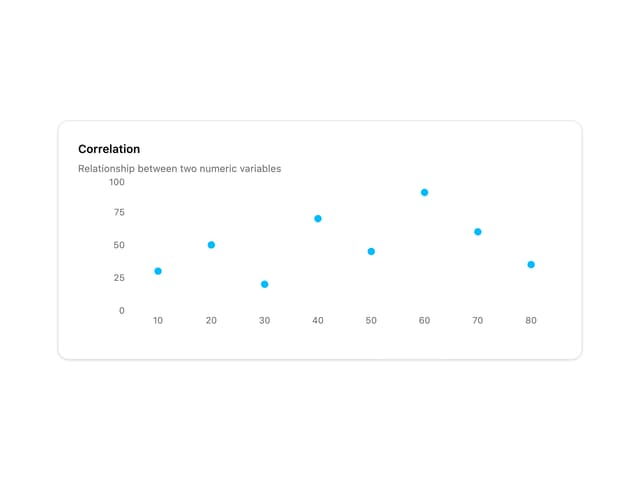
Scatter Chart
5
More in Navigation
View all

Sidebar
235
Navbar with Theme Toggle
43

Tabs
60

Sidebar
340
Numberless Pagination with Text
11
Oversized 404 Numeral
50
Footer
446
Pagination
43


