
About
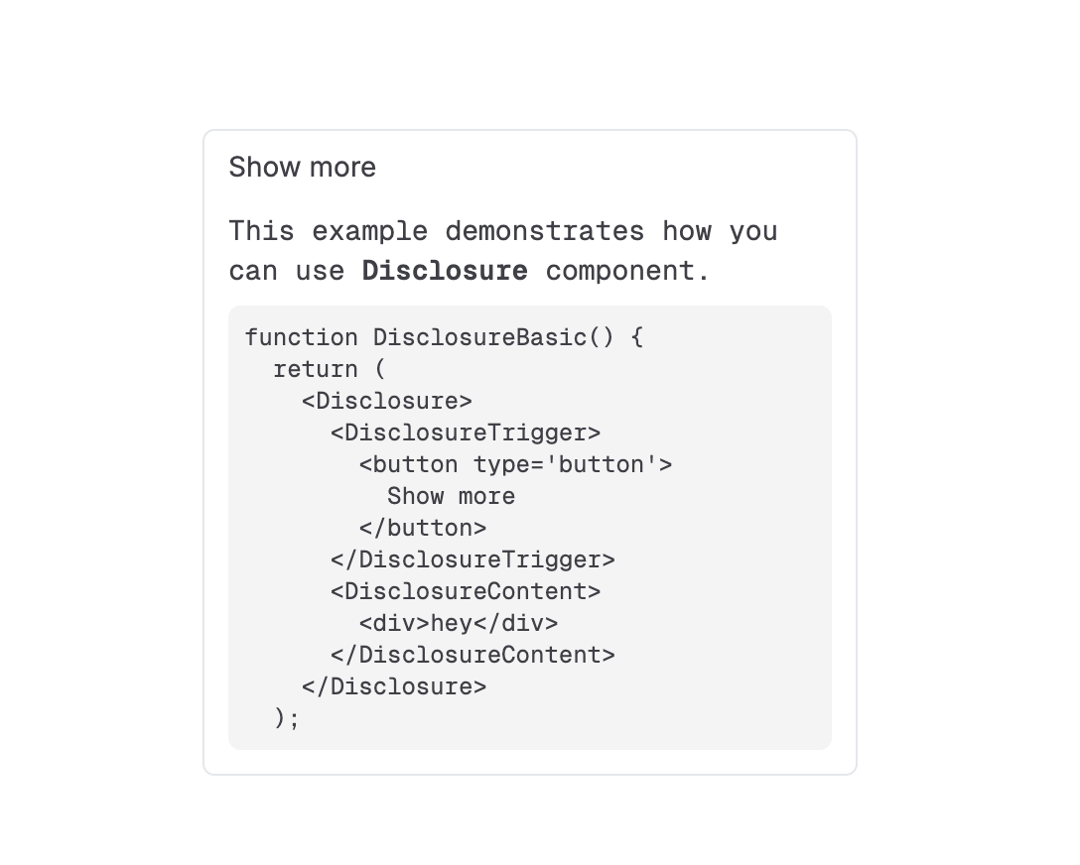
The Disclosure component allows users to toggle the visibility of content, either collapsed or expanded.
Built with React and Tailwind. Copy the prompt and paste it into Claude Code, Cursor or Lovable: your agent adds Disclosure to your project and fits it to your theme.
Code
How Disclosure is used: the demo's code. The component's own source comes with a free account.
Usage.tsx
"use client";

import { useState } from "react";
import { motion } from "framer-motion";
import {
  Disclosure,
  DisclosureContent,
  DisclosureTrigger,
} from "@/components/ui/disclosure";

function DisclosureBasic() {
  return (
    <Disclosure className="w-[330px] rounded-md border border-zinc-200 px-3 dark:border-zinc-700">
      <DisclosureTrigger>
        <button className="w-full py-2 text-left text-sm" type="button">
          Show more
        </button>
      </DisclosureTrigger>
      <DisclosureContent>
        <div className="overflow-hidden pb-3">
          <div className="pt-1 font-mono text-sm">
            <p>
              This example demonstrates how you can use{" "}
              <strong className="font-bold">Disclosure</strong> component.
            </p>
            <pre className="mt-2 rounded-md bg-zinc-100 p-2 text-xs dark:bg-zinc-950">
              {`function DisclosureBasic() {\n  return (\n    <Disclosure>\n      <DisclosureTrigger>\n        <button type='button'>\n          Show more\n        </button>\n      </DisclosureTrigger>\n      <DisclosureContent>\n        <div>hey</div>\n      </DisclosureContent>\n    </Disclosure>\n  );`}
            </pre>
          </div>
        </div>
      </DisclosureContent>
    </Disclosure>
  );
}

export { DisclosureBasic };
Dependencies
More by Julien Thibeaut
View all

Dock
3.1K
Text Effect
1.6K
Infinite Slider
1.5K
Text Shimmer
1.3K
Text Scramble
1.1K
Progressive blur
683
Glow Effect
610
Tailwind CSS Background Snippet
536