
About
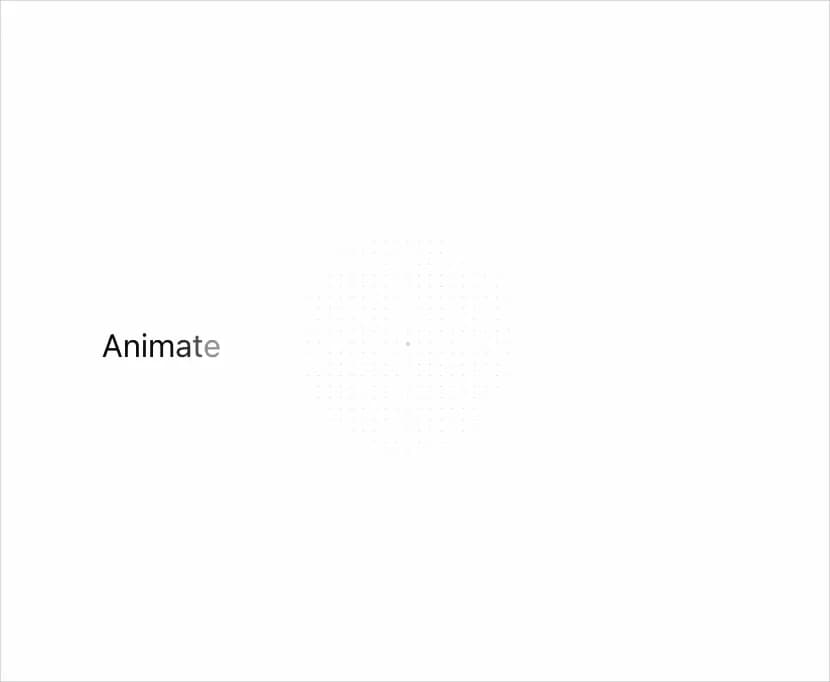
Easily animate text content with various effects. You can apply animations per character or per word, and customize the animation effects using custom variants or preset animations.
Built with React and Tailwind. Copy the prompt and paste it into Claude Code, Cursor or Lovable: your agent adds Text Effect to your project and fits it to your theme.
Code
How Text Effect is used: the demo's code. The component's own source comes with a free account.
Usage.tsx
'use client';

import React, { useState, useEffect } from "react";
import { TextEffect } from "@/components/ui/text-effect";

function TextEffectPerChar() {
  return (
    <TextEffect per='char' preset='fade'>
      Animate your ideas with motion-primitives
    </TextEffect>
  );
}

function TextEffectWithPreset() {
  return (
    <TextEffect per='word' as='h3' preset='slide'>
      Animate your ideas with motion-primitives
    </TextEffect>
  );
}

function TextEffectWithCustomVariants() {
  const getRandomColor = () => {
    const letters = '0123456789ABCDEF';
    let color = '#';
    for (let i = 0; i < 6; i++) {
      color += letters[Math.floor(Math.random() * 16)];
    }
    return color;
  };

  const fancyVariants = {
    container: {
      hidden: { opacity: 0 },
      visible: {
        opacity: 1,
        transition: {
          staggerChildren: 0.05,
        },
      },
    },
    item: {
      hidden: () => ({
        opacity: 0,
        y: Math.random() * 100 - 50,
        rotate: Math.random() * 90 - 45,
        scale: 0.3,
        color: getRandomColor(),
      }),
      visible: {
        opacity: 1,
        y: 0,
        rotate: 0,
        scale: 1,
        color: getRandomColor(),
        transition: {
          type: 'spring',
          damping: 12,
          stiffness: 200,
        },
      },
    },
  };

  return (
    <TextEffect per='word' variants={fancyVariants}>
      Animate your ideas with motion-primitives
    </TextEffect>
  );
}

function TextEffectWithCustomDelay() {
  return (
    <div className='flex flex-col space-y-0'>
      <TextEffect
        per='char'
        delay={0.5}
        variants={{
          container: {
            hidden: {
              opacity: 0,
            },
            visible: {
              opacity: 1,
              transition: {
                staggerChildren: 0.05,
              },
            },
          },
          item: {
            hidden: {
              opacity: 0,
              rotateX: 90,
              y: 10,
            },
            visible: {
              opacity: 1,
              rotateX: 0,
              y: 0,
              transition: {
                duration: 0.2,
              },
            },
          },
        }}
      >
        Animate your ideas
      </TextEffect>
      <TextEffect per='char' delay={1.5}>
        with motion-primitives
      </TextEffect>
      <TextEffect
        per='char'
        delay={2.5}
        className='pt-12 text-xs'
        preset='blur'
      >
        (and delay!)
      </TextEffect>
    </div>
  );
}

function TextEffectPerLine() {
  return (
    <TextEffect
      per='line'
      as='p'
      segmentWrapperClassName='overflow-hidden block'
      variants={{
        container: {
          hidden: { opacity: 0 },
          visible: {
            opacity: 1,
            transition: { staggerChildren: 0.2 },
          },
        },
        item: {
          hidden: {
            opacity: 0,
            y: 40,
          },
          visible: {
            opacity: 1,
            y: 0,
            transition: {
              duration: 0.4,
            },
          },
        },
      }}
    >
      {`now live on motion-primitives!
now live on motion-primitives!
now live on motion-primitives!`}
    </TextEffect>
  );
}

function TextEffectWithExit() {
  const [trigger, setTrigger] = useState(true);

  useEffect(() => {
    const interval = setInterval(() => {
      setTrigger((prev) => !prev);
    }, 2000);

    return () => clearInterval(interval);
  }, []);
  const blurSlideVariants = {
    container: {
      hidden: { opacity: 0 },
      visible: {
        opacity: 1,
        transition: { staggerChildren: 0.01 },
      },
      exit: {
        transition: { staggerChildren: 0.01, staggerDirection: 1 },
      },
    },
    item: {
      hidden: {
        opacity: 0,
        filter: 'blur(10px) brightness(0%)',
        y: 0,
      },
      visible: {
        opacity: 1,
        y: 0,
        filter: 'blur(0px) brightness(100%)',
        transition: {
          duration: 0.4,
        },
      },
      exit: {
        opacity: 0,
        y: -30,
        filter: 'blur(10px) brightness(0%)',
        transition: {
          duration: 0.4,
        },
      },
    },
  };

  return (
    <TextEffect
      className='inline-flex'
      per='char'
      variants={blurSlideVariants}
      trigger={trigger}
    >
      Animate your ideas with motion-primitives
    </TextEffect>
  );
}

export {
  TextEffectPerChar,
  TextEffectWithPreset,
  TextEffectWithCustomVariants,
  TextEffectWithCustomDelay,
  TextEffectPerLine,
  TextEffectWithExit,
};
Dependencies
More by Julien Thibeaut
View all

Dock
3.1K
Infinite Slider
1.5K
Text Shimmer
1.3K
Text Scramble
1.1K
Progressive blur
683
Glow Effect
610
Tailwind CSS Background Snippet
535
Sliding Number
494
More in Text
View all

Vertical Cut Reveal Characters
103

Rainbow Text Effect
47
Motion Blur Text
36
Text Loop
310
Text Reveal
27
Apple Hello Effect
610
Typography
4

Animated Text
8

