
About
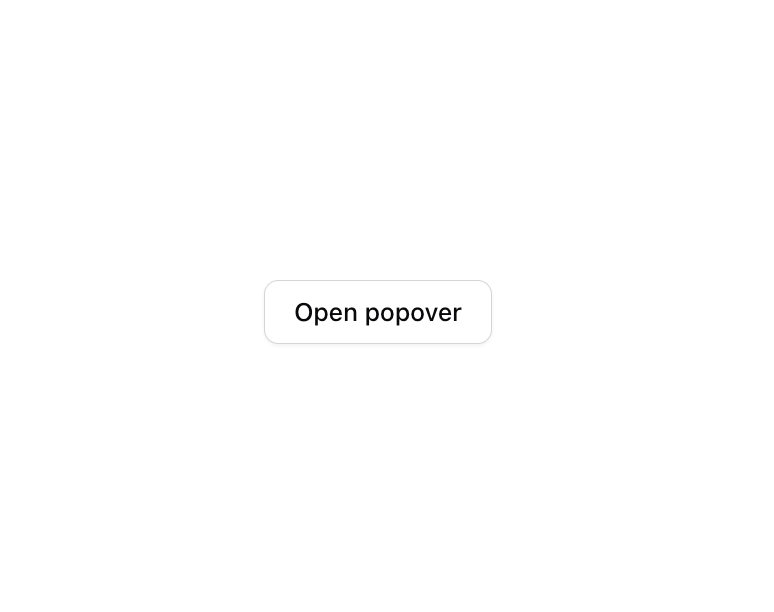
A popover that transforms from its trigger into the content using layout animations. It visually morphs instead of appearing as a separate element.
Built with React and Tailwind. Copy the prompt and paste it into Claude Code, Cursor or Lovable: your agent adds Morphing Popover to your project and fits it to your theme.
Code
How Morphing Popover is used: the demo's code. The component's own source comes with a free account.
Usage.tsx
import {
  MorphingPopover,
  MorphingPopoverContent,
  MorphingPopoverTrigger,
} from '@/components/ui/morphing-popover';
import { Button } from "@/components/ui/button"
import { Label } from '@/components/ui/label';
import { Input } from '@/components/ui/input';
import * as motion from 'motion/react-client';

export function MorphingPopoverBasic() {
  return (
    <MorphingPopover>
      <MorphingPopoverTrigger asChild>
        <Button variant='outline'>
          <motion.span
            layoutId='morphing-popover-basic-label'
            layout='position'
          >
            Open popover
          </motion.span>
        </Button>
      </MorphingPopoverTrigger>
      <MorphingPopoverContent className='w-80 p-4 shadow-sm'>
        <div className='grid gap-4'>
          <div className='space-y-2'>
            <motion.h4
              layoutId='morphing-popover-basic-label'
              layout='position'
              className='leading-none font-medium'
            >
              Dimensions
            </motion.h4>
            <p className='text-muted-foreground text-sm'>
              Set the dimensions for the layer.
            </p>
          </div>
          <div className='grid gap-2'>
            <div className='grid grid-cols-3 items-center gap-4'>
              <Label htmlFor='width'>Width</Label>
              <Input
                id='width'
                defaultValue='100%'
                className='col-span-2 h-8'
                autoFocus
              />
            </div>
            <div className='grid grid-cols-3 items-center gap-4'>
              <Label htmlFor='maxWidth'>Max. width</Label>
              <Input
                id='maxWidth'
                defaultValue='300px'
                className='col-span-2 h-8'
              />
            </div>
            <div className='grid grid-cols-3 items-center gap-4'>
              <Label htmlFor='height'>Height</Label>
              <Input
                id='height'
                defaultValue='25px'
                className='col-span-2 h-8'
              />
            </div>
            <div className='grid grid-cols-3 items-center gap-4'>
              <Label htmlFor='maxHeight'>Max. height</Label>
              <Input
                id='maxHeight'
                defaultValue='none'
                className='col-span-2 h-8'
              />
            </div>
          </div>
        </div>
      </MorphingPopoverContent>
    </MorphingPopover>
  );
}
Dependencies
More by Julien Thibeaut
View all

Dock
3.1K
Text Effect
1.6K
Infinite Slider
1.5K
Text Shimmer
1.3K
Text Scramble
1.1K
Progressive blur
683
Glow Effect
610
Tailwind CSS Background Snippet
535
More in Forms
View all

Premium Auth
500

Login 2
7
Authentication Card
47

Login 1
52

Contact Card
1K
Login Form
6

Form
16

Book A Demo 3
83
