
About
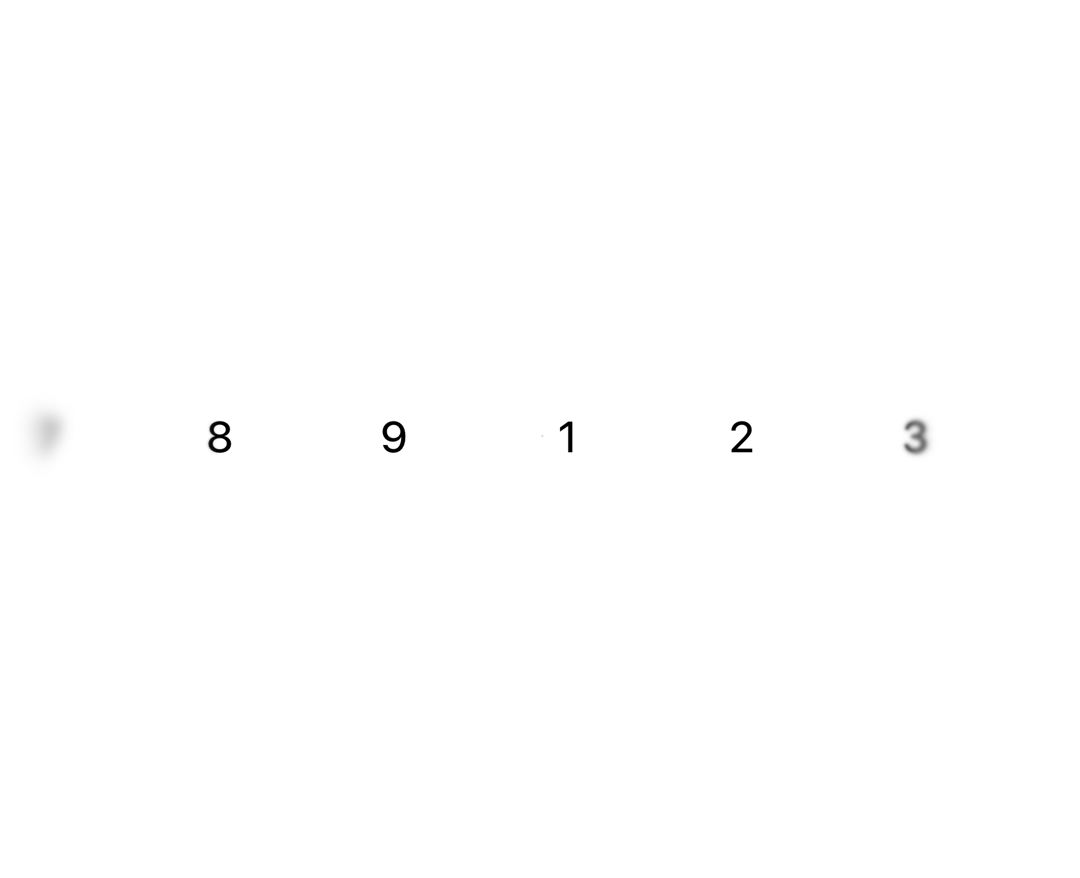
A Progressive Blur component creates a layered blur effect using motion and gradient masks. It progressively blurs layers based on direction and intensity, adding visual depth.
Built with React and Tailwind. Copy the prompt and paste it into Claude Code, Cursor or Lovable: your agent adds Progressive blur to your project and fits it to your theme.
Code
How Progressive blur is used: the demo's code. The component's own source comes with a free account.
Usage.tsx
import { InfiniteSlider } from '@/components/ui/infinite-slider';
import { ProgressiveBlur } from '@/components/ui/progressive-blur';

export function ProgressiveBlurSlider() {
  return (
    <div className='relative h-[350px] w-full overflow-hidden'>
      <InfiniteSlider className='flex h-full w-full items-center'>
        <div className='w-32 text-center text-4xl font-[450] text-black dark:text-white'>
          1
        </div>
        <div className='w-32 text-center text-4xl font-[450] text-black dark:text-white'>
          2
        </div>
        <div className='w-32 text-center text-4xl font-[450] text-black dark:text-white'>
          3
        </div>
        <div className='w-32 text-center text-4xl font-[450] text-black dark:text-white'>
          4
        </div>
        <div className='w-32 text-center text-4xl font-[450] text-black dark:text-white'>
          5
        </div>
        <div className='w-32 text-center text-4xl font-[450] text-black dark:text-white'>
          6
        </div>
        <div className='w-32 text-center text-4xl font-[450] text-black dark:text-white'>
          7
        </div>
        <div className='w-32 text-center text-4xl font-[450] text-black dark:text-white'>
          8
        </div>
        <div className='w-32 text-center text-4xl font-[450] text-black dark:text-white'>
          9
        </div>
      </InfiniteSlider>
      <ProgressiveBlur
        className='pointer-events-none absolute top-0 left-0 h-full w-[200px]'
        direction='left'
        blurIntensity={1}
      />
      <ProgressiveBlur
        className='pointer-events-none absolute top-0 right-0 h-full w-[200px]'
        direction='right'
        blurIntensity={1}
      />
    </div>
  );
}
Dependencies
More by Julien Thibeaut
View all

Dock
3.1K
Text Effect
1.6K
Infinite Slider
1.5K
Text Shimmer
1.3K
Text Scramble
1.1K
Glow Effect
610
Tailwind CSS Background Snippet
535
Sliding Number
494