
About
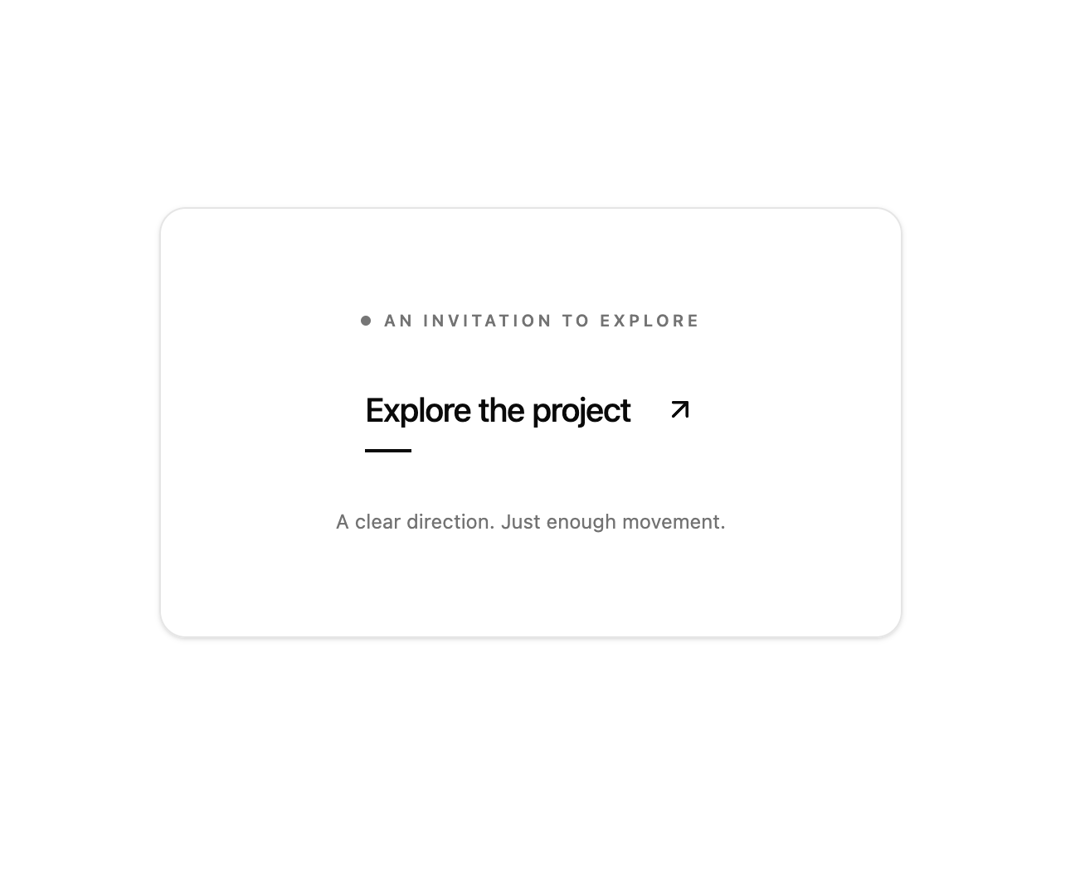
An editorial text link button featuring a traveling diagonal arrow and expanding underline on hover. It is useful in design agency portfolios, project showcases, and editorial hero sections to invite exploration.
Built with React and Tailwind. Copy the prompt and paste it into Claude Code, Cursor or Lovable: your agent adds Directional text button to your project and fits it to your theme.
Code
How Directional text button is used: the demo's code. The component's own source comes with a free account.
Usage.tsx
"use client";

import * as React from "react";
import Component, { type Props, type State } from "@/components/ui/directional-text-button";

const settings = { title: "Explore the project", showContext: true };
export const loopDuration = 6;

const ease = (x: number) => {
  const n = Math.max(0, Math.min(1, x));
  return n * n * (3 - 2 * n);
};

const pulse = (t: number, a: number, b: number) =>
  ease((t - a) / 0.3) * (1 - ease((t - b) / 0.3));

// Pure timeline: export frame n by passing n / 60. No timers or network calls.
export function showcase(time: number): State {
  const t = ((time % loopDuration) + loopDuration) % loopDuration;
  return {
    open: t > 0.8 && t < 3.8,
    active: 0,
    reveal: pulse(t, 0.8, 3.8),
  };
}

export default function Demo(props: any = {}) {
  const { showcaseTime, ...incoming } = props;
  const merged = { ...settings, ...incoming };
  return (
    <div className="w-full min-h-[380px] flex items-center justify-center p-4 sm:p-6 bg-background">
      <Component
        {...merged}
        state={showcaseTime === undefined ? incoming.state : showcase(showcaseTime)}
        seeking={showcaseTime !== undefined || incoming.seeking}
      />
    </div>
  );
}
More by Waqar H. Syed
View all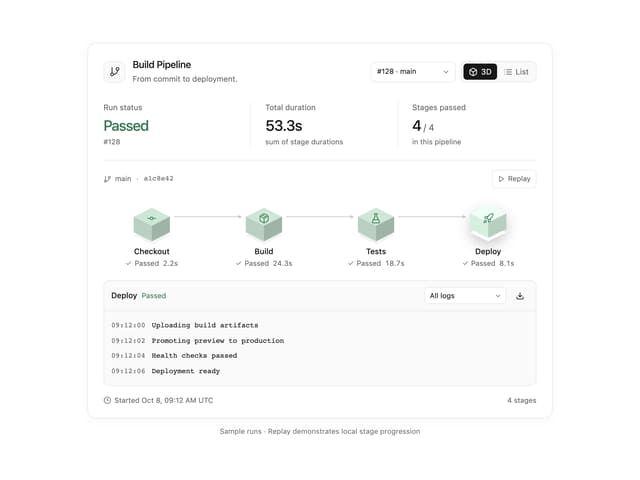
Build Pipeline
149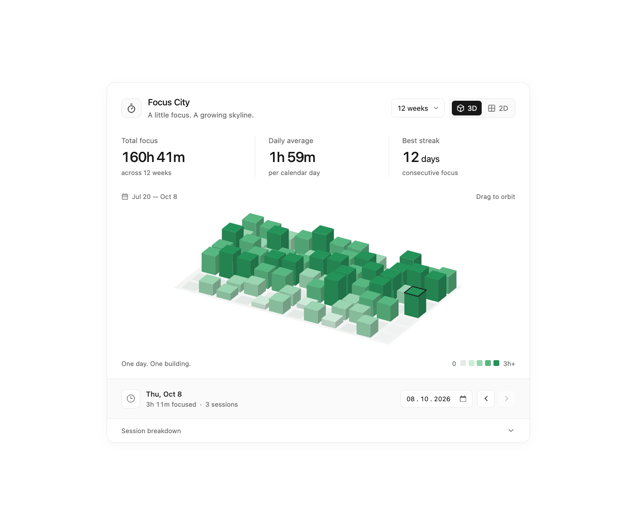
Focus City
110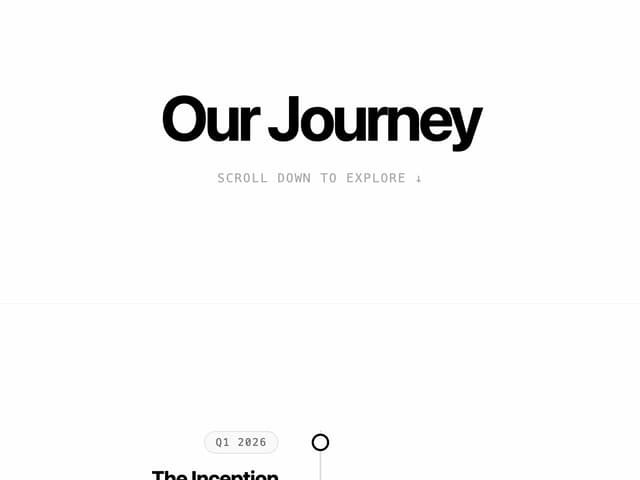
Scroll animated timeline
110
Storage District
64
Thumbnail image viewer
40
Glowing Pricing Tiers
39
Before after comparison
31
Featured Project Hero
28
More in Buttons
View all

Button
14
Texture Button
92

Button
63
Button
34
Button Save
46

Button


App Store Button
453

Notification Button
103

