About
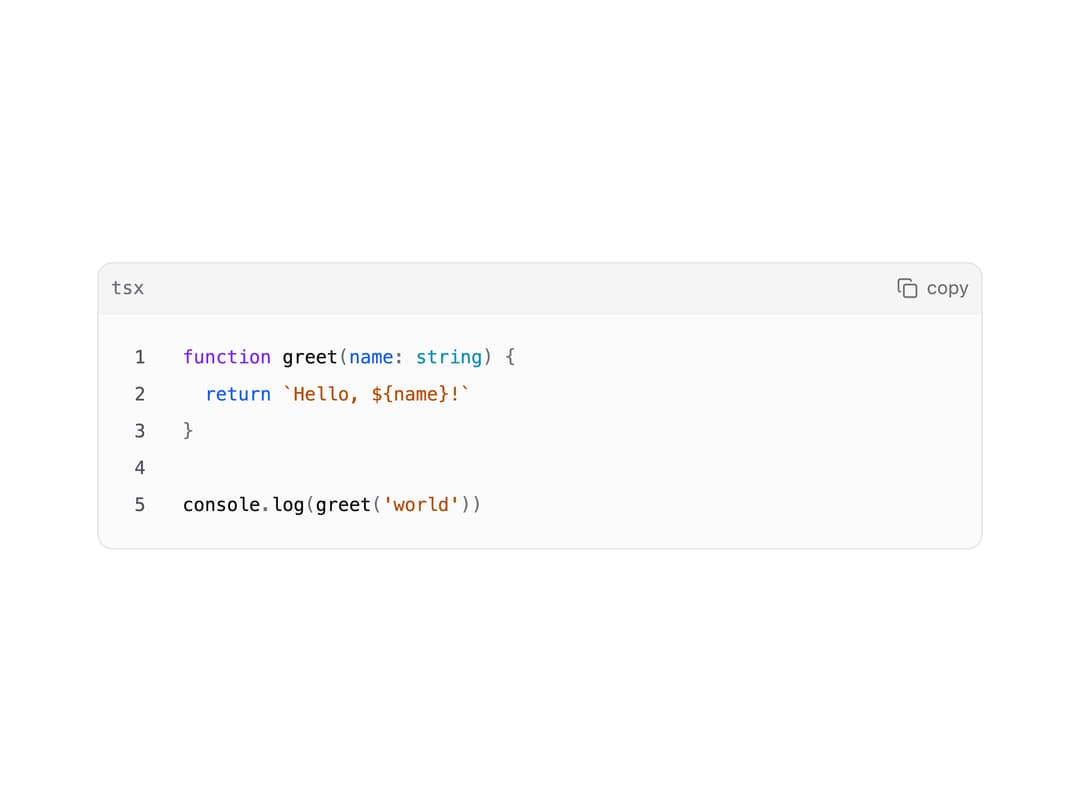
A syntax-highlighted code block with line numbers, a language label header, and a copy-to-clipboard button, for displaying code snippets in docs or chat UIs.
Built with React and Tailwind. Copy the prompt and paste it into Claude Code, Cursor or Lovable: your agent adds Code Block to your project and fits it to your theme.
Code
How Code Block is used: the demo's code. The component's own source comes with a free account.
Usage.tsx
import CodeBlock from "@/components/ui/code-block";

const snippet = `function greet(name: string) {
  return \`Hello, \${name}!\`
}

console.log(greet('world'))`;

export default function CodeBlockDemo() {
  return (
    <div className="w-full max-w-xl">
      <CodeBlock language="tsx">{snippet}</CodeBlock>
    </div>
  );
}
Dependencies
More by inference-sh
View all
Sidebar Light
33
YouTube Embed
32
Zoomable Image
24
Table of Contents
13
Virtualized List