About
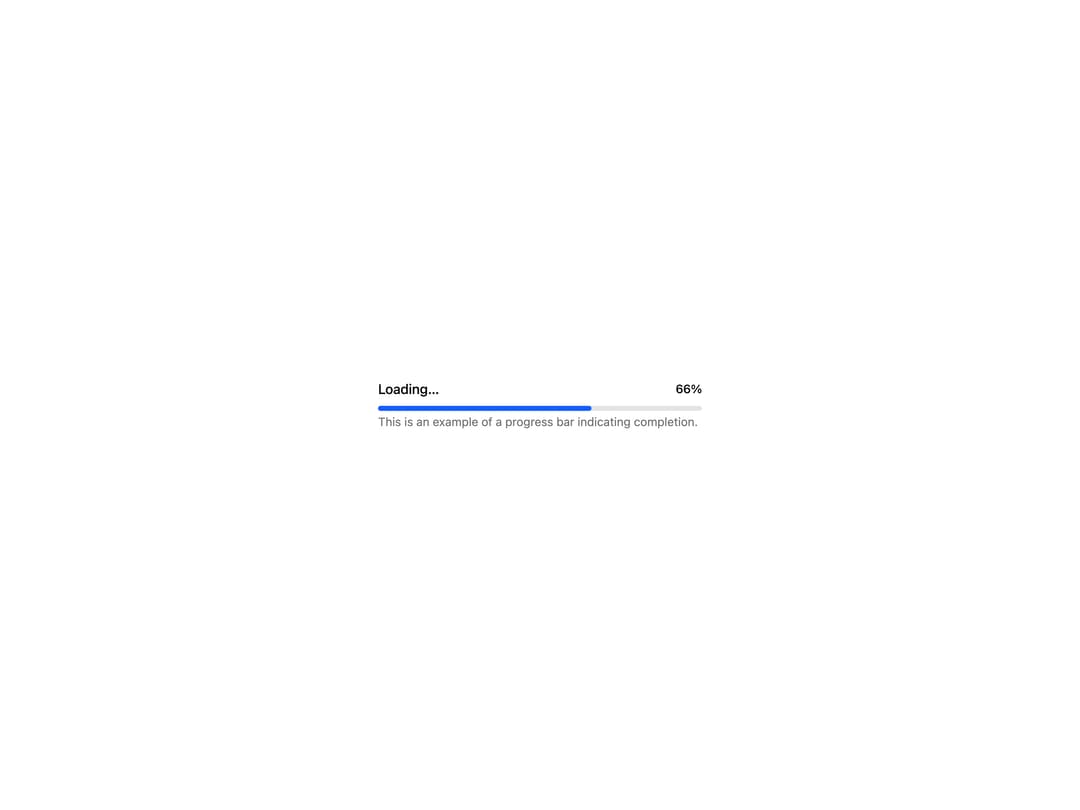
An accessible progress bar that tracks task completion, loading, or step-based processes with determinate and indeterminate states.
Built with React and Tailwind. Copy the prompt and paste it into Claude Code, Cursor or Lovable: your agent adds Progress Bar to your project and fits it to your theme.
Code
How Progress Bar is used: the demo's code. The component's own source comes with a free account.
Usage.tsx
"use client";

import {
  ProgressBar,
  ProgressBarHeader,
  ProgressBarTrack,
  ProgressBarValue,
} from "@/components/ui/progress-bar";
import * as React from "react";
import { Label, Text } from "react-aria-components";

export default function ProgressBarDemo() {
  const [value, setValue] = React.useState(1);

  React.useEffect(() => {
    const interval = setInterval(() => {
      setValue((prev) => (prev < 100 ? prev + 1 : 100));
    }, 200);

    return () => clearInterval(interval);
  }, []);

  return (
    <div className="flex min-h-52 w-full items-center justify-center bg-background p-6 text-foreground">
      <ProgressBar value={value} className="w-full max-w-sm">
        <ProgressBarHeader>
          <Label>Loading…</Label>
          <ProgressBarValue />
        </ProgressBarHeader>
        <ProgressBarTrack />
        <Text slot="description" className="text-sm text-muted-foreground">
          This is an example of a progress bar indicating completion.
        </Text>
      </ProgressBar>
    </div>
  );
}
Dependencies
More by Intent UI
View all

Radar Chart
217
Radial Chart
77
Bar Chart
44
Pie Chart
31
Toggle Group
26
Loader
23
Color Slider
13
File Trigger 13
10