
About
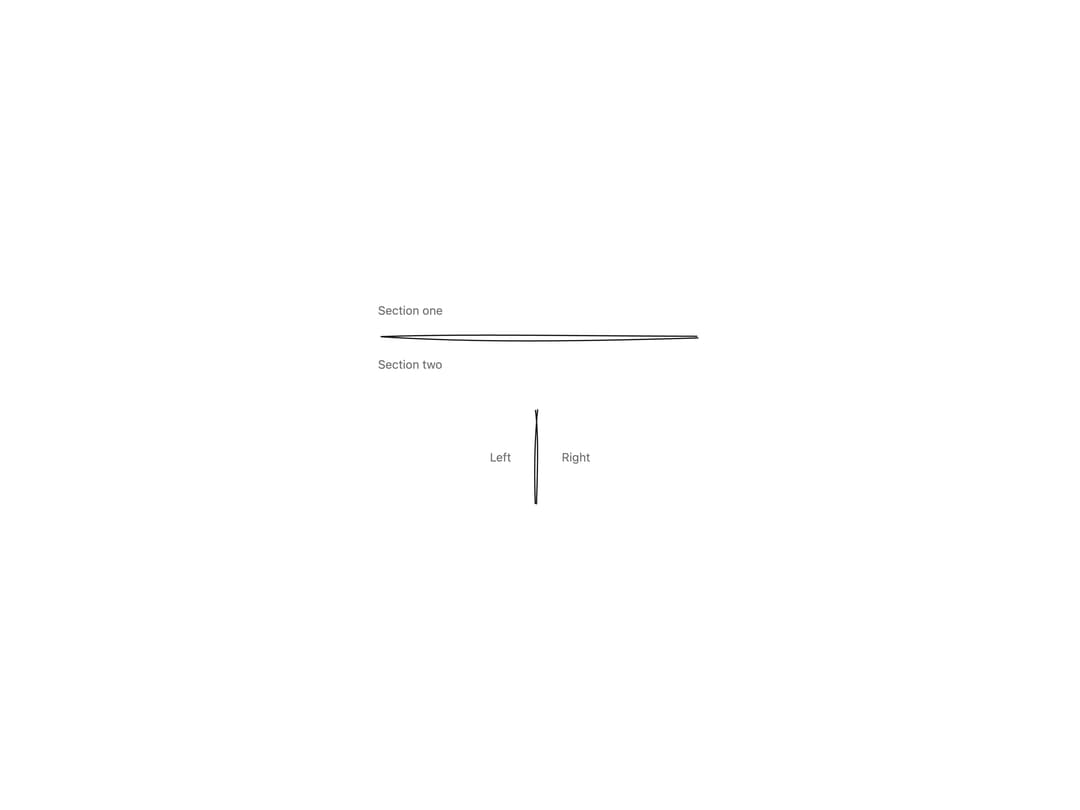
A hand-drawn, sketch-style horizontal or vertical rule used to visually separate sections of content, with an optional draw-in animation on mount.
Built with React and Tailwind. Copy the prompt and paste it into Claude Code, Cursor or Lovable: your agent adds Divider to your project and fits it to your theme.
Code
How Divider is used: the demo's code. The component's own source comes with a free account.
Usage.tsx
import Divider from "@/components/ui/divider";

export default function DividerDemo() {
  return (
    <div className="flex min-h-[320px] w-full flex-col items-center justify-center gap-10 bg-background p-10 text-foreground">
      <div className="w-full max-w-sm">
        <p className="mb-4 text-sm text-muted-foreground">Section one</p>
        <Divider />
        <p className="mt-4 text-sm text-muted-foreground">Section two</p>
      </div>
      <div className="flex items-center gap-6">
        <span className="text-sm text-muted-foreground">Left</span>
        <Divider orientation="vertical" style={{ height: 120 }} />
        <span className="text-sm text-muted-foreground">Right</span>
      </div>
    </div>
  );
}
More by kanchanasw
View all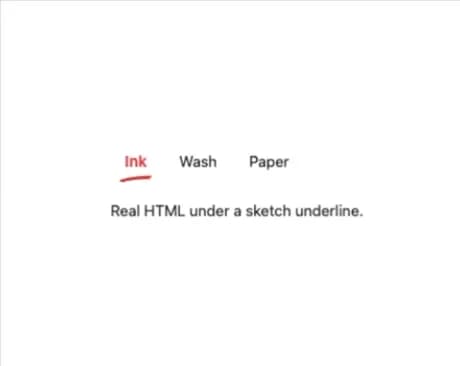
Sketch Tabs
52
Hand-Drawn Checkbox
40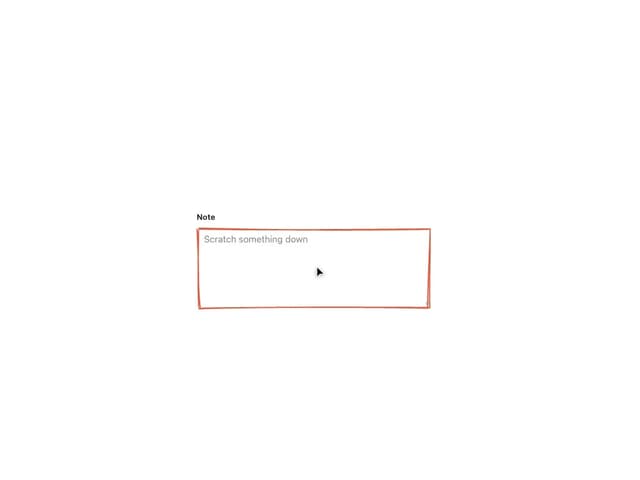
Sketch Textarea
21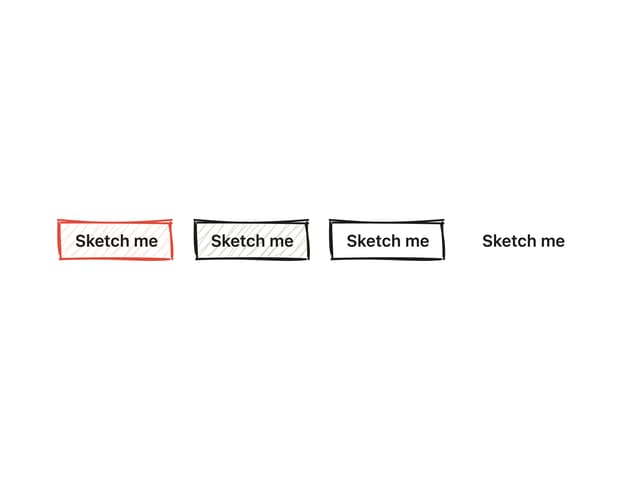
Sketch Button
20
Sketch Hover Card
15
Pagination
5
Radial Menu
1
Hand-Drawn Progress Bar
1