
About
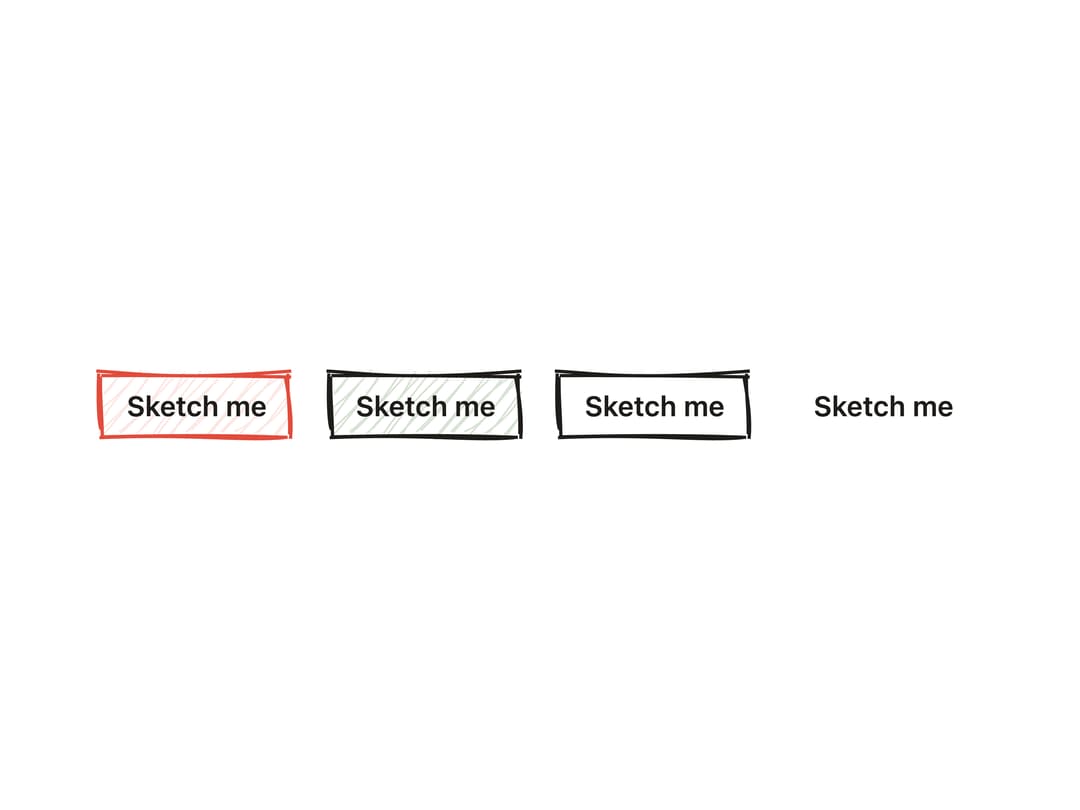
A clickable button whose border and fill look hand-drawn with a wobbly rough.js sketch outline, supporting primary/secondary/outline/ghost styles, sizes, icons and a loading spinner.
Built with React and Tailwind. Copy the prompt and paste it into Claude Code, Cursor or Lovable: your agent adds Sketch Button to your project and fits it to your theme.
Code
How Sketch Button is used: the demo's code. The component's own source comes with a free account.
Usage.tsx
import Button from "@/components/ui/sketch-button";

export default function SketchButtonDemo() {
  return (
    <div className="flex w-full flex-wrap items-center justify-center gap-4 p-10">
      <Button seed={42} animate={false} variant="primary">
        Sketch me
      </Button>
      <Button seed={42} animate={false} variant="secondary">
        Sketch me
      </Button>
      <Button seed={42} animate={false} variant="outline">
        Sketch me
      </Button>
      <Button seed={42} animate={false} variant="ghost">
        Sketch me
      </Button>
    </div>
  );
}
Dependencies
More by kanchanasw
View all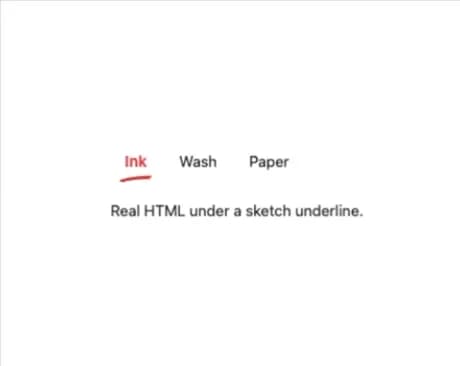
Sketch Tabs
49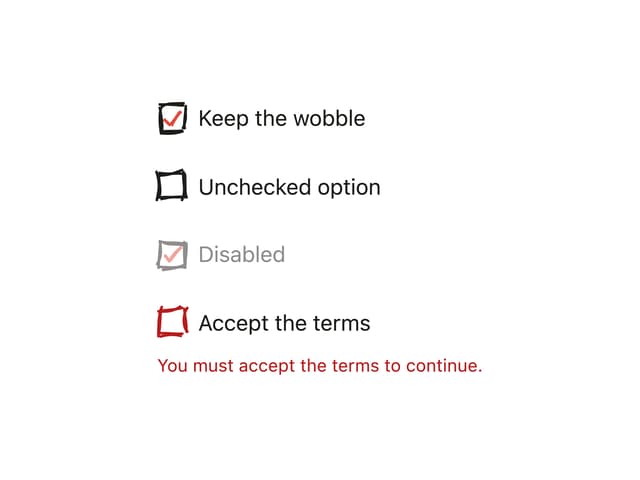
Hand-Drawn Checkbox
38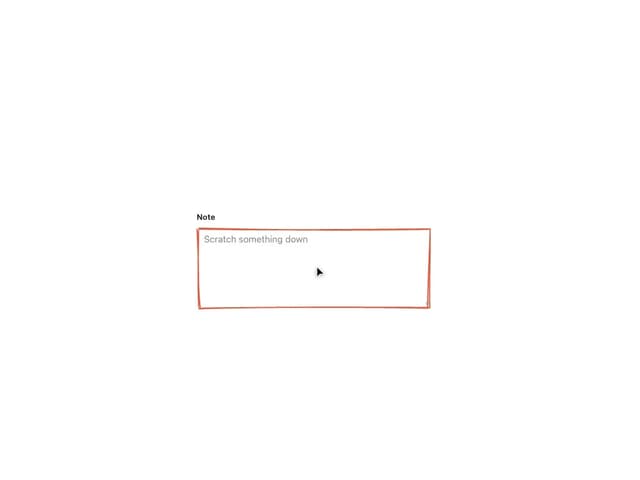
Sketch Textarea
20
Sketch Hover Card
13
Pagination
4
Radial Menu
1
Hand-Drawn Progress Bar
1
Stepper
More in Buttons
View all

Button
5
Texture Button
92

App Store Button
453

Eclipse Button
39

Button
47
Split Button
14

Button
4

Button Group
37

