
About
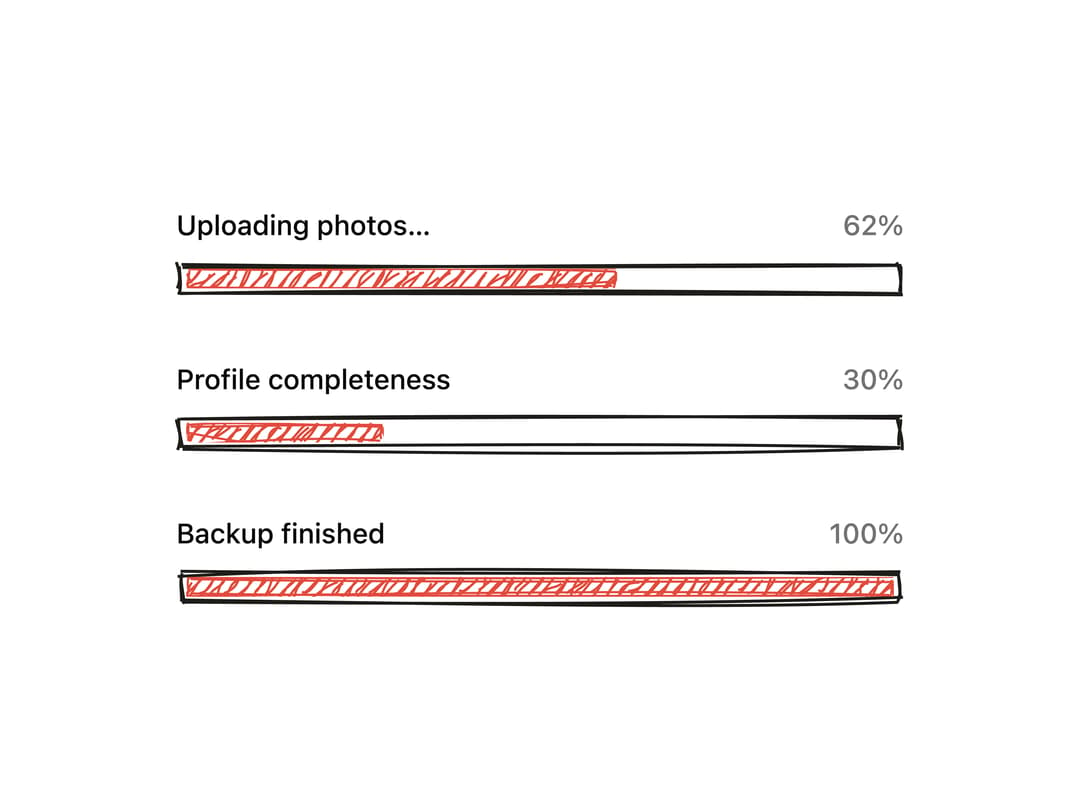
A progress bar with a rough.js hand-drawn sketch look whose track draws in on mount and whose fill animates and redraws rougher as the value changes.
Built with React and Tailwind. Copy the prompt and paste it into Claude Code, Cursor or Lovable: your agent adds Hand-Drawn Progress Bar to your project and fits it to your theme.
Code
How Hand-Drawn Progress Bar is used: the demo's code. The component's own source comes with a free account.
Usage.tsx
"use client";

import Progress from "@/components/ui/progress";

export default function ProgressDemo() {
  return (
    <div className="flex w-full max-w-md flex-col gap-8 bg-background p-10 text-foreground">
      <div className="flex flex-col gap-2">
        <div className="flex items-center justify-between text-sm font-medium">
          <span>Uploading photos…</span>
          <span className="text-muted-foreground">62%</span>
        </div>
        <Progress value={62} max={100} />
      </div>
      <div className="flex flex-col gap-2">
        <div className="flex items-center justify-between text-sm font-medium">
          <span>Profile completeness</span>
          <span className="text-muted-foreground">30%</span>
        </div>
        <Progress value={30} max={100} />
      </div>
      <div className="flex flex-col gap-2">
        <div className="flex items-center justify-between text-sm font-medium">
          <span>Backup finished</span>
          <span className="text-muted-foreground">100%</span>
        </div>
        <Progress value={100} max={100} />
      </div>
    </div>
  );
}
More by kanchanasw
View all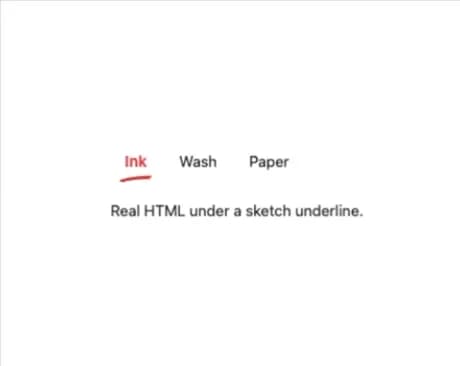
Sketch Tabs
52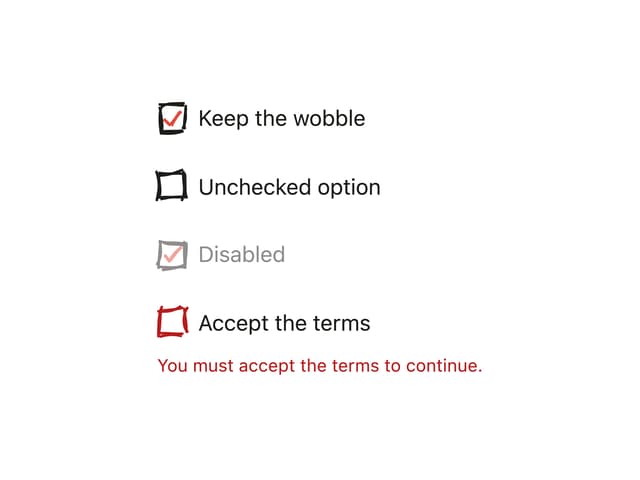
Hand-Drawn Checkbox
40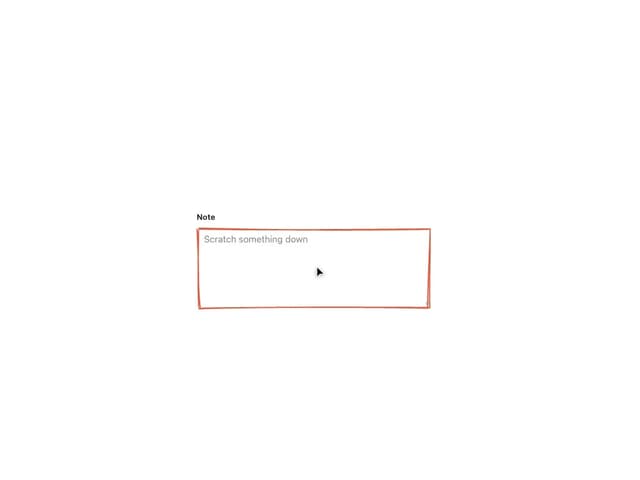
Sketch Textarea
21
Sketch Button
20
Sketch Hover Card
15
Pagination
5
Radial Menu
1
Stepper