
About
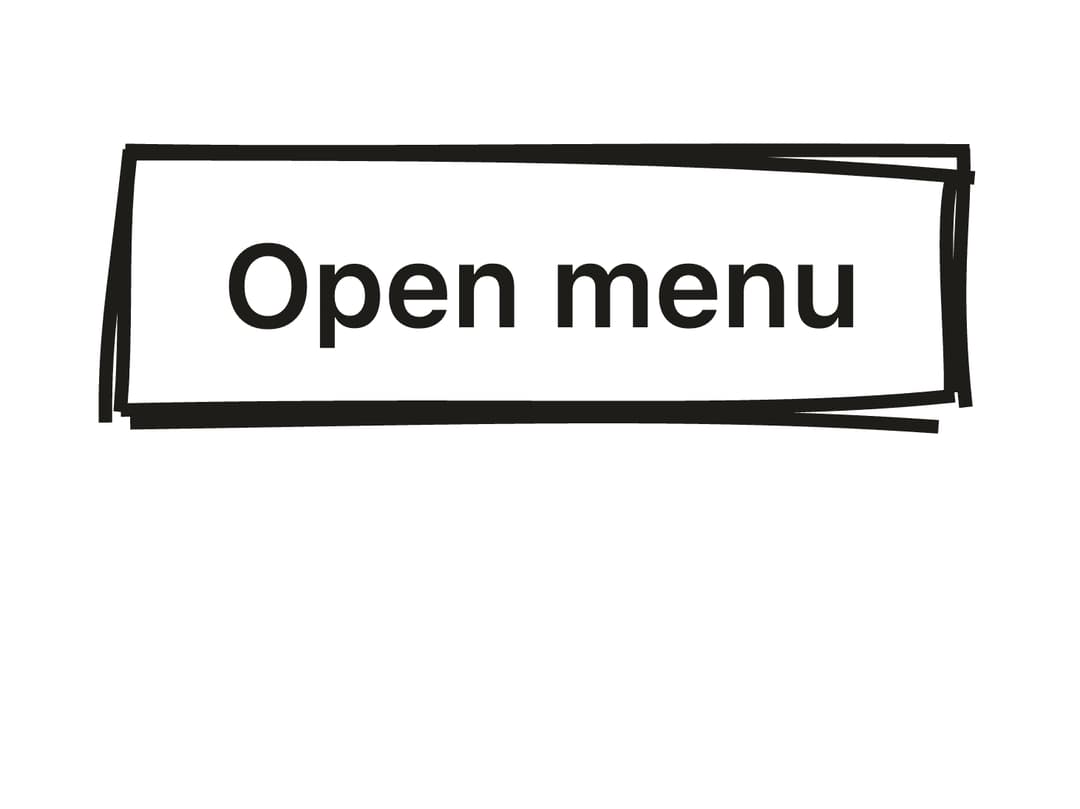
A hand-drawn, rough.js-rendered dropdown menu with sketchy borders, items, checkbox items, radio items, labels and separators, built on Radix UI Dropdown Menu primitives.
Built with React and Tailwind. Copy the prompt and paste it into Claude Code, Cursor or Lovable: your agent adds Sketch Dropdown Menu to your project and fits it to your theme.
Code
How Sketch Dropdown Menu is used: the demo's code. The component's own source comes with a free account.
Usage.tsx
"use client";

import {
  DropdownMenu,
  DropdownMenuTrigger,
  DropdownMenuContent,
  DropdownMenuLabel,
  DropdownMenuItem,
  DropdownMenuSeparator,
} from "@/components/ui/sketch-dropdown-menu";
import { Button } from "doodleui-react";

export default function DropdownMenuDemo() {
  return (
    <div className="flex min-h-[320px] w-full items-start justify-center pt-10 px-10">
      <DropdownMenu roughness={1.5}>
        <DropdownMenuTrigger asChild>
          <Button variant="outline">Open menu</Button>
        </DropdownMenuTrigger>
        <DropdownMenuContent>
          <DropdownMenuLabel>Tools</DropdownMenuLabel>
          <DropdownMenuItem>Pen</DropdownMenuItem>
          <DropdownMenuSeparator />
          <DropdownMenuItem>Brush</DropdownMenuItem>
        </DropdownMenuContent>
      </DropdownMenu>
    </div>
  );
}
Dependencies
More by kanchanasw
View all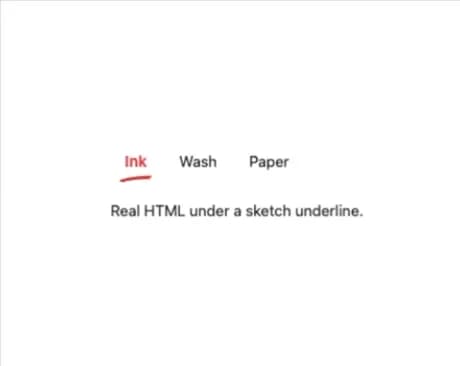
Sketch Tabs
52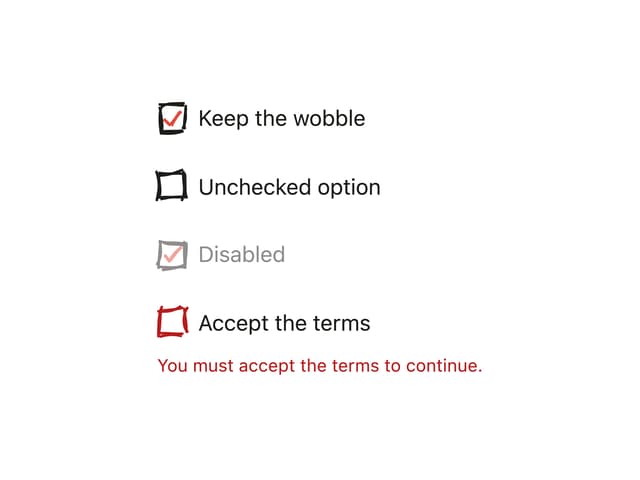
Hand-Drawn Checkbox
40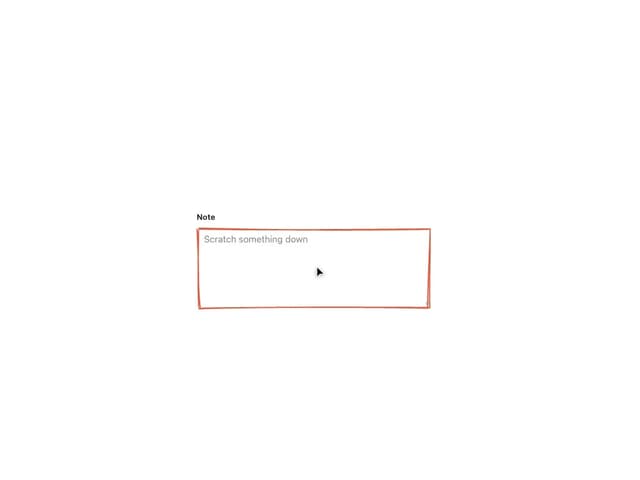
Sketch Textarea
21
Sketch Button
20
Sketch Hover Card
15
Pagination
5
Radial Menu
1
Hand-Drawn Progress Bar
1