
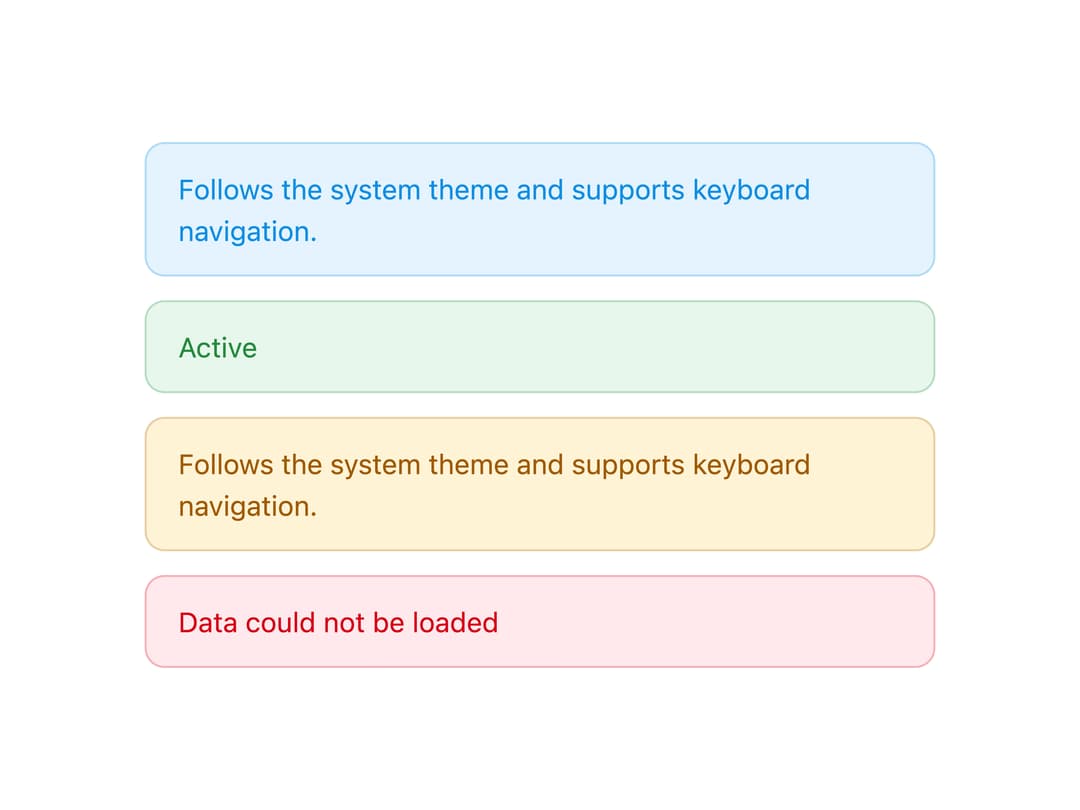
About
A dismissible-style status banner with info, success, warning and danger variants for showing inline messages, optional icon and action.
Built with React and Tailwind. Copy the prompt and paste it into Claude Code, Cursor or Lovable: your agent adds Alert to your project and fits it to your theme.
Code
How Alert is used: the demo's code. The component's own source comes with a free account.
Usage.tsx
import Alert from "@/components/ui/alert";

export default function AlertDemo() {
  return (
    <div className="flex w-full max-w-md flex-col gap-3 bg-background p-6 text-foreground">
      <Alert>Follows the system theme and supports keyboard navigation.</Alert>
      <Alert variant="success">Active</Alert>
      <Alert variant="warning">
        Follows the system theme and supports keyboard navigation.
      </Alert>
      <Alert variant="danger">Data could not be loaded</Alert>
    </div>
  );
}
Dependencies
More by lailai0916
View all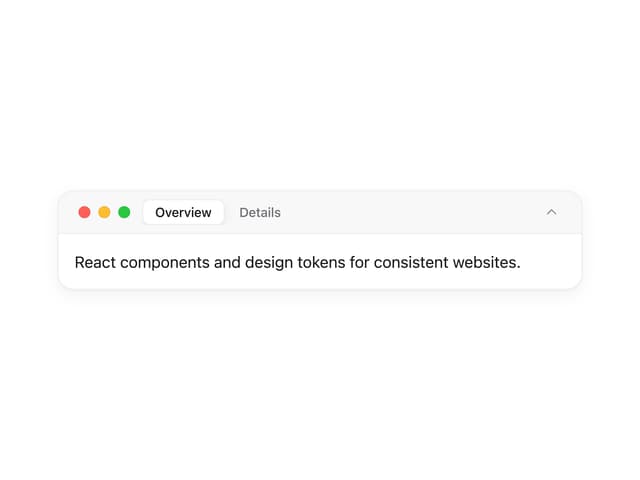
Window Panel
6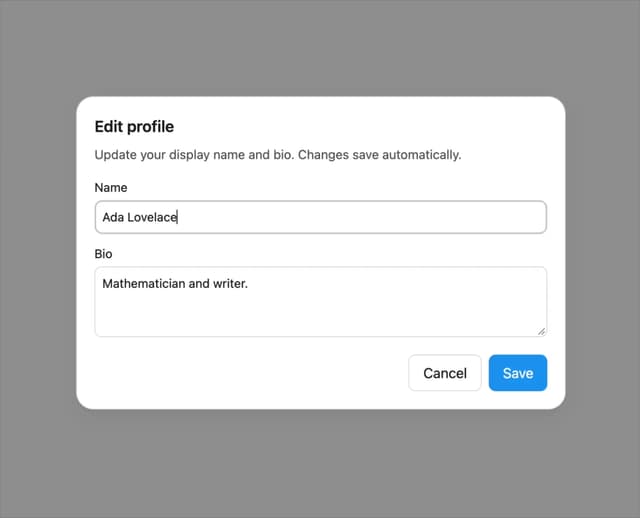
Dialog
1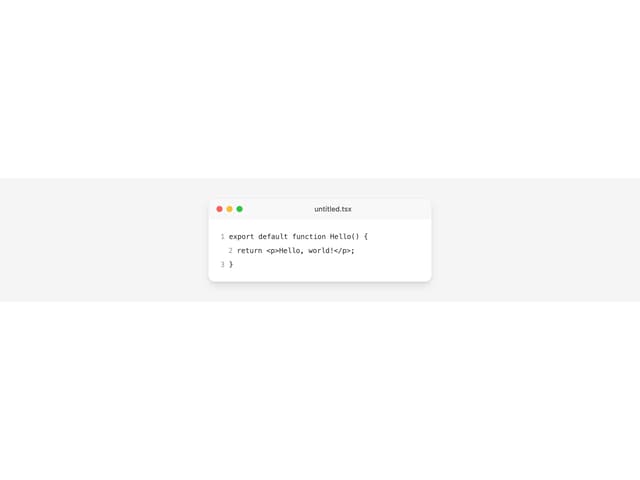
Window Bar
Tabs

Scrollable Data Table
Skip Link
Site Header

Skeleton