
About
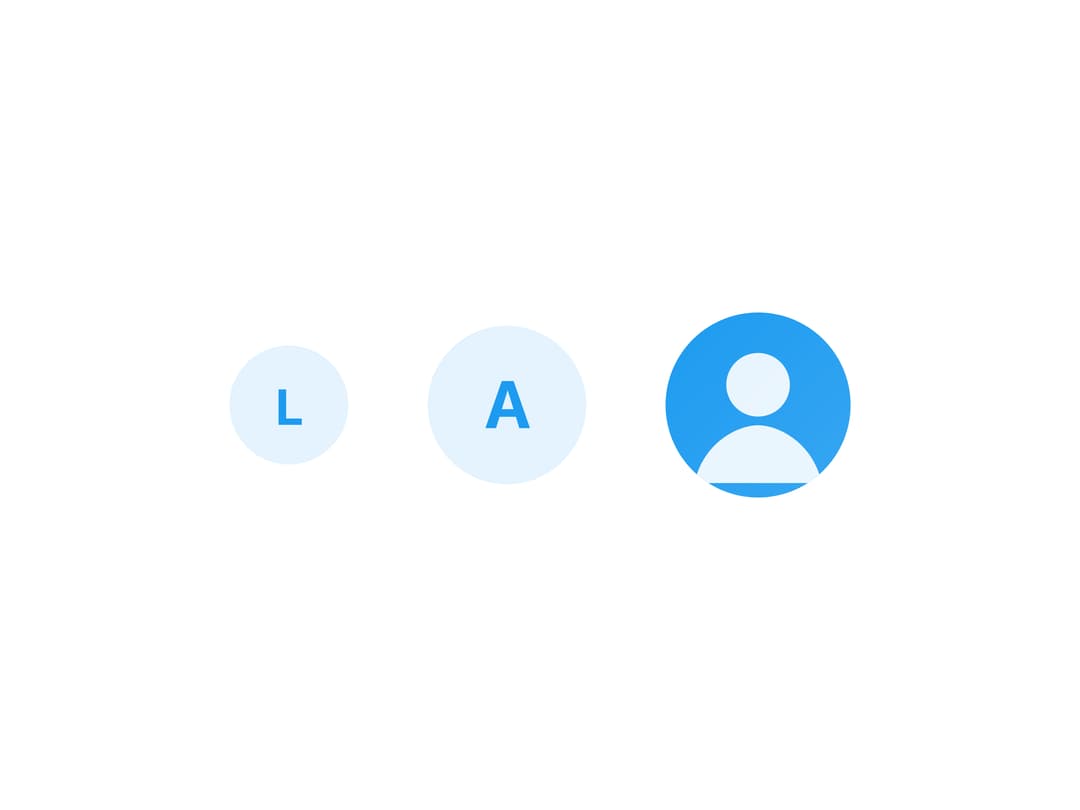
A circular user avatar that shows a photo when one is provided and falls back to the person's initial letter when it isn't.
Built with React and Tailwind. Copy the prompt and paste it into Claude Code, Cursor or Lovable: your agent adds Avatar to your project and fits it to your theme.
Code
How Avatar is used: the demo's code. The component's own source comes with a free account.
Usage.tsx
import Avatar from "@/components/ui/avatar";

const samplePhoto =
  "data:image/svg+xml;utf8," +
  encodeURIComponent(
    '<svg xmlns="http://www.w3.org/2000/svg" width="128" height="128"><defs><linearGradient id="g" x1="0" y1="0" x2="1" y2="1"><stop offset="0" stop-color="#1d9bf0"/><stop offset="1" stop-color="#36a6f2"/></linearGradient></defs><rect width="128" height="128" fill="url(#g)"/><circle cx="64" cy="50" r="22" fill="#ffffff" fill-opacity="0.9"/><path d="M20 118c6-28 30-40 44-40s38 12 44 40" fill="#ffffff" fill-opacity="0.9"/></svg>',
  );

export default function AvatarDemo() {
  return (
    <div className="flex items-center gap-6 bg-background p-10 text-foreground">
      <Avatar name="Lin Lai" alt="Lin Lai" />
      <Avatar name="Ava Chen" alt="Ava Chen" size={48} />
      <Avatar name="Sam Rivera" alt="Sam Rivera" size={56} src={samplePhoto} />
    </div>
  );
}
More by lailai0916
View all
Window Panel
6
Dialog
1
Window Bar
Tabs

Scrollable Data Table
Skip Link
Site Header

Skeleton