
About
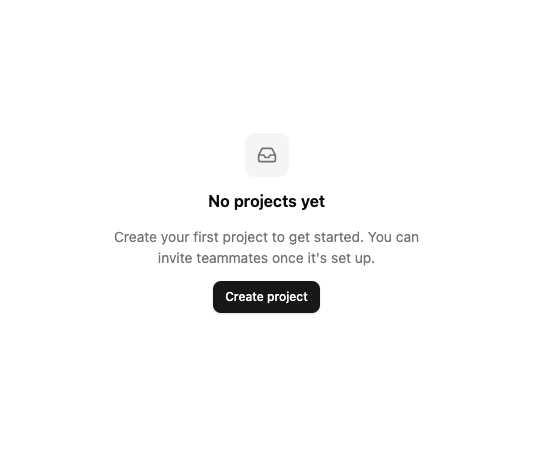
A placeholder panel with an icon, title, description and optional action button for lists, tables or pages that have no data yet.
Built with React and Tailwind. Copy the prompt and paste it into Claude Code, Cursor or Lovable: your agent adds Empty State to your project and fits it to your theme.
Code
How Empty State is used: the demo's code. The component's own source comes with a free account.
Usage.tsx
import EmptyState from "@/components/ui/empty-state";
import { Button } from "@/components/ui/button";
import { Inbox } from "lucide-react";

export default function EmptyStateDemo() {
  return (
    <div className="flex min-h-[400px] w-full items-center justify-center bg-background p-8">
      <EmptyState
        icon={<Inbox className="h-5 w-5" />}
        title="No projects yet"
        description="Create your first project to get started. You can invite teammates once it's set up."
        action={<Button size="sm">Create project</Button>}
      />
    </div>
  );
}
Dependencies
More by lailai0916
View all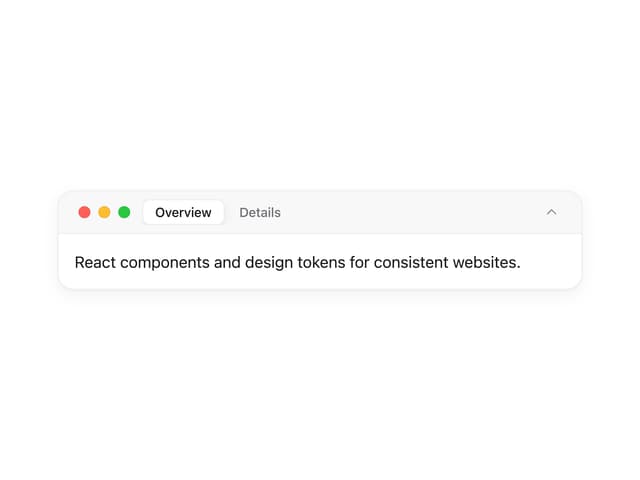
Window Panel
6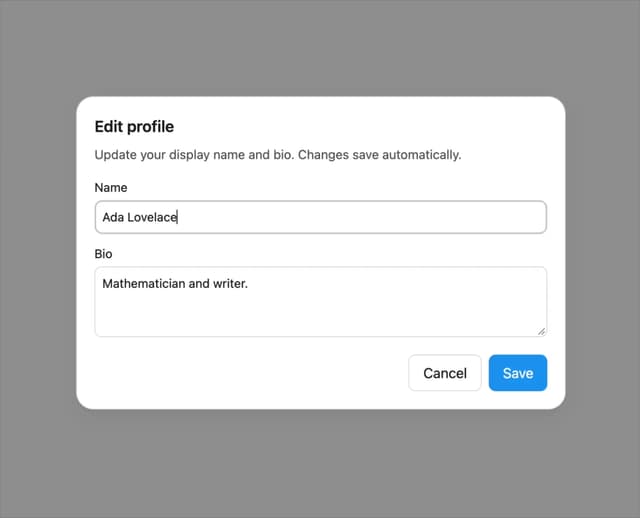
Dialog
1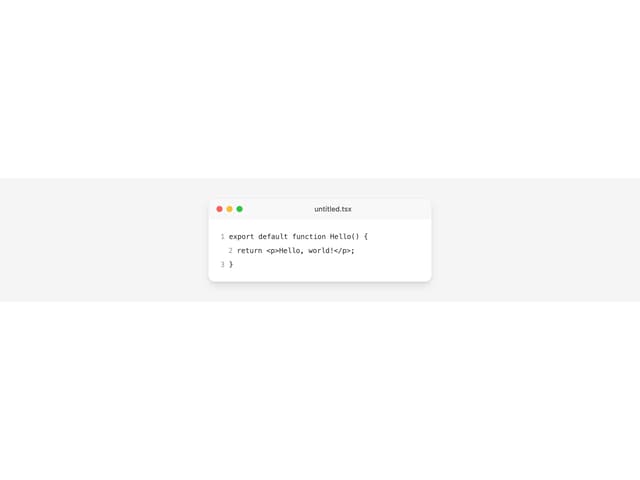
Window Bar
Tabs

Scrollable Data Table
Skip Link
Site Header

Skeleton