

About
A button with a clip-path fill sweep animation that reveals an inverted color copy on hover or focus, with configurable direction, duration and ease.
Built with React and Tailwind. Copy the prompt and paste it into Claude Code, Cursor or Lovable: your agent adds Fill Button to your project and fits it to your theme.
Code
How Fill Button is used: the demo's code. The component's own source comes with a free account.
Usage.tsx
import { FillButton } from "@/components/ui/fill-button";

export default function FillButtonDemo() {
  return (
    <div className="flex items-center justify-center w-full h-full min-h-[300px]">
      <FillButton direction="up" duration={0.45} ease="power3.out">
        Hover me
      </FillButton>
    </div>
  );
}
Dependencies
More by mirukullacode
View all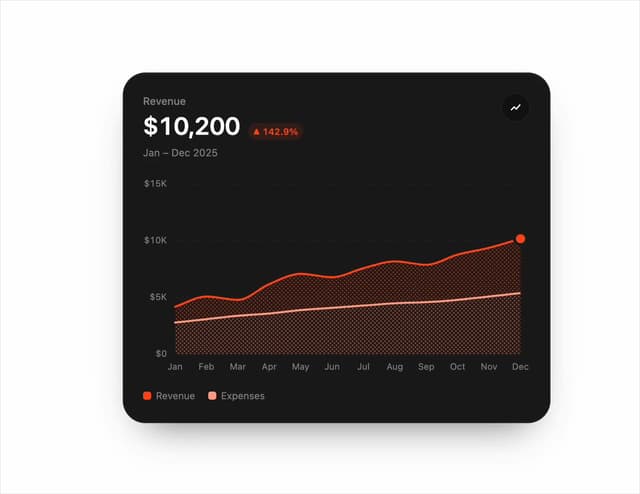
Chart Line
33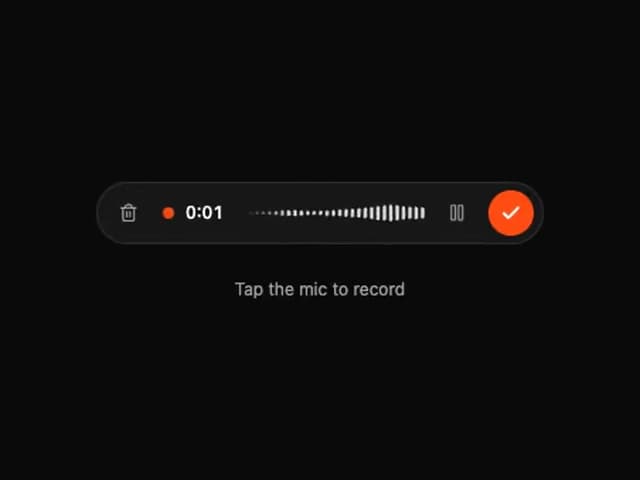
Tweenly AI Recorder
29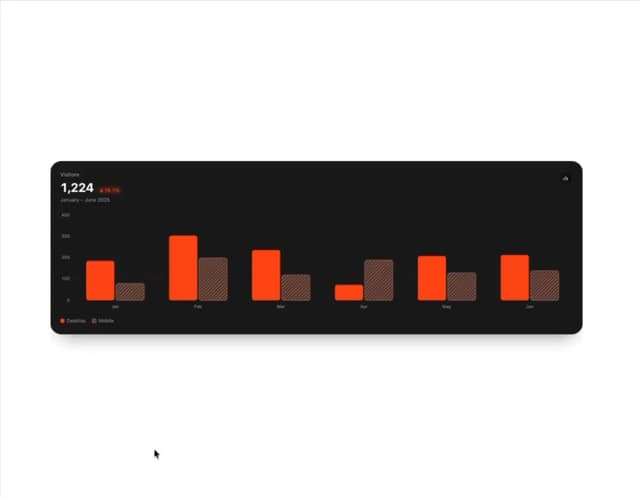
Animated Bar Chart
28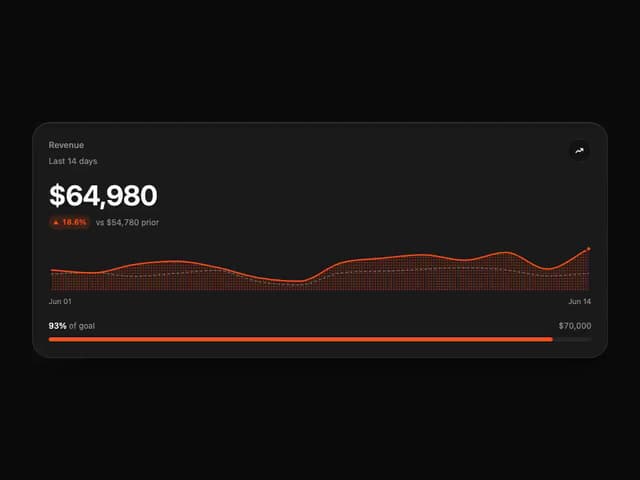
Tweenly Chart KPI
18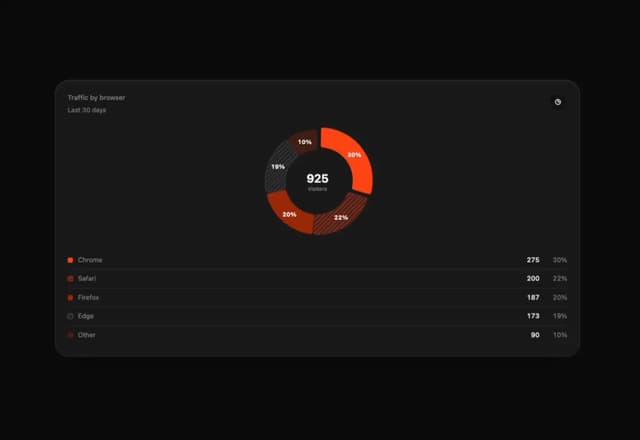
Tweenly Chart Radial
16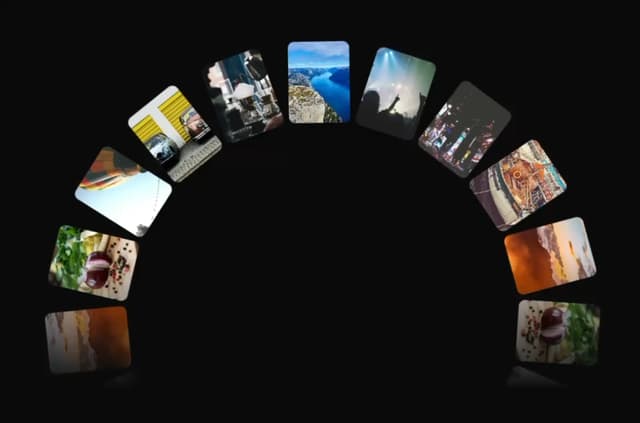
Tweenly Image Arc
15
Tweenly Hero Background
12
Tweenly Curved Carousel
12
More in Buttons
View all
Button Save
46

Button
20

Eclipse Button
5

Button
32

Button
6

Button
14

Button Group
37
Split Button
32

