
About
Pinned "How it works" section. A marker travels along a half circle from step to step as you scroll, the passed arc draws in, and the whole section flips to each step's solid color.
Built with React and Tailwind. Copy the prompt and paste it into Claude Code, Cursor or Lovable: your agent adds Tweenly Arc Steps to your project and fits it to your theme.
Code
How Tweenly Arc Steps is used: the demo's code. The component's own source comes with a free account.
Usage.tsx
"use client";
import {ThemeProvider as LibraryDemoThemeProvider} from "next-themes";
import { ArcSteps } from "@/components/ui/tweenly-arc-steps"

const steps = [
  { title: "Install", description: "One command adds the component and its dependencies to your project.", color: "#0a0a0a", foreground: "#ededed" },
  { title: "Customize", description: "It's your code. Tweak props, colors and timing until it feels like yours.", color: "#ff4d12", foreground: "#0a0a0a" },
  { title: "Ship", description: "Server-rendered, accessible and light. Deploy it with the rest of your app.", color: "#f5f0e8", foreground: "#0a0a0a" },
  { title: "Iterate", description: "Pull updates when you want them, keep your changes when you don't.", color: "#1f3a2e", foreground: "#f5f0e8" },
]

export function Demo() {
  return (
    <ArcSteps steps={steps} />
  )
}

function SourceSpecimen(){return <Demo/>}
export default function LibraryRegistryPreview(){return <LibraryDemoThemeProvider defaultTheme="dark" enableSystem={false}><div data-component-demo data-demo-theme="dark" data-theme="dark" className="dark" style={{background:"var(--background)",color:"var(--foreground)"}}><div className="relative w-full min-w-0 max-w-5xl min-h-[400px] flex items-center justify-center"><SourceSpecimen/></div></div></LibraryDemoThemeProvider>}
Dependencies
More by mirukullacode
View all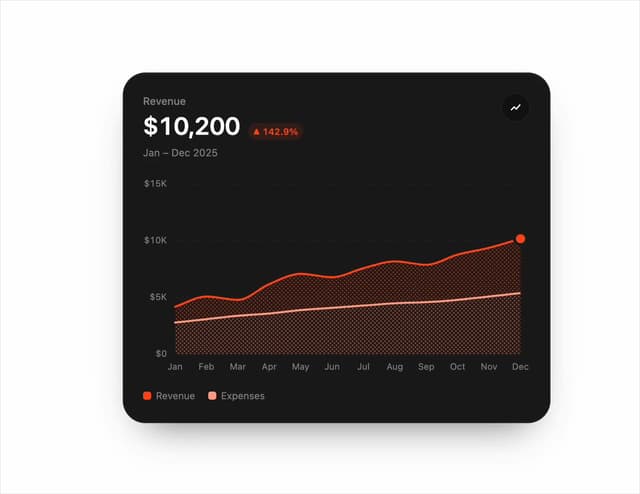
Chart Line
33
Tweenly AI Recorder
29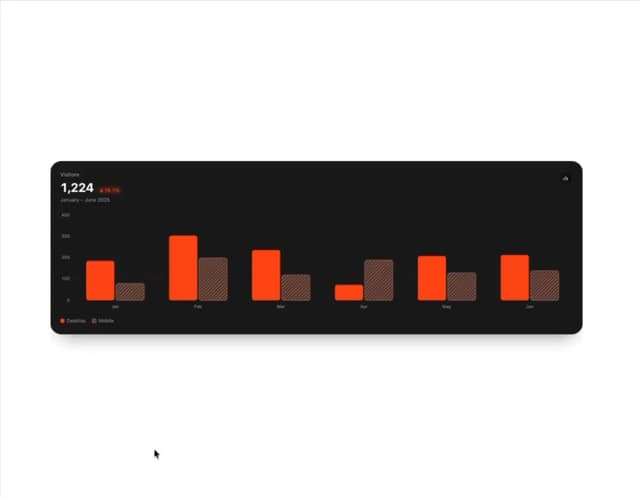
Animated Bar Chart
28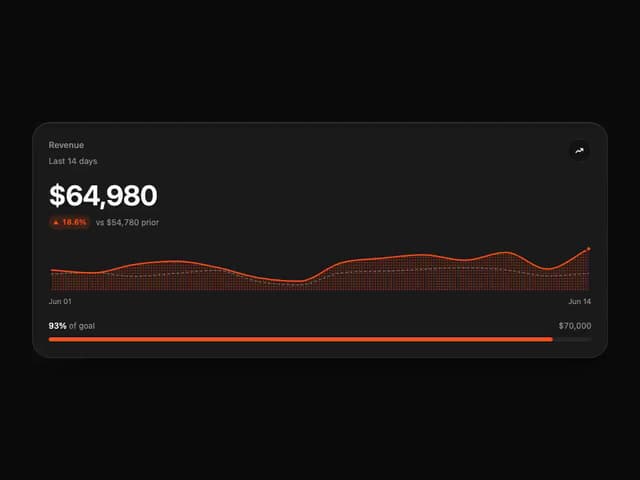
Tweenly Chart KPI
18
Tweenly Chart Radial
16
Tweenly Image Arc
15
Tweenly Hero Background
12
Tweenly Curved Carousel
12