
About
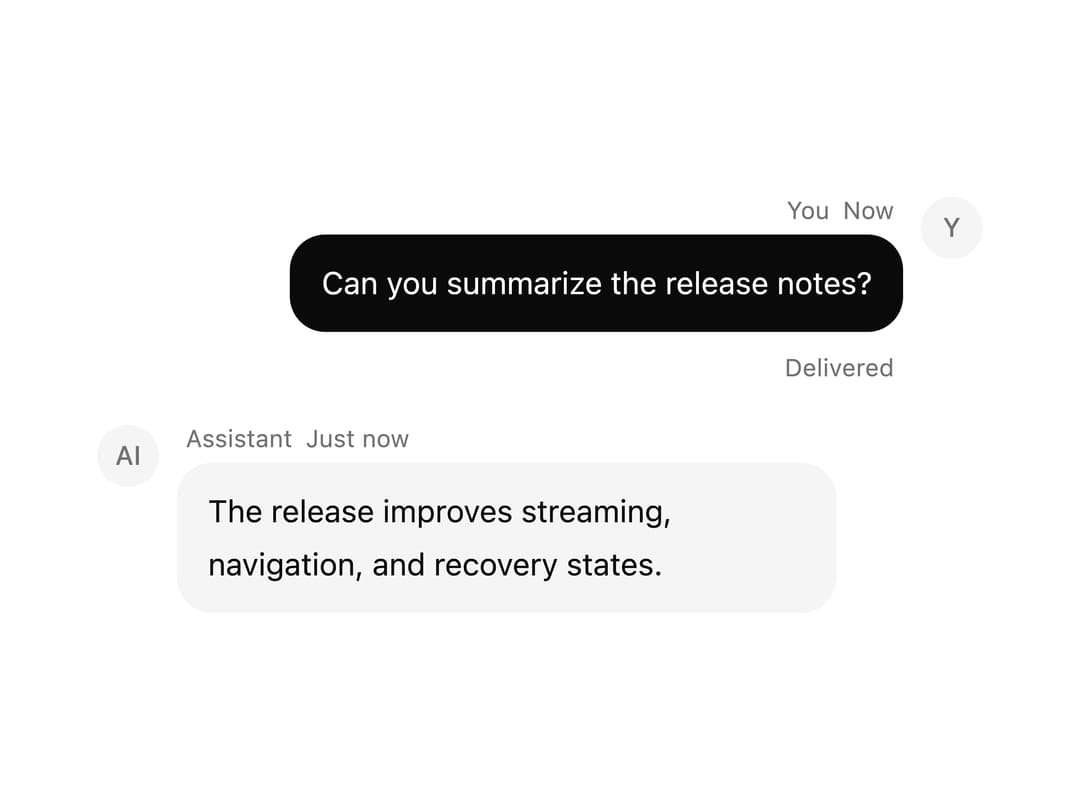
A composable chat message component with avatars, headers, grouped bubbles, collapsible long replies, a typing indicator, and an auto-following scroll container with a jump-to-message rail — for building AI/chat conversation UIs.
Built with React and Tailwind. Copy the prompt and paste it into Claude Code, Cursor or Lovable: your agent adds Message to your project and fits it to your theme.
Code
How Message is used: the demo's code. The component's own source comes with a free account.
Usage.tsx
"use client";

import {
  Message,
  MessageAvatar,
  MessageBubble,
  MessageBubbleContent,
  MessageContent,
  MessageFooter,
  MessageGroup,
  MessageHeader,
} from "@/components/ui/message";

export default function MessageDemo() {
  return (
    <div className="flex w-full max-w-md flex-col gap-4 p-6">
      <MessageGroup spacing="default">
        <Message from="user" animateIn>
          <MessageAvatar>Y</MessageAvatar>
          <MessageContent>
            <MessageHeader>
              <span>You</span>
              <span>Now</span>
            </MessageHeader>
            <MessageBubble variant="solid">
              <MessageBubbleContent>
                Can you summarize the release notes?
              </MessageBubbleContent>
            </MessageBubble>
            <MessageFooter>Delivered</MessageFooter>
          </MessageContent>
        </Message>

        <Message from="assistant">
          <MessageAvatar>AI</MessageAvatar>
          <MessageContent>
            <MessageHeader>
              <span>Assistant</span>
              <span>Just now</span>
            </MessageHeader>
            <MessageBubble variant="soft">
              <MessageBubbleContent>
                The release improves streaming, navigation, and recovery states.
              </MessageBubbleContent>
            </MessageBubble>
          </MessageContent>
        </Message>
      </MessageGroup>
    </div>
  );
}
Dependencies
More by Mark Yo
View all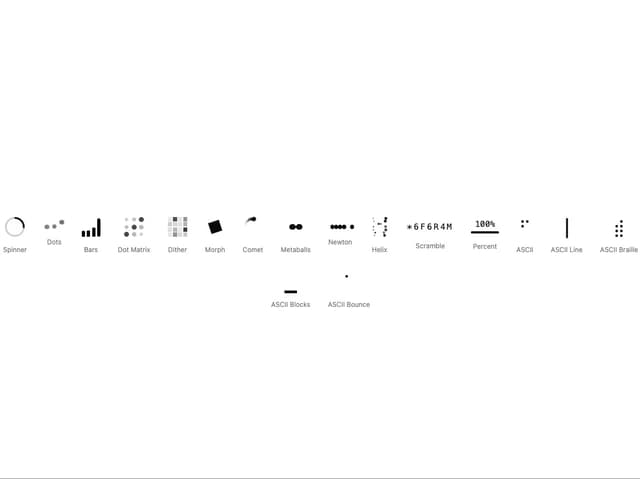
Loader
12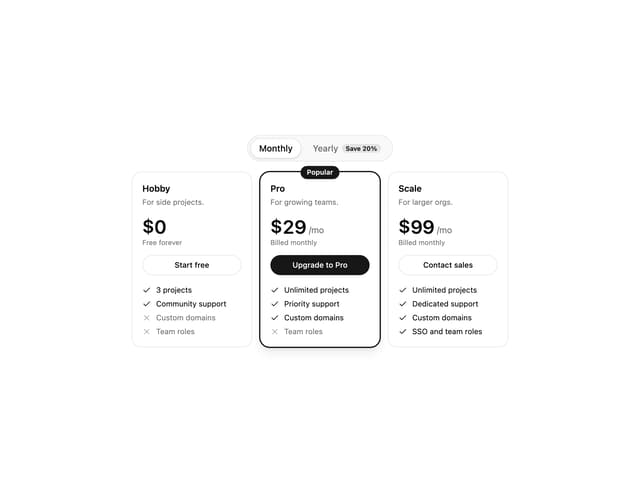
Pricing Table
3
More in AI chats
View all

AI Actions
319
Agent Chat
17

System Message
54
Message Thread
35
Color Picker
81

AI Task List
160

Modal Card
101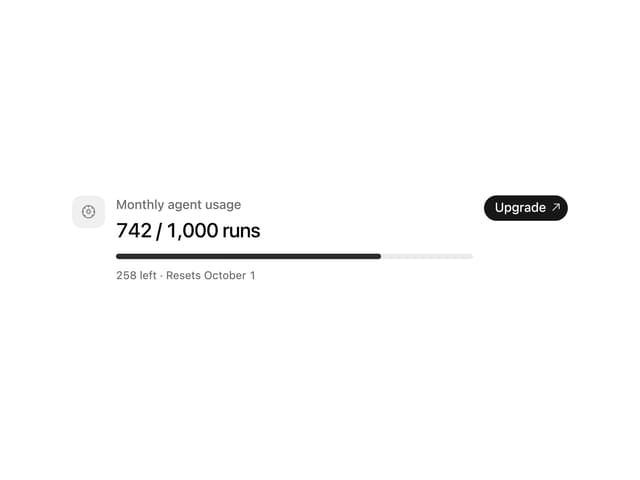
Quota Banner
21


