
About
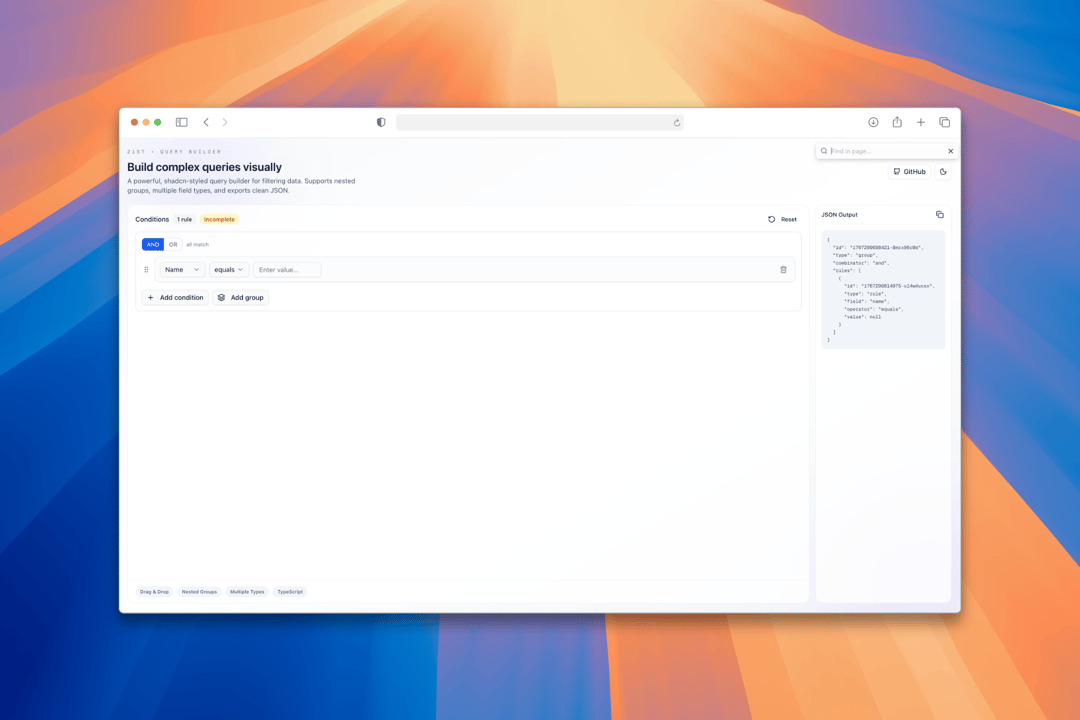
A powerful, shadcn-styled query builder for filtering data. Supports nested groups, multiple field types, and exports clean JSON.
Built with React and Tailwind. Copy the prompt and paste it into Claude Code, Cursor or Lovable: your agent adds Query Builder to your project and fits it to your theme.
Code
How Query Builder is used: the demo's code. The component's own source comes with a free account.
Usage.tsx
'use client';

import { Button } from '@/components/ui/button';
import { QueryBuilder, RuleGroup, Field } from '@/components/ui/query-builder';
import { Github, Moon, Sun, Copy, Check } from 'lucide-react';
import { useEffect, useState } from 'react';

const DEMO_FIELDS: Field[] = [
  { name: 'name', label: 'Name', type: 'text', group: 'Contact' },
  { name: 'email', label: 'Email', type: 'text', group: 'Contact' },
  { name: 'age', label: 'Age', type: 'number', group: 'Contact' },
  { name: 'signup_date', label: 'Signup Date', type: 'date', group: 'Contact' },
  { name: 'is_active', label: 'Is Active', type: 'boolean', group: 'Contact' },
  {
    name: 'status',
    label: 'Status',
    type: 'select',
    group: 'Contact',
    options: [
      { value: 'active', label: 'Active' },
      { value: 'inactive', label: 'Inactive' },
      { value: 'pending', label: 'Pending' },
    ],
  },
  {
    name: 'tags',
    label: 'Tags',
    type: 'multiselect',
    group: 'Contact',
    options: [
      { value: 'vip', label: 'VIP' },
      { value: 'beta', label: 'Beta' },
      { value: 'premium', label: 'Premium' },
    ],
  },
];

export default function QueryBuilderDemo() {
  const [query, setQuery] = useState<RuleGroup | undefined>(undefined);
  const [theme, setTheme] = useState<'light' | 'dark'>('light');
  const [copied, setCopied] = useState(false);

  useEffect(() => {
    const savedTheme = localStorage.getItem('theme') as 'light' | 'dark' | null;
    const prefersDark = window.matchMedia('(prefers-color-scheme: dark)').matches;
    const initialTheme = savedTheme || (prefersDark ? 'dark' : 'light');
    setTheme(initialTheme);
    document.documentElement.classList.toggle('dark', initialTheme === 'dark');
  }, []);

  const toggleTheme = () => {
    const newTheme = theme === 'light' ? 'dark' : 'light';
    setTheme(newTheme);
    localStorage.setItem('theme', newTheme);
    document.documentElement.classList.toggle('dark', newTheme === 'dark');
  };

  const handleCopy = async () => {
    if (query) {
      await navigator.clipboard.writeText(JSON.stringify(query, null, 2));
      setCopied(true);
      setTimeout(() => setCopied(false), 2000);
    }
  };

  const ruleCount = query?.rules?.length ?? 0;

  return (
    <div className="relative w-full flex h-screen flex-col overflow-scroll bg-background transition-colors">
      {/* Header */}
      <header className="relative z-10 flex flex-wrap items-center justify-between gap-6 px-6 pb-4 pt-6 sm:px-8">
        <div>
          <h1 className="text-3xl font-bold">Query Builder</h1>
          <p className="mt-2 text-muted-foreground">
            Build complex filter queries visually with nested groups and drag-and-drop
          </p>
        </div>
        <div className="flex items-center gap-3">
          <Button asChild variant="outline" className="gap-2">
            <a href="https://github.com/nparashar150/21st" target="_blank" rel="noopener noreferrer">
              <Github className="h-4 w-4" />
              GitHub
            </a>
          </Button>
          <Button
            size="icon"
            variant="outline"
            onClick={toggleTheme}
            aria-label="Toggle theme"
          >
            {theme === 'light' ? <Moon className="h-4 w-4" /> : <Sun className="h-4 w-4" />}
          </Button>
        </div>
      </header>

      {/* Main Content */}
      <main className="relative z-10 flex flex-1 flex-col gap-4 px-6 pb-6 sm:px-8 lg:flex-row">
        {/* Query Builder Container */}
        <div className="flex-1 min-h-0 overflow-hidden rounded-lg border bg-card">
          <div className="h-full overflow-auto p-4">
            <QueryBuilder
              fields={DEMO_FIELDS}
              value={query}
              onChange={setQuery}
            />
          </div>
        </div>

        {/* JSON Output Panel */}
        <div className="w-full lg:w-80 shrink-0 rounded-lg border bg-card">
          <div className="flex items-center justify-between border-b px-4 py-3">
            <h3 className="text-sm font-semibold">JSON Output</h3>
            <Button
              variant="ghost"
              size="icon-sm"
              onClick={handleCopy}
              disabled={ruleCount === 0}
              className="h-7 w-7"
            >
              {copied ? <Check className="h-4 w-4 text-green-500" /> : <Copy className="h-4 w-4" />}
            </Button>
          </div>
          <div className="p-4 max-h-96 lg:max-h-none lg:h-[calc(100%-53px)] overflow-auto">
            {ruleCount > 0 ? (
              <pre className="rounded-lg bg-muted p-4 font-mono text-xs leading-relaxed overflow-auto">
                {JSON.stringify(query, null, 2)}
              </pre>
            ) : (
              <p className="py-8 text-center text-sm text-muted-foreground">
                Add conditions to see output
              </p>
            )}
          </div>
        </div>
      </main>

      {/* Info Cards */}
      <div className="px-6 pb-6 sm:px-8">
        <div className="grid gap-4 sm:grid-cols-4">
          <div className="rounded-lg border bg-card p-4">
            <p className="text-sm font-medium text-muted-foreground">Total Rules</p>
            <p className="mt-1 text-2xl font-bold">{ruleCount}</p>
          </div>
          <div className="rounded-lg border bg-card p-4">
            <p className="text-sm font-medium text-muted-foreground">Field Types</p>
            <p className="mt-1 text-2xl font-bold">6</p>
          </div>
          <div className="rounded-lg border bg-card p-4">
            <p className="text-sm font-medium text-muted-foreground">Operators</p>
            <p className="mt-1 text-2xl font-bold">20+</p>
          </div>
          <div className="rounded-lg border bg-card p-4">
            <p className="text-sm font-medium text-muted-foreground">Features</p>
            <p className="mt-1 text-2xl font-bold">Drag & Drop</p>
          </div>
        </div>
      </div>
    </div>
  );
}
Dependencies
More by Naman Parashar
View all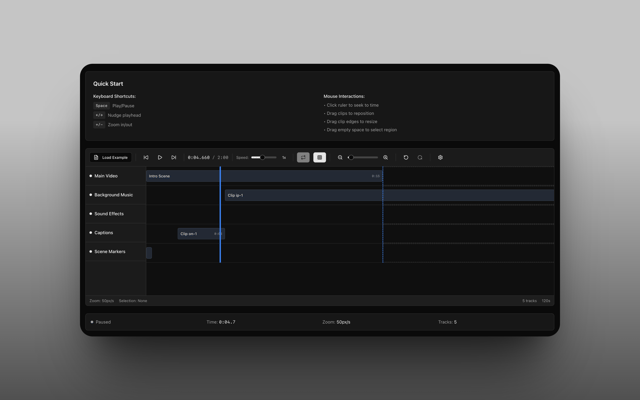
Timeline
8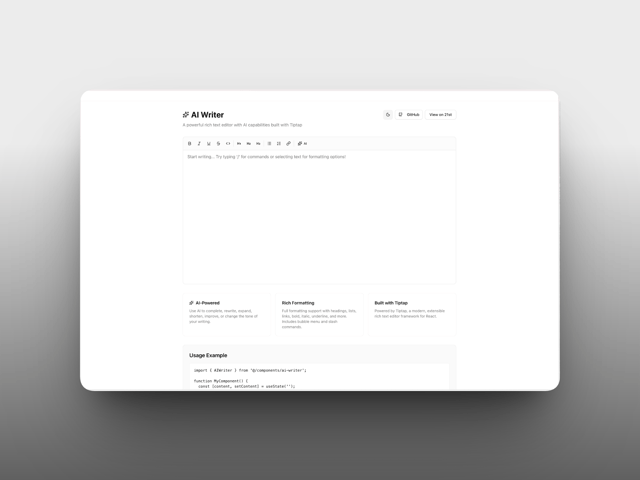
AI Writer
3
More in Forms
View all

Premium Auth
500

Login 1
52
Authentication Card
47

Book A Demo 3
83
Book A Demo 1
69

Contact Card
1K

Login Card
32

Login 2
7
