
About
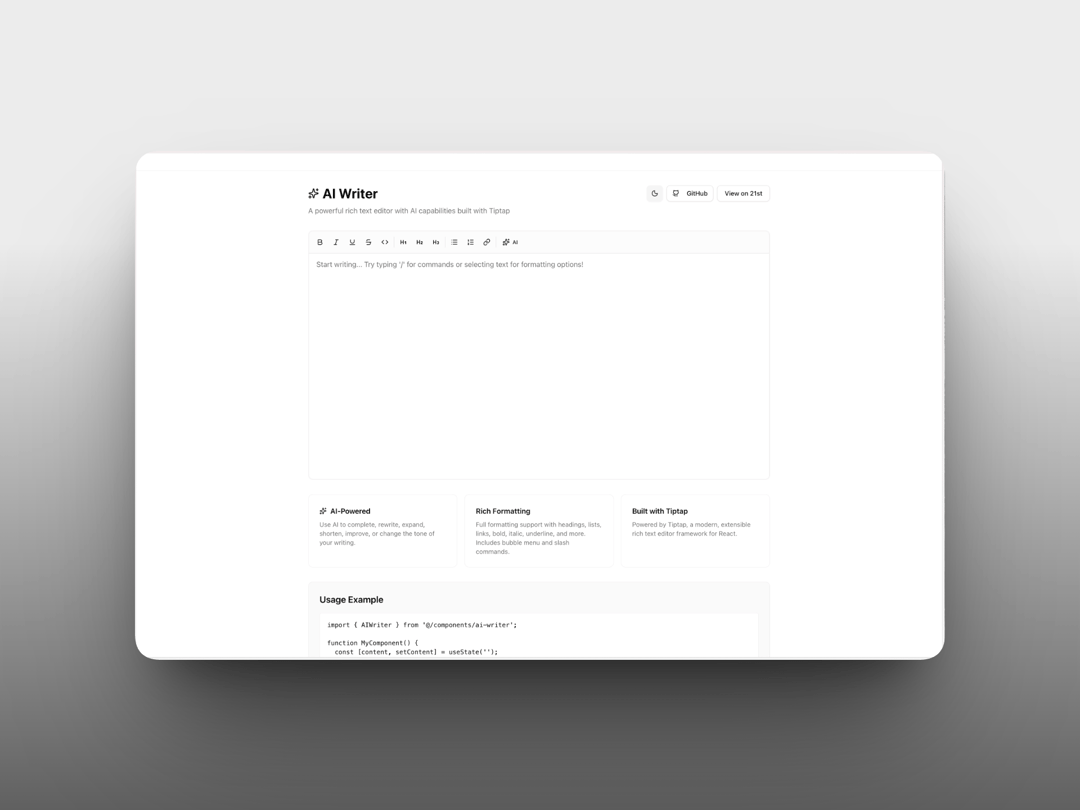
A powerful rich text editor with AI capabilities built with Tiptap.
Built with React and Tailwind. Copy the prompt and paste it into Claude Code, Cursor or Lovable: your agent adds AI Writer to your project and fits it to your theme.
Code
How AI Writer is used: the demo's code. The component's own source comes with a free account.
Usage.tsx
'use client';

import * as React from 'react';
import { useState, useEffect } from 'react';
import { AIWriter } from '@/components/ui/ai-writer';
import { Moon, Sun, Github, Sparkles } from 'lucide-react';

function cn(...inputs: (string | undefined | null | boolean)[]) {
  return inputs.filter(Boolean).join(' ');
}

function Button({ className, children, style, ...props }: React.ButtonHTMLAttributes<HTMLButtonElement> & { style?: React.CSSProperties }) {
  return (
    <button
      style={{
        display: 'inline-flex',
        alignItems: 'center',
        justifyContent: 'center',
        gap: '0.5rem',
        whiteSpace: 'nowrap',
        borderRadius: '0.375rem',
        fontSize: '0.875rem',
        fontWeight: '500',
        transition: 'colors',
        border: '1px solid',
        padding: '0.5rem 1rem',
        cursor: 'pointer',
        ...style
      }}
      className={cn(
        'border-border bg-background hover:bg-accent hover:text-accent-foreground',
        className
      )}
      {...props}>
      {children}
    </button>
  );
}

export default function AIWriterDemo() {
  const [theme, setTheme] = useState<'light' | 'dark'>('light');
  const [content, setContent] = useState('');

  useEffect(() => {
    const savedTheme = localStorage.getItem('theme') as 'light' | 'dark' | null;
    const prefersDark = window.matchMedia('(prefers-color-scheme: dark)').matches;
    const initialTheme = savedTheme || (prefersDark ? 'dark' : 'light');
    setTheme(initialTheme);
    document.documentElement.classList.toggle('dark', initialTheme === 'dark');
  }, []);

  const toggleTheme = () => {
    const newTheme = theme === 'light' ? 'dark' : 'light';
    setTheme(newTheme);
    localStorage.setItem('theme', newTheme);
    document.documentElement.classList.toggle('dark', newTheme === 'dark');
  };

  const handleAIAction = async (action: string, prompt: string): Promise<string> => {
    // Mock AI implementation - replace with your AI service
    await new Promise((resolve) => setTimeout(resolve, 1000));

    const responses: Record<string, string> = {
      complete: `This is a continuation of your text. The AI has generated additional content that flows naturally from what you've written.`,
      rewrite: `This text has been rewritten to be clearer and more engaging while maintaining the original meaning.`,
      expand: `This is an expanded version with more details and examples. The original content has been enhanced with additional context.`,
      shorten: `A concise version that keeps all key points.`,
      improve: `This improved version has better clarity, flow, and impact.`,
      tone: `This text has been rewritten in a more professional tone.`
    };

    return responses[action] || 'AI response generated successfully.';
  };

  return (
    <div className={cn('min-h-screen bg-background transition-colors')}>
      <div className='container mx-auto px-4 py-8'>
        <div className='mx-auto max-w-5xl'>
          {/* Header */}
          <div className='mb-8 flex items-start justify-between'>
            <div>
              <div className='flex items-center gap-2 mb-2'>
                <Sparkles className='h-6 w-6 text-primary' />
                <h1 className='text-3xl font-bold text-foreground'>AI Writer</h1>
              </div>
              <p className='text-muted-foreground'>A powerful rich text editor with AI capabilities built with Tiptap</p>
            </div>
            <div className='flex items-center gap-2'>
              <Button
                onClick={toggleTheme}
                aria-label='Toggle theme'
                style={{
                  width: '2.25rem',
                  height: '2.25rem',
                  padding: 0,
                  display: 'flex',
                  alignItems: 'center',
                  justifyContent: 'center'
                }}
                className='h-9 w-9 p-0'>
                {theme === 'light' ? (
                  <Moon className='h-5 w-5' />
                ) : (
                  <Sun className='h-5 w-5' />
                )}
              </Button>
              <Button onClick={() => window.open('https://github.com/nparashar150/21st', '_blank')}>
                <Github className='h-4 w-4 mr-2' />
                GitHub
              </Button>
              <Button onClick={() => window.open('https://21st.dev/nparashar150/ai-writer/default', '_blank')}>
                View on 21st
              </Button>
            </div>
          </div>

          {/* Editor */}
          <div className='rounded-lg border border-border bg-card'>
            <AIWriter
              content={content}
              onChange={setContent}
              placeholder="Start writing... Try typing '/' for commands or selecting text for formatting options!"
              onAIAction={handleAIAction}
              minHeight='500px'
            />
          </div>

          {/* Features */}
          <div className='mt-8 grid grid-cols-1 md:grid-cols-3 gap-4'>
            <div className='p-6 border border-border rounded-lg bg-card'>
              <h3 className='font-semibold mb-2 flex items-center gap-2 text-foreground'>
                <Sparkles className='h-4 w-4 text-primary' />
                AI-Powered
              </h3>
              <p className='text-sm text-muted-foreground'>
                Use AI to complete, rewrite, expand, shorten, improve, or change the tone of your writing.
              </p>
            </div>
            <div className='p-6 border border-border rounded-lg bg-card'>
              <h3 className='font-semibold mb-2 text-foreground'>Rich Formatting</h3>
              <p className='text-sm text-muted-foreground'>
                Full formatting support with headings, lists, links, bold, italic, underline, and more. Includes bubble menu and slash commands.
              </p>
            </div>
            <div className='p-6 border border-border rounded-lg bg-card'>
              <h3 className='font-semibold mb-2 text-foreground'>Built with Tiptap</h3>
              <p className='text-sm text-muted-foreground'>
                Powered by Tiptap, a modern, extensible rich text editor framework for React.
              </p>
            </div>
          </div>
        </div>
      </div>
    </div>
  );
}
Dependencies
More by Naman Parashar
View all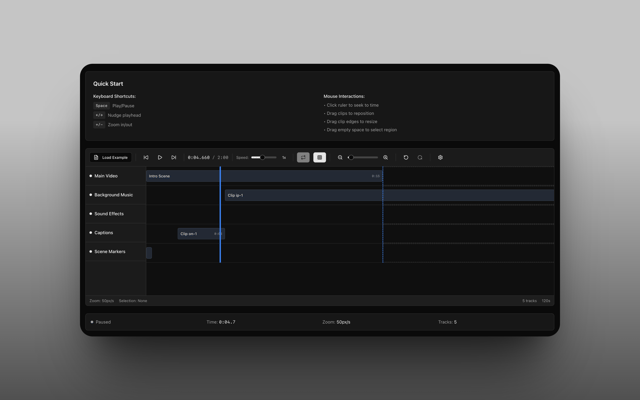
Timeline
8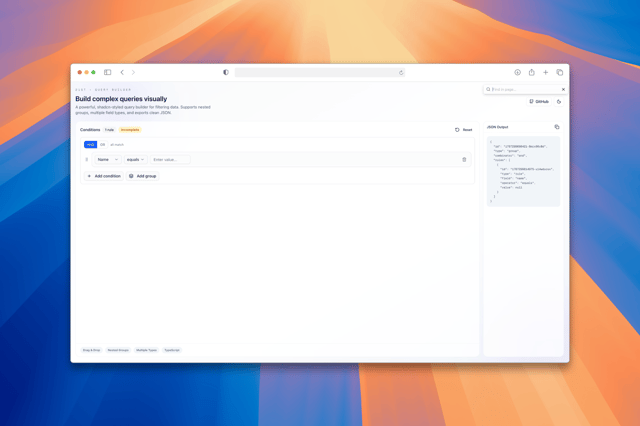
Query Builder
1
More in AI chats
View all

AI Actions
319
Color Picker
82
Agent Chat
17
Message Thread
36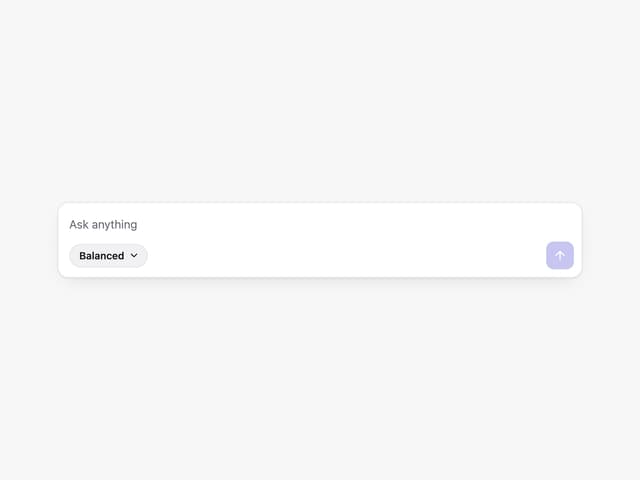
Prompt with Model Picker
2

System Message
54
Suggestions
28

Message With Header And Delivery Status
38


