
About
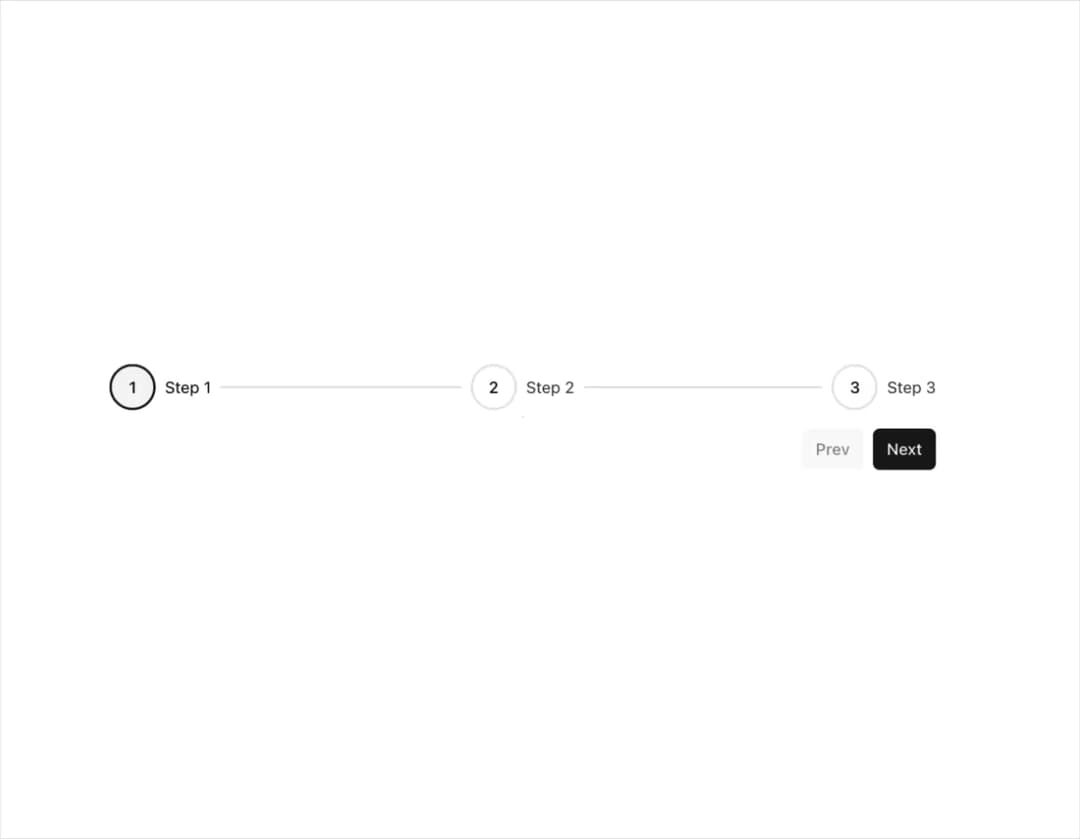
Display content divided into a steps sequence.
Built with React and Tailwind. Copy the prompt and paste it into Claude Code, Cursor or Lovable: your agent adds Stepper to your project and fits it to your theme.
Code
How Stepper is used: the demo's code. The component's own source comes with a free account.
Usage.tsx
import { Button } from "@/components/ui/button";
import type { StepItem } from "@/components/ui/stepper";
import { Step, Stepper, useStepper } from "@/components/ui/stepper";

const steps = [
  { label: "Step 1" },
  { label: "Step 2" },
  { label: "Step 3" },
] satisfies StepItem[];

export function StepperDemo() {
  return (
    <div className="flex w-full flex-col gap-4">
      <Stepper initialStep={0} steps={steps}>
        {steps.map((stepProps, index) => {
          return (
            <Step key={stepProps.label} {...stepProps}>
              <div className="bg-secondary text-primary my-2 flex h-40 items-center justify-center rounded-md border">
                <h1 className="text-xl">
                  Step
                  {index + 1}
                </h1>
              </div>
            </Step>
          );
        })}
        <Footer />
      </Stepper>
    </div>
  );
}

function Footer() {
  const {
    nextStep,
    prevStep,
    resetSteps,
    hasCompletedAllSteps,
    isLastStep,
    isOptionalStep,
    isDisabledStep,
  } = useStepper();
  return (
    <>
      {hasCompletedAllSteps && (
        <div className="bg-secondary text-primary my-2 flex h-40 items-center justify-center rounded-md border">
          <h1 className="text-xl">Woohoo! All steps completed! 🎉</h1>
        </div>
      )}
      <div className="flex w-full justify-end gap-2">
        {hasCompletedAllSteps ? (
          <Button size="sm" onClick={resetSteps}>
            Reset
          </Button>
        ) : (
          <>
            <Button
              disabled={isDisabledStep}
              onClick={prevStep}
              size="sm"
              variant="secondary"
            >
              Prev
            </Button>
            <Button size="sm" onClick={nextStep}>
              {isLastStep ? "Finish" : isOptionalStep ? "Skip" : "Next"}
            </Button>
          </>
        )}
      </div>
    </>
  );
}
Dependencies
More by Nyxb UI
View all
Timeline
191
Warp Background
132
Video Modal
82
Globe
30
More in Buttons
View all

Button
14
Button
34
Texture Button
92
Button Save
46

Button
64

Button Group
3

App Store Button
454

Notification Button
103

