
About
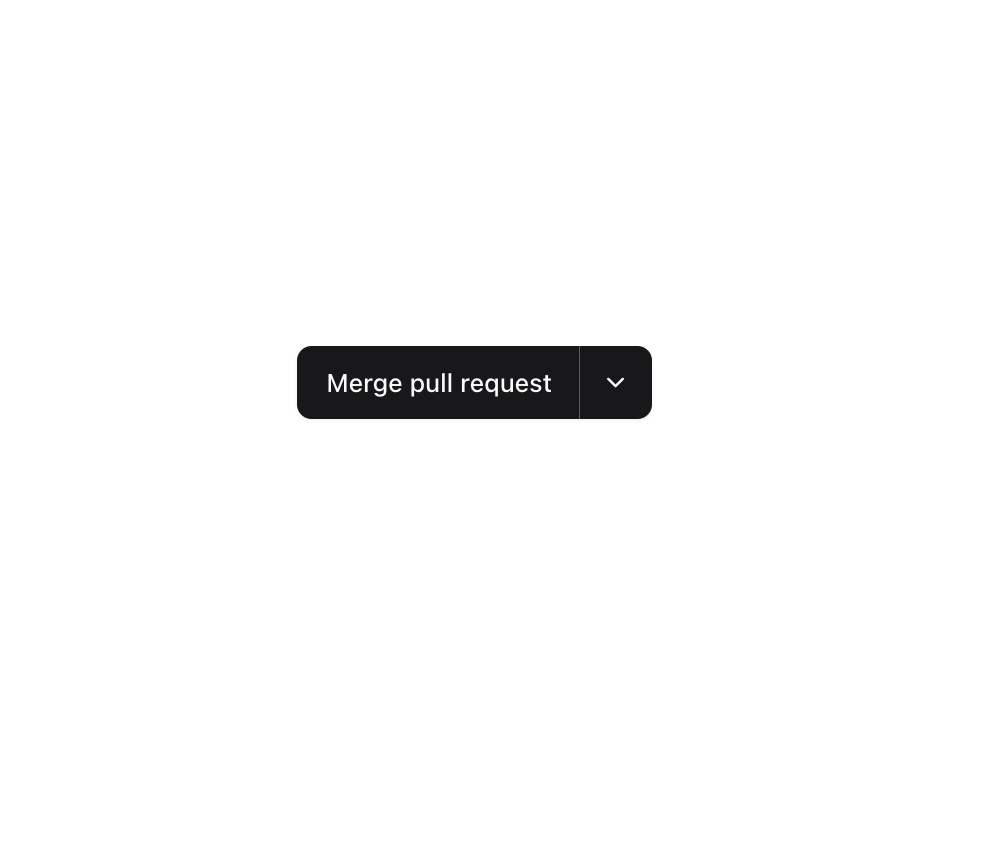
Enhanced shadcn/ui button
Built with React and Tailwind. Copy the prompt and paste it into Claude Code, Cursor or Lovable: your agent adds Button to your project and fits it to your theme.
Code
How Button is used: the demo's code. The component's own source comes with a free account.
Usage.tsx
"use client";

import { Button } from "@/components/ui/button";
import {
  DropdownMenu,
  DropdownMenuContent,
  DropdownMenuRadioGroup,
  DropdownMenuRadioItem,
  DropdownMenuTrigger,
} from "@/components/ui/dropdown-menu";
import { ChevronDown } from "lucide-react";
import { useState } from "react";

const options = [
  {
    label: "Merge pull request",
    description:
      "All commits from this branch will be added to the base branch via a commit version.",
  },
  {
    label: "Squash and merge",
    description:
      "The 6 commits from this branch will be combined into one commit in the base branch.",
  },
  {
    label: "Rebase and merge",
    description: "The 6 commits from this branch will be rebased and added to the base branch.",
  },
];

function Component() {
  const [selectedIndex, setSelectedIndex] = useState("0");

  return (
    <div className="inline-flex -space-x-px divide-x divide-primary-foreground/30 rounded-lg shadow-sm shadow-black/5 rtl:space-x-reverse">
      <Button className="rounded-none shadow-none first:rounded-s-lg last:rounded-e-lg focus-visible:z-10">
        {options[Number(selectedIndex)].label}
      </Button>
      <DropdownMenu>
        <DropdownMenuTrigger asChild>
          <Button
            className="rounded-none shadow-none first:rounded-s-lg last:rounded-e-lg focus-visible:z-10"
            size="icon"
            aria-label="Options"
          >
            <ChevronDown size={16} strokeWidth={2} aria-hidden="true" />
          </Button>
        </DropdownMenuTrigger>
        <DropdownMenuContent
          className="max-w-64 md:max-w-xs"
          side="bottom"
          sideOffset={4}
          align="end"
        >
          <DropdownMenuRadioGroup value={selectedIndex} onValueChange={setSelectedIndex}>
            {options.map((option, index) => (
              <DropdownMenuRadioItem
                key={option.label}
                value={String(index)}
                className="items-start [&>span]:pt-1.5"
              >
                <div className="flex flex-col gap-1">
                  <span className="text-sm font-medium">{option.label}</span>
                  <span className="text-xs text-muted-foreground">{option.description}</span>
                </div>
              </DropdownMenuRadioItem>
            ))}
          </DropdownMenuRadioGroup>
        </DropdownMenuContent>
      </DropdownMenu>
    </div>
  );
}

export { Component };
Dependencies
More by Origin UI
View all
Dialog
1.2K
Avatar
951
useImageUpload
926
usePagination
622
Popover
384
Command
321
Accordion
258![Calendar [React Day Picker]](https://cdn.21st.dev/cdn-cgi/image/fit=scale-down,width=640,quality=75,format=webp/https://cdn.21st.dev/user_originui/calendar/default/preview.1737991983843.png)
Calendar [React Day Picker]
256
More in Buttons
View all

Button
14
Button
34
Texture Button
92
Button Save
46

Button
64

Button Group
3

App Store Button
454

Notification Button
103

