
About
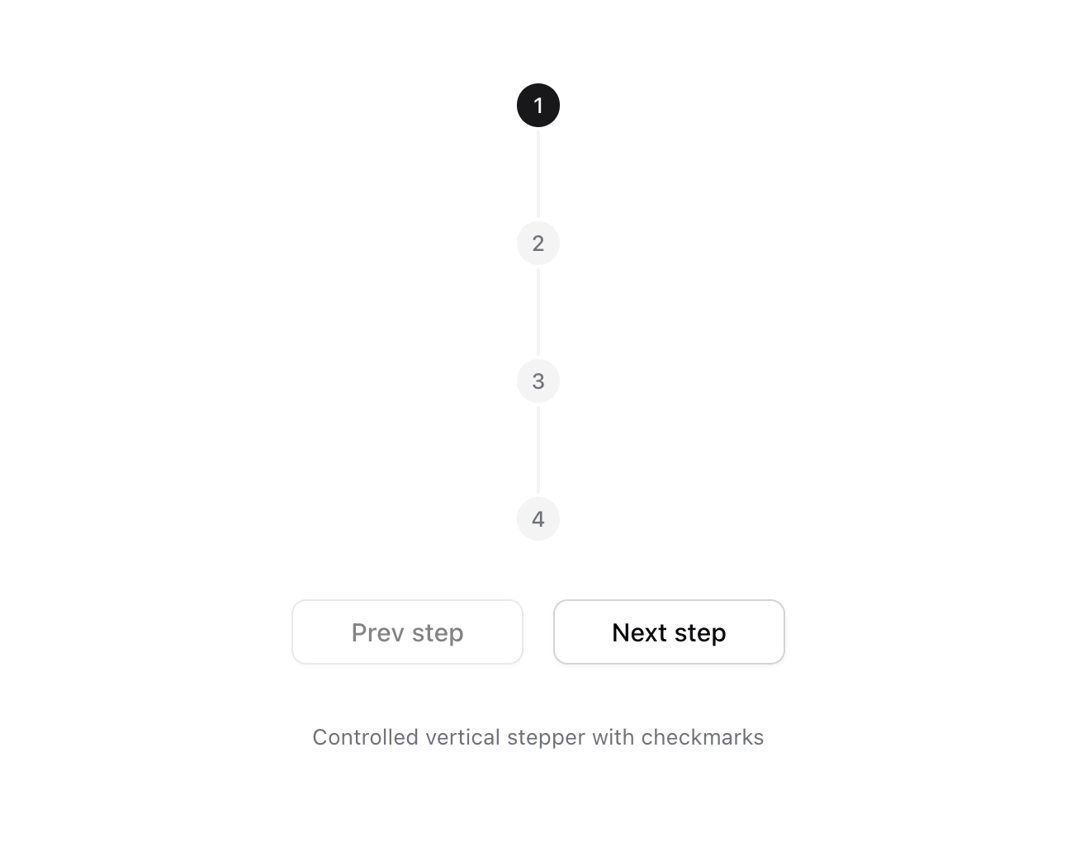
Stepper UI component.
Built with React and Tailwind. Copy the prompt and paste it into Claude Code, Cursor or Lovable: your agent adds Stepper to your project and fits it to your theme.
Code
How Stepper is used: the demo's code. The component's own source comes with a free account.
Usage.tsx
"use client";

import { Button } from "@/components/ui/button";
import {
  Stepper,
  StepperIndicator,
  StepperItem,
  StepperSeparator,
  StepperTrigger,
} from "@/components/ui/stepper";
import { Check, LoaderCircle } from "lucide-react";
import { useState } from "react";

const steps = [1, 2, 3, 4];

function Component() {
  const [currentStep, setCurrentStep] = useState(1);
  return (
    <div className="space-y-8 text-center min-w-[300px]">
      <Stepper value={currentStep} onValueChange={setCurrentStep} orientation="vertical">
        {steps.map((step) => (
          <StepperItem key={step} step={step} className="[&:not(:last-child)]:flex-1">
            <StepperTrigger asChild>
              <StepperIndicator>
                <span className="transition-all group-data-[loading=true]/step:scale-50 group-data-[state=completed]/step:scale-50 group-data-[loading=true]/step:opacity-0 group-data-[state=completed]/step:opacity-0">
                  {step}
                </span>
                <Check
                  className="absolute scale-50 opacity-0 transition-all group-data-[state=completed]/step:scale-100 group-data-[state=completed]/step:opacity-100"
                  size={16}
                  strokeWidth={2}
                  aria-hidden="true"
                />
                <span className="absolute scale-50 opacity-0 transition-all group-data-[loading=true]/step:scale-100 group-data-[loading=true]/step:opacity-100">
                  <LoaderCircle
                    className="animate-spin"
                    size={16}
                    strokeWidth={2}
                    aria-hidden="true"
                  />
                </span>
              </StepperIndicator>
            </StepperTrigger>
            {step < steps.length && <StepperSeparator />}
          </StepperItem>
        ))}
      </Stepper>
      <div className="flex justify-center space-x-4">
        <Button
          variant="outline"
          className="w-32"
          onClick={() => setCurrentStep((prev) => prev - 1)}
          disabled={currentStep === 1}
        >
          Prev step
        </Button>
        <Button
          variant="outline"
          className="w-32"
          onClick={() => setCurrentStep((prev) => prev + 1)}
          disabled={currentStep > steps.length}
        >
          Next step
        </Button>
      </div>
      <p className="mt-2 text-xs text-muted-foreground" role="region" aria-live="polite">
        Controlled vertical stepper with checkmarks
      </p>
    </div>
  );
}

export { Component };
Dependencies
More by Origin UI
View all
Dialog
1.2K
Avatar
951
useImageUpload
926
usePagination
622
Popover
384
Button
364
Command
321
Accordion
258
More in Buttons
View all

Button
14
Button
34
Texture Button
92
Button Save
46

Button
64

Button Group
3

App Store Button
454

Notification Button
103

