

About
Photo hero with a curved corner cut, working dropdown menus and a sticky section bar that follows the scroll. Light and dark, built for phones.
Built with React and Tailwind. Copy the prompt and paste it into Claude Code, Cursor or Lovable: your agent adds Angled Hero to your project and fits it to your theme.
Code
How Angled Hero is used: the demo's code. The component's own source comes with a free account.
Usage.tsx
import AngledHero from "@/components/ui/angled-hero";

const SECTIONS = ["Overview", "Design", "Performance", "Specs", "Gallery"];

export default function AngledHeroDemo() {
    return (
        <AngledHero>
            {/* Stand-in page content, so the section bar has something to stay pinned over. */}
            <main className="mx-auto max-w-7xl px-6 sm:px-10">
                {SECTIONS.map((label) => (
                    <section key={label} id={label.toLowerCase()} className="min-h-[70vh] scroll-mt-16 border-b border-border py-24">
                        <h2 className="text-2xl font-semibold tracking-tight">{label}</h2>
                        <p className="mt-3 max-w-prose text-muted-foreground">
                            Your {label.toLowerCase()} content goes here. The bar above stays in place while this scrolls.
                        </p>
                    </section>
                ))}
            </main>
        </AngledHero>
    );
}
More by Ato Augustine
View all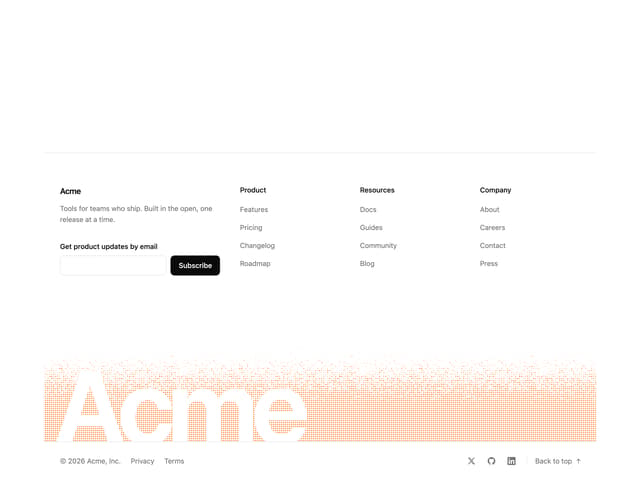
Dithered Footer
95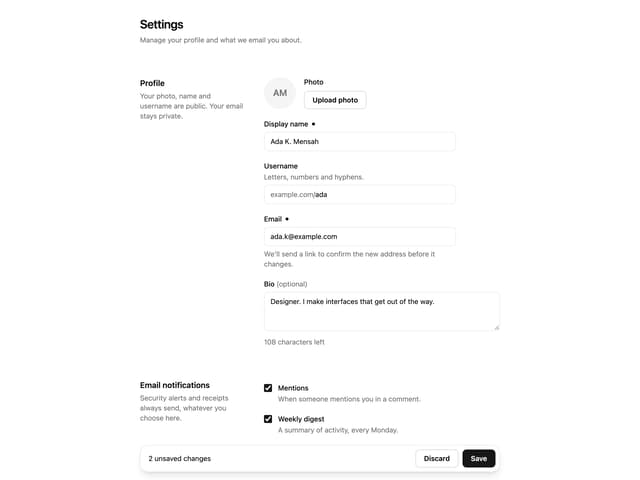
Save Bar
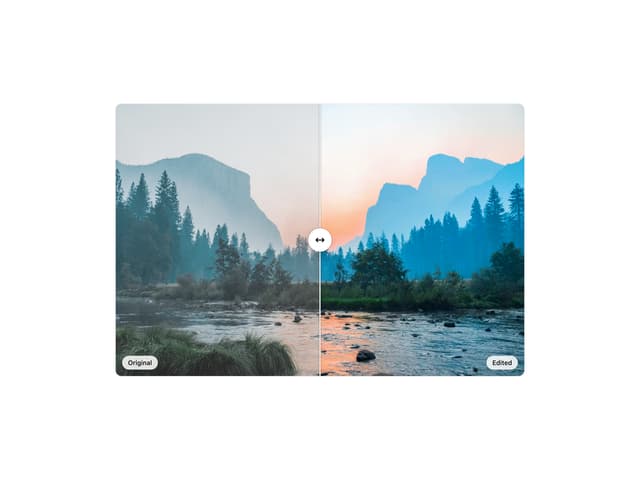
Compare Slider
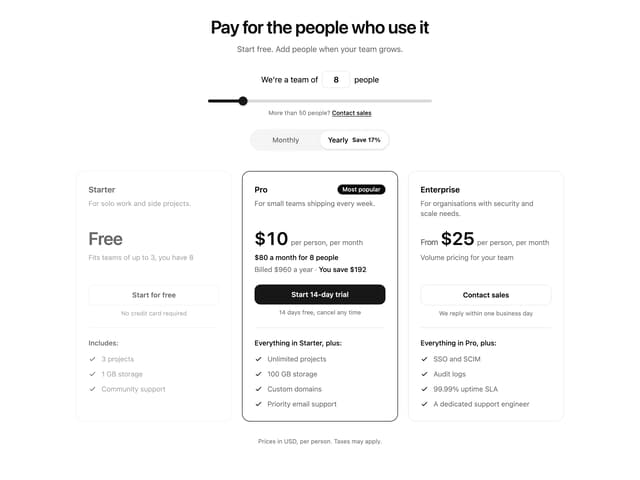
Pricing Section
More in Heroes
View all

SaaS Template
2.4K

Hero
1.2K

Responsive Hero Banner
2K
Centered Hero with Image Fan
922

HeroSectionWithGradient
335
Editorial Collage Hero
426

Hero 03
315
Glass Fold
199
