
About
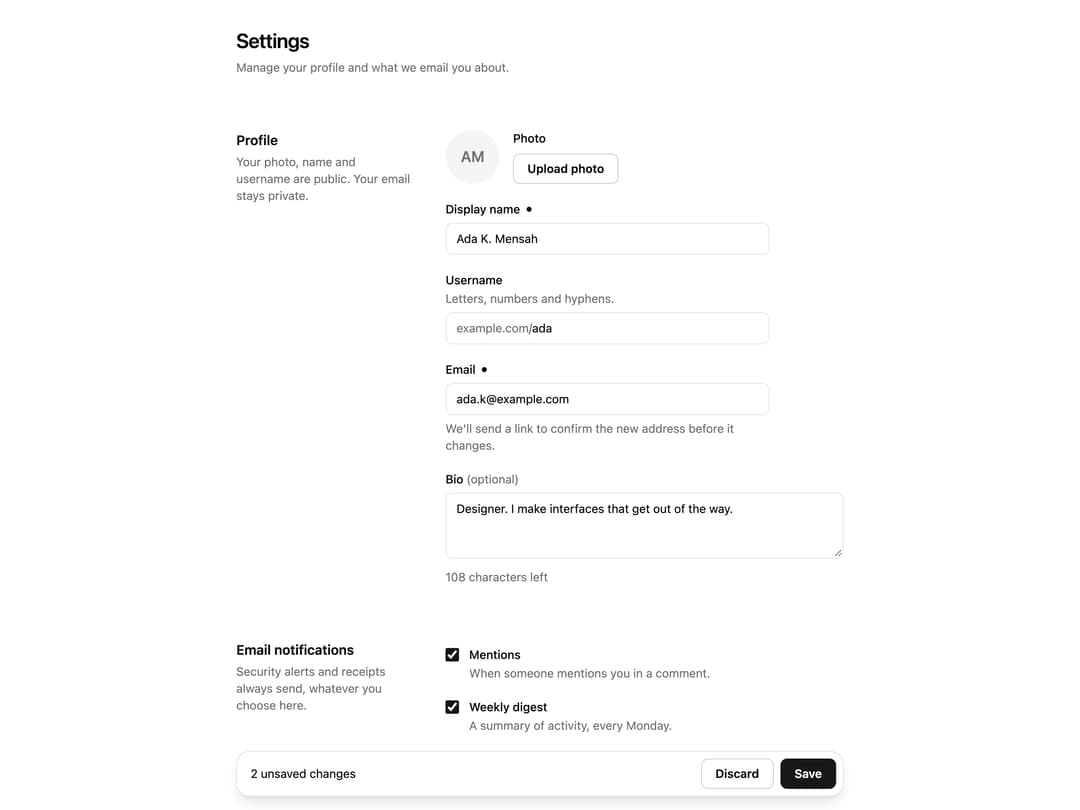
A save bar for any form. It appears when something changes, counts the changes, saves with Cmd+S, discards with undo, warns before leaving and keeps keyboard focus in place. Ships as a hook and a bar, with a settings page demo. Light and dark mode.
Built with React and Tailwind. Copy the prompt and paste it into Claude Code, Cursor or Lovable: your agent adds Save Bar to your project and fits it to your theme.
Code
How Save Bar is used: the demo's code. The component's own source comes with a free account.
Usage.tsx
import { SettingsForm } from "@/components/ui/save-bar";

// A short delay stands in for a real request, so the Saving state is visible.
export default function Demo() {
    return (
        <div className="min-h-screen bg-background">
            <SettingsForm onSave={() => new Promise((resolve) => setTimeout(resolve, 800))} />
        </div>
    );
}
More by Ato Augustine
View all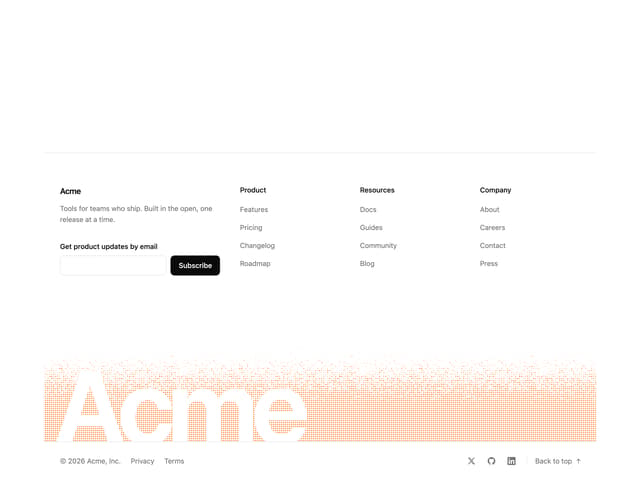
Dithered Footer
95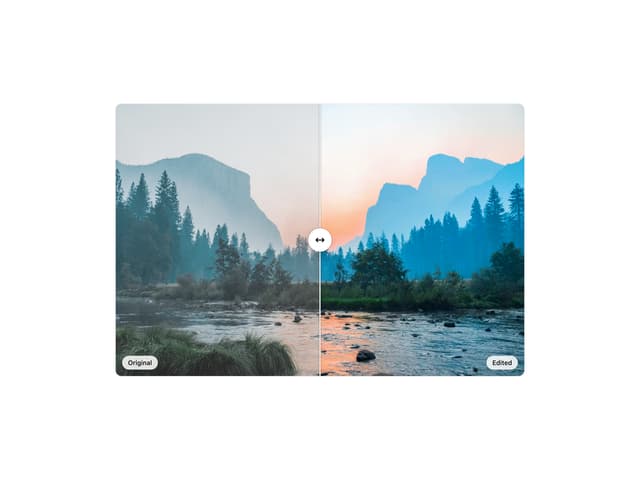
Compare Slider
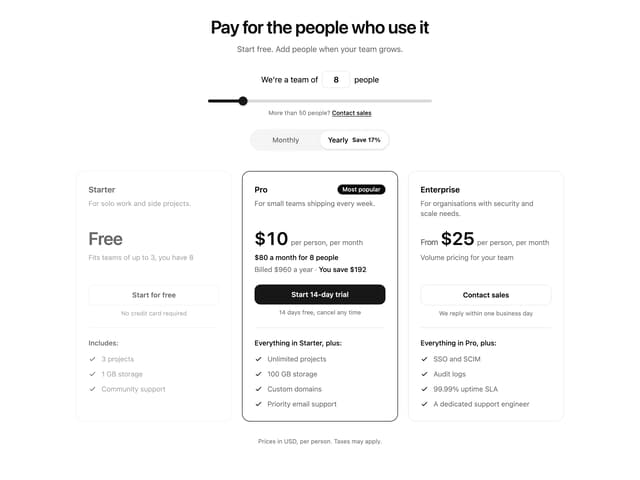
Pricing Section

Angled Hero
More in Forms
View all

Premium Auth
496

Login 2
7
Authentication Card
45

Login 1
52

Contact Card
1K

Form
16

Card Studio
41

Book A Demo 3
83
