
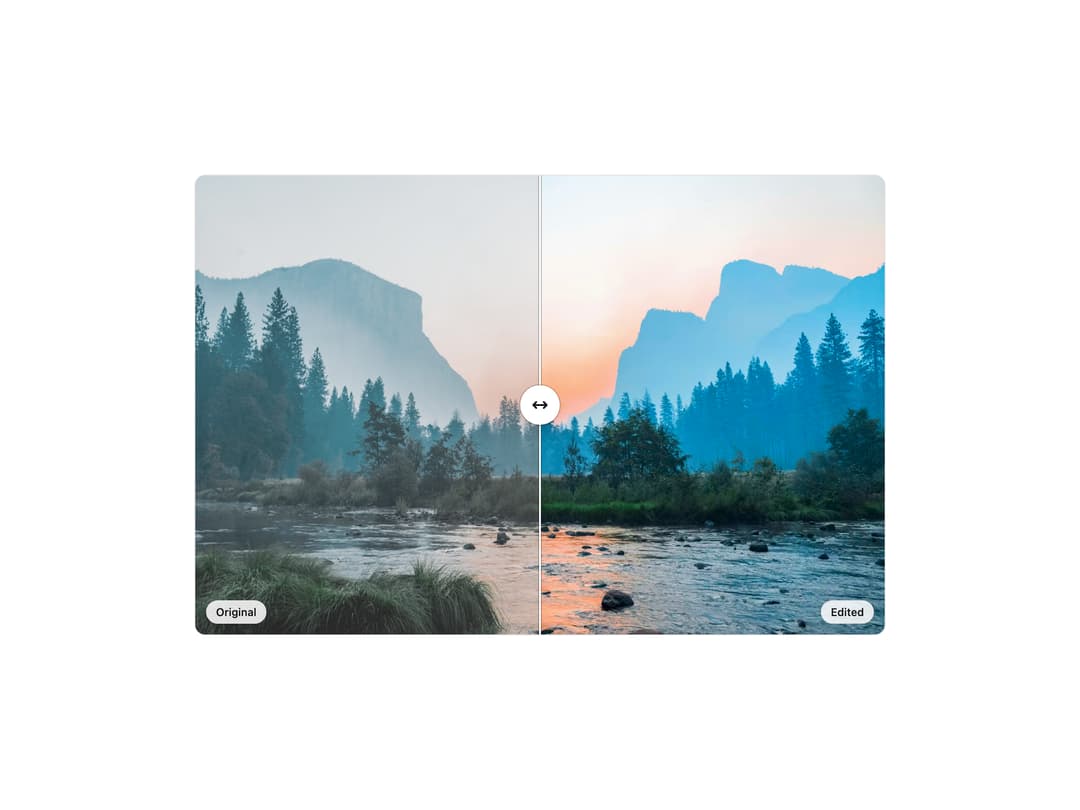
About
Before/after comparison slider. Drag, tap or use the keyboard; a native range input makes it work with VoiceOver and TalkBack. Touch-friendly: vertical swipes still scroll the page. Horizontal or vertical, controlled or uncontrolled, light and dark.
Built with React and Tailwind. Copy the prompt and paste it into Claude Code, Cursor or Lovable: your agent adds Compare Slider to your project and fits it to your theme.
Code
How Compare Slider is used: the demo's code. The component's own source comes with a free account.
Usage.tsx
import CompareSlider from "@/components/ui/compare-slider";

// Photo editing: the same photo before and after a colour grade. Photo: Unsplash.
export default function CompareSliderDemo() {
    return (
        <div className="w-full bg-background p-4 sm:p-10">
            <CompareSlider
                className="mx-auto aspect-[3/2] max-w-3xl"
                beforeLabel="Original"
                afterLabel="Edited"
                before={
                    <img
                        src="https://cdn.21st.dev/assets/mirror/b4/b4a9bd47e1ebb3c814ccaca41408a30c8f462a10396cb80a9535f2d86cfea361.jpg"
                        alt="Valley at sunrise, unedited"
                        className="block h-full w-full object-cover"
                        style={{ filter: "contrast(.82) saturate(.55) brightness(1.08)" }}
                    />
                }
                after={
                    <img
                        src="https://cdn.21st.dev/assets/mirror/b4/b4a9bd47e1ebb3c814ccaca41408a30c8f462a10396cb80a9535f2d86cfea361.jpg"
                        alt="Valley at sunrise, colour graded"
                        className="block h-full w-full object-cover"
                        style={{ filter: "contrast(1.18) saturate(1.45) brightness(.98)" }}
                    />
                }
            />
        </div>
    );
}
More by Ato Augustine
View all
Dithered Footer
95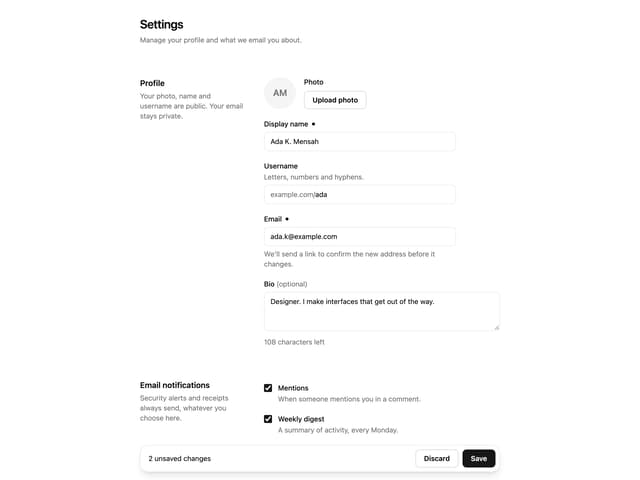
Save Bar

Pricing Section

Angled Hero