About
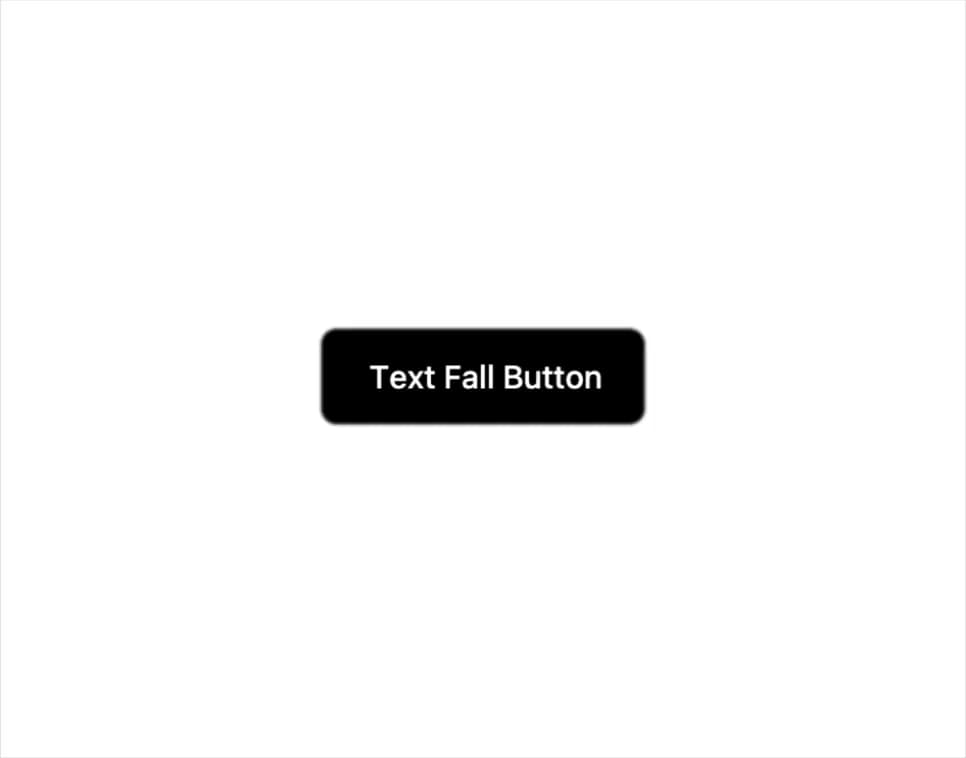
A button whose label characters drop and settle into place with an elastic GSAP animation on hover, click, or page load.
Built with React and Tailwind. Copy the prompt and paste it into Claude Code, Cursor or Lovable: your agent adds Text Fall Button to your project and fits it to your theme.
Code
How Text Fall Button is used: the demo's code. The component's own source comes with a free account.
Usage.tsx
import { TextFallButton } from "@/components/ui/text-fall-button";

export default function TextFallButtonDemo() {
  return (
    <div className="flex h-screen w-full items-center justify-center bg-background">
      <TextFallButton className="relative overflow-hidden rounded-md bg-black px-6 py-3 text-base font-medium text-white">
        Text Fall Button
      </TextFallButton>
    </div>
  );
}
Dependencies
More by Pace UI
View all

Dot Loader
905
Flip Reveal
636
Dot Flow
258
Draw Line Text
103
Liquid Glass
54
Liquid Cursor
41
Layered Stack
33
Reveal Text
6
More in Buttons
View all

Button
14
Button
34
Texture Button
92
Button Save
46

Button
64

Button Group
3

App Store Button
454

Notification Button
103

