
About
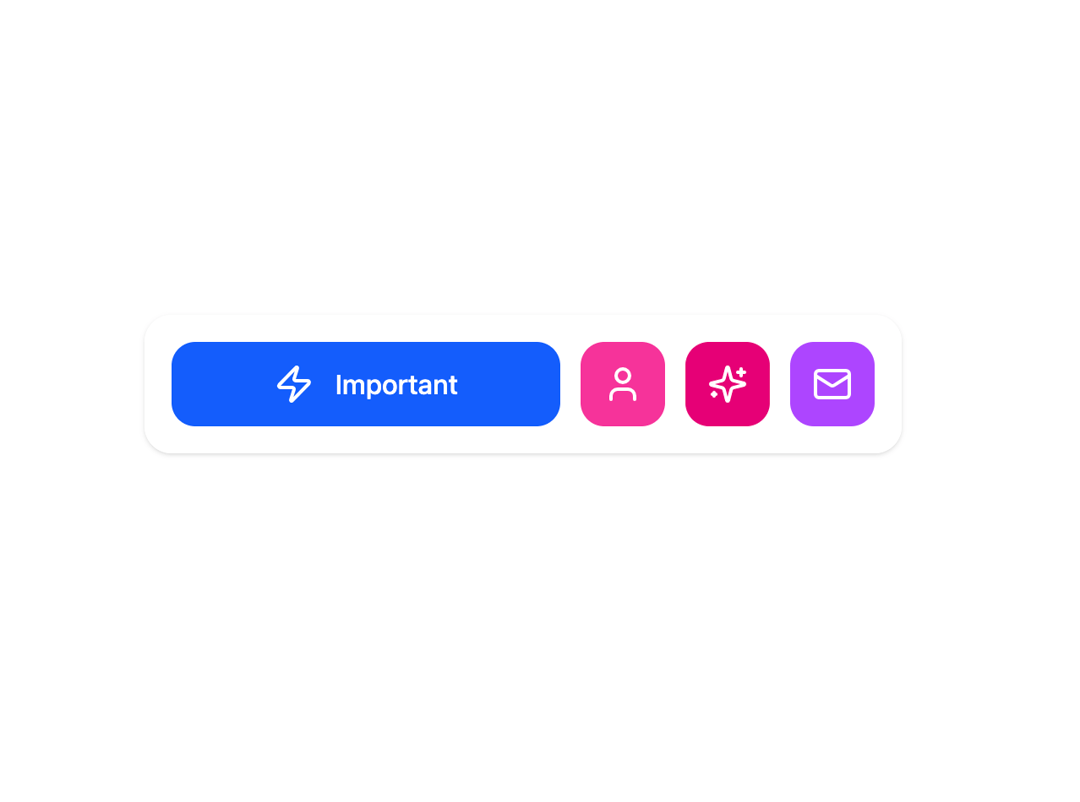
Animated tabs that expand when clicked.
Built with React and Tailwind. Copy the prompt and paste it into Claude Code, Cursor or Lovable: your agent adds Expandable Tabs to your project and fits it to your theme.
Code
How Expandable Tabs is used: the demo's code. The component's own source comes with a free account.
Usage.tsx
import {
  ExpandableTabs,
  type TabItem,
} from "@/components/ui/expandable-tabs-1";

import { Zap, User, Sparkles, Mail } from "lucide-react";


const DemoOne = () => {
  const tabs: TabItem[] = [
    {
      id: "important",
      icon: Zap,
      label: "Important",
      color: "bg-blue-600",
    },
    {
      id: "profile",
      icon: User,
      label: "Profile",
      color: "bg-pink-500",
    },
    {
      id: "features",
      icon: Sparkles,
      label: "Features",
      color: "bg-pink-600",
    },
    {
      id: "messages",
      icon: Mail,
      label: "Messages",
      color: "bg-purple-500",
    },
  ];
  return (
    <>
    <div className= "w-full max-w-md mx-auto" >
    <ExpandableTabs tabs={ tabs } defaultTabId = "important" />
      </div>
      < />
  );
};

export { DemoOne };
Dependencies
More by Preet Suthar
View all

Modern & Stunning sign in
1.6K
Shining Text
1.5K
Magic Text
845
Hero 2
818
Toolbar
816
Typewriter Text
768
AI Chat Input
733
Full Screen Signup
726
More in Buttons
View all

Button
5

App Store Button
453

Button
47

Eclipse Button
39
Texture Button
92

Button
4
Split Button
14
Button
32

