
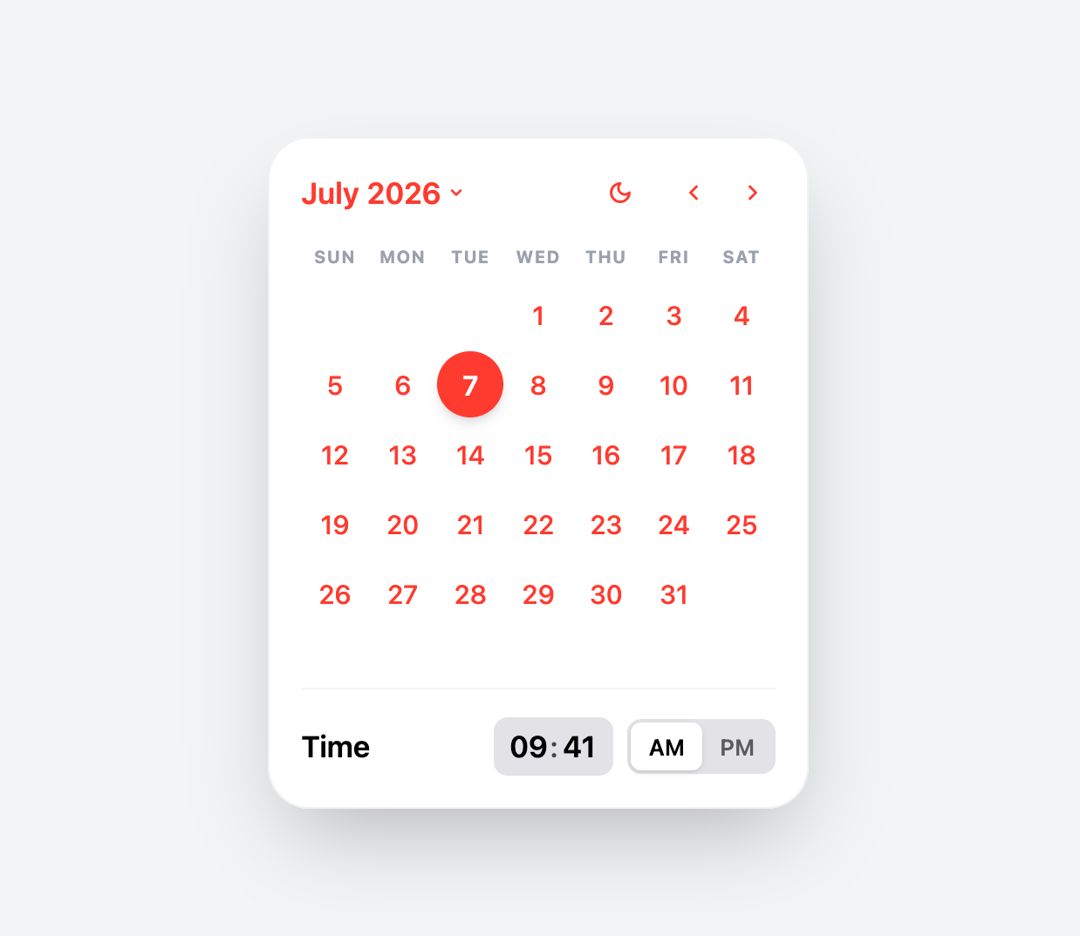
About
A premium Apple-inspired Calendar Picker component featuring smooth animations, native-style interactions, month and year navigation, date range selection, dark & light mode support, responsive layouts, and production-ready React + Tailwind CSS architecture.
Built with React and Tailwind. Copy the prompt and paste it into Claude Code, Cursor or Lovable: your agent adds Apple Calendar Picker to your project and fits it to your theme.
Code
How Apple Calendar Picker is used: the demo's code. The component's own source comes with a free account.
Usage.tsx
"use client";
import { Component } from "@/components/ui/apple-calendar-picker";
import { useState } from 'react';

export default function DemoOne() {
  const [isOpen, setIsOpen] = useState(true);
  const [selectedDateTime, setSelectedDateTime] = useState<any>({
    date: new Date(2022, 8, 7),
    time: "09:41 AM"
  });

  const handleSelect = (data: any) => {
    setSelectedDateTime(data);
  };

  return (
    <div className="flex flex-col items-center justify-center w-full h-screen bg-gray-100 dark:bg-zinc-950 transition-colors">

      {/* Display Selection Info */}
      <div className="bg-white dark:bg-zinc-900 border border-black/5 dark:border-white/10 rounded-2xl p-6 shadow-md text-center max-w-sm mb-8">
        <h2 className="text-sm font-semibold text-gray-400 dark:text-gray-500 uppercase tracking-widest mb-2">Selected Schedule</h2>
        <p className="text-2xl font-bold text-black dark:text-white">
          {selectedDateTime.date.toLocaleDateString('en-US', { month: 'long', day: 'numeric', year: 'numeric' })}
        </p>
        <p className="text-lg font-medium text-red-500 mt-1">
          {selectedDateTime.time}
        </p>
      </div>

      <button
        onClick={() => setIsOpen(true)}
        className="px-6 py-3 bg-[#FF3B30] text-white font-semibold rounded-full shadow-lg hover:scale-105 active:scale-95 transition-all"
      >
         Open Calendar
      </button>

      <Component
        isOpen={isOpen}
        onClose={() => setIsOpen(false)}
        initialDate={selectedDateTime.date}
        onDateTimeSelect={handleSelect}
      />

    </div>
  );
}
More by Muhammad Asif
View all
Modern Login & Signup
1.2K
Image Expansion
305
Apple Color Picker
124
Apple Emoji Picker
65
Hero Component
32