
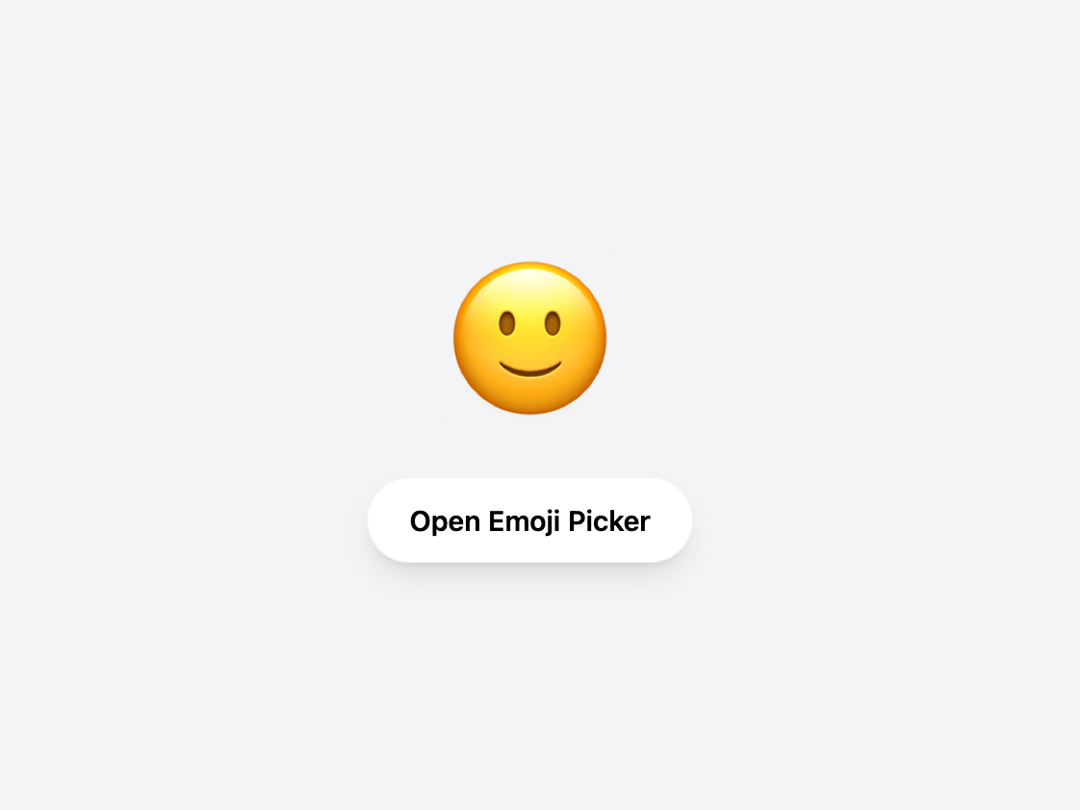
About
A premium, production-ready, interactive Apple-style Emoji Picker component for React and Tailwind CSS. Supports dark mode, instant search, voice search, and recent emojis.
Built with React and Tailwind. Copy the prompt and paste it into Claude Code, Cursor or Lovable: your agent adds Apple Emoji Picker to your project and fits it to your theme.
Code
How Apple Emoji Picker is used: the demo's code. The component's own source comes with a free account.
Usage.tsx
"use client";
import { Component } from "@/components/ui/apple-emoji-picker";
import { useState } from 'react';

export default function DemoOne() {
  const [isOpen, setIsOpen] = useState(true);
  const [selectedEmoji, setSelectedEmoji] = useState('👋');

  return (
    <div className="flex flex-col items-center justify-center w-full h-screen bg-gray-100 dark:bg-zinc-900 transition-colors">

      {/* Display Selected Emoji */}
      <div className="text-8xl mb-8 hover:scale-110 active:scale-90 transition-transform cursor-pointer">
        {selectedEmoji}
      </div>

      <button
        onClick={() => setIsOpen(true)}
        className="px-6 py-3 bg-white dark:bg-zinc-800 text-black dark:text-white font-semibold rounded-full shadow-lg border border-black/5 dark:border-white/10 hover:scale-105 active:scale-95 transition-all"
      >
         Open Emoji Picker
      </button>

      <Component
        isOpen={isOpen}
        onClose={() => setIsOpen(false)}
        onEmojiSelect={(emoji: any) => setSelectedEmoji(emoji.native)}
      />

    </div>
  );
}
More by Muhammad Asif
View all
Modern Login & Signup
1.2K
Apple Calendar Picker
575
Image Expansion
306
Apple Color Picker
124
Hero Component
32