
About
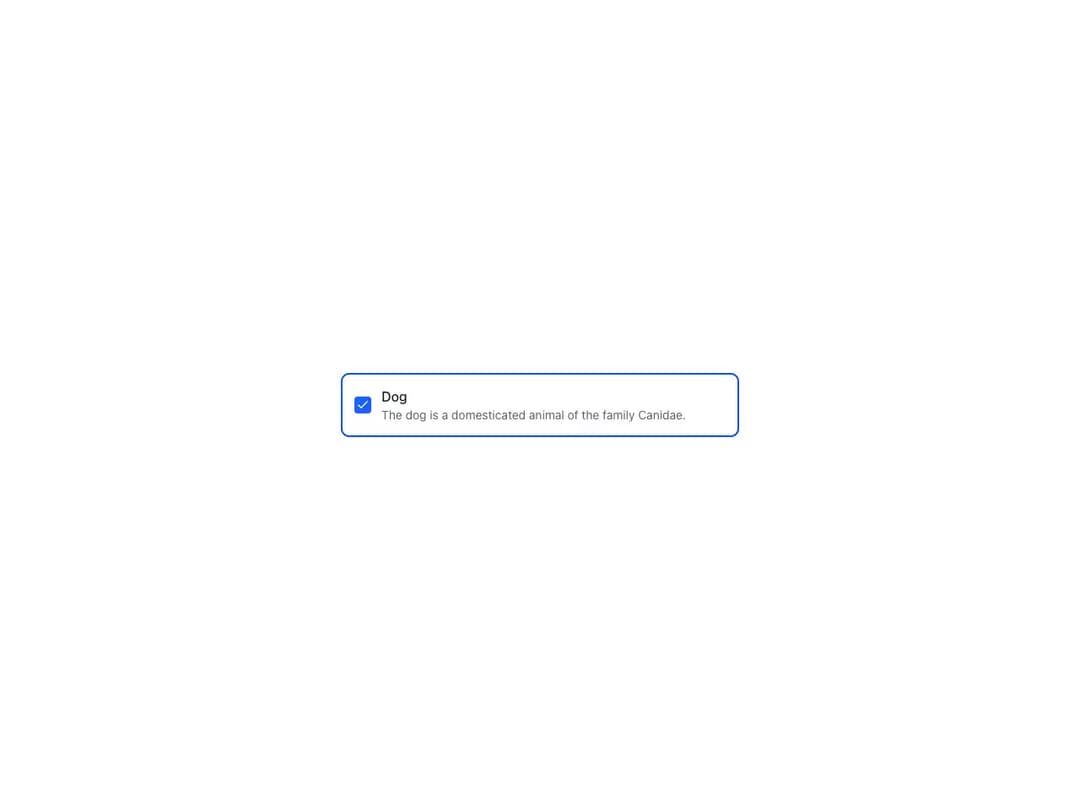
An empty container with basic styling applied, perfect for composing components. Works as an actionable element with href or onClick, supports a selected state for group selection, raised elevation, custom or zero padding for media content, section composition with dividers, bleed and height control.
Built with React and Tailwind. Copy the prompt and paste it into Claude Code, Cursor or Lovable: your agent adds Reshaped Card to your project and fits it to your theme.
Code
How Reshaped Card is used: the demo's code. The component's own source comes with a free account.
Usage.tsx
import { Checkbox, Reshaped, Text, useToggle, View } from "reshaped/bundle";
import Card from "@/components/ui/reshaped-card";

function Component() {
  const selected = useToggle(true);
  return (
    <Card as="label" selected={selected.active}>
      <View gap={3} direction="row" align="center">
        <Checkbox
          value="dog"
          checked={selected.active}
          onChange={({ checked }) =>
            checked ? selected.activate() : selected.deactivate()
          }
          name="animal"
        />
        <View.Item grow>
          <Text variant="body-1" weight="medium">
            Dog
          </Text>
          <Text variant="body-2" color="neutral-faded">
            The dog is a domesticated animal of the family Canidae.
          </Text>
        </View.Item>
      </View>
    </Card>
  );
}

export default function Demo() {
  return (
    <Reshaped theme="slate">
      <div style={{ maxWidth: 520, width: "100%", margin: "0 auto", padding: 24 }}>
        <Component />
      </div>
    </Reshaped>
  );
}
Dependencies
More by reshaped
View all
Reshaped Toast
9
Reshaped Calendar
9
Reshaped Progress indicator
7
Reshaped Context menu
7
Reshaped Checkbox
7
Reshaped Autocomplete
7
Reshaped Pagination
6
Reshaped Carousel
6
More in Cards
View all

Statistics Card 2
264

Course Design Cards
1.1K
Card
70
Stats cards with links
39
The Item one
3

Card Studio
7
Statistics Card 7
292

Item
10
